Playing Wii games on an emulator requires translating physical or simulated spatial data into inputs the original console software expects. The core challenge is bridging modern input devices like mouse cursors, gamepads, or alternative motion hardware with the architecture of Nintendo's original remote. Understanding this translation pipeline requires looking beneath the surface of how absolute positioning and rotational tracking actually function on modern hardware.
Software emulators like Dolphin handle this conversion using two distinct paths: passing raw hardware data straight from a genuine controller or mathematically mapping motion simulation through standard gamepads. Grasping the physical reality of infrared tracking, accelerometers, and gyroscopes explains why certain setups feel seamless while others introduce input lag.
The Physical Architecture Of The Original Wii Remote
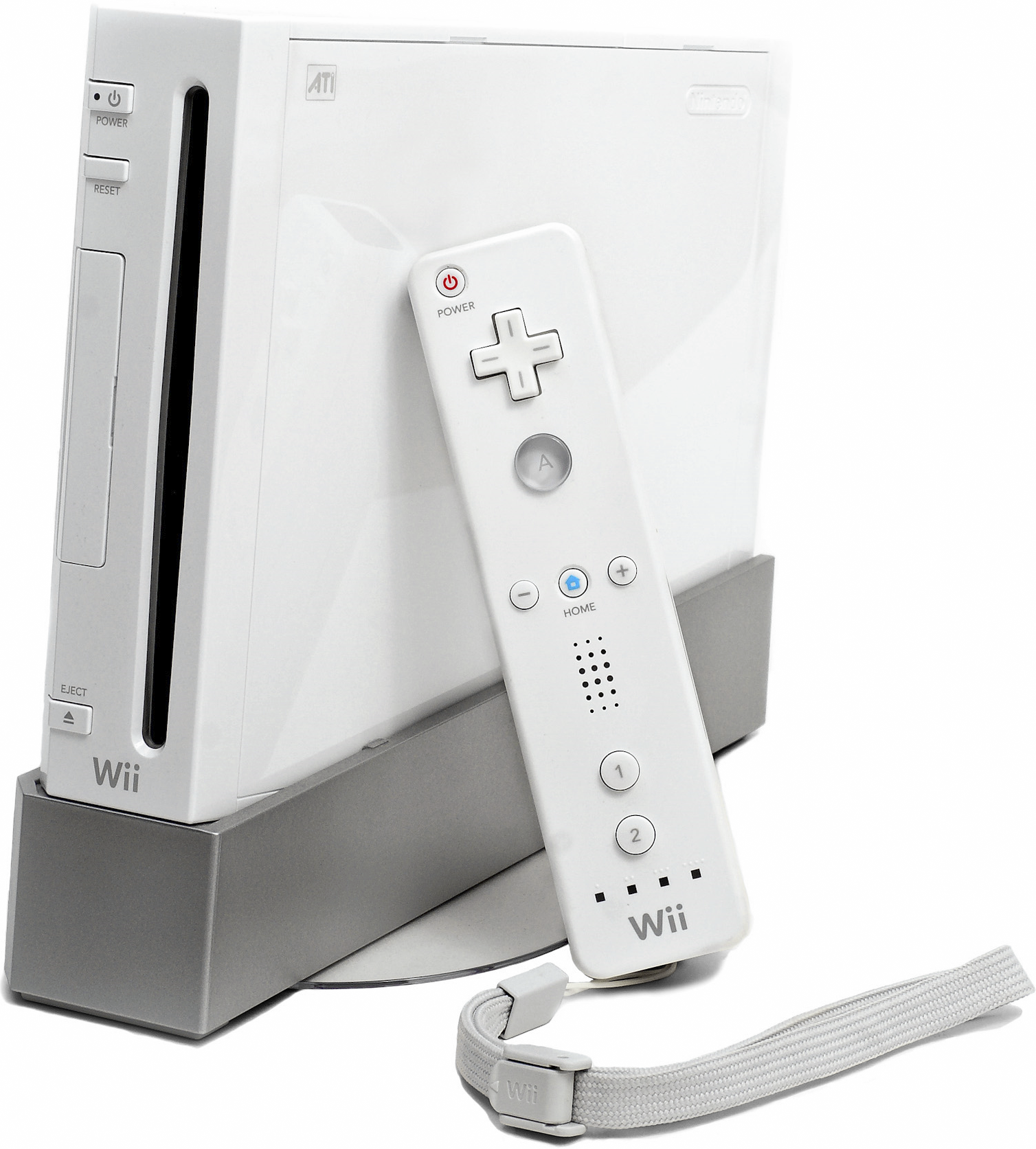
The original Wii Remote relies on three distinct sensory systems working in unison. The first is a set of linear accelerometers measuring gravitational pull and linear movement across three axes. These sensors determine the physical tilt, pitch, and roll of the controller. However, accelerometers alone cannot track relative position in a 3D room because they cannot separate linear acceleration from gravity.
To solve this limitation, Nintendo added an infrared camera to the front of the controller. This camera tracks two points of infrared light emitted by the sensor bar, which is actually a passive unit containing only LED clusters rather than active sensors. By measuring the distance and angle between those two points on the camera frame, the system calculates absolute on-screen pointer coordinates.
Later software updates introduced the MotionPlus accessory—and eventually built-in hardware revisions—adding dual-axis gyroscopes to measure rapid rotational velocity. This combination of infrared tracking, acceleration, and angular velocity created the illusion of a virtual wand.
Emulated Wii Remotes Versus Bluetooth Passthrough
When running a title on an emulator, users face a fundamental choice between an emulated Wii Remote and Bluetooth passthrough. Each method handles data processing differently.
Emulated Wii Remote Mapping
An emulated Wii Remote allows standard input devices—such as an Xbox controller, a DualShock, a mouse, or a keyboard—to impersonate a Wii peripheral.
- Pointer Simulation: Because a standard gamepad lacks an infrared camera, the emulator maps the right thumbstick, a mouse cursor, or gyroscope data from modern gamepads to mimic on-screen pointing.
- Motion Translation: Shakes and swings are triggered when specific acceleration thresholds are crossed on a modern controller's internal IMU (Inertial Measurement Unit).
- Configuration Overhead: Users must manually assign buttons and tune deadzones to prevent erratic cursor jumps during gameplay.
Bluetooth Passthrough
Bluetooth passthrough bypasses the emulator's internal translation layer entirely. The computer's Bluetooth adapter connects directly to a physical Wii Remote, handing raw sensor streams straight to the emulator core.
- Hardware Handshake: The emulator processes the raw infrared, accelerometer, and MotionPlus data exactly as a real Wii console would.
- Low Latency: Eliminating software translation steps reduces input delay to near-native levels.
- Hardware Requirements: This method requires specific Bluetooth chipsets compatible with stack handshakes, along with an external infrared source like a standard USB sensor bar or even two household candles.
Mathematical Mapping And MotionPlus Emulation
Handling advanced gesture control—such as 1:1 sword swings in The Legend of Zelda: Skyward Sword—demands accurate emulation of the MotionPlus gyroscope. Early emulation versions struggled with this because a standard accelerometer drifts over time.
Modern emulators solve this via quaternion math and sensor fusion algorithms. When a physical controller or an alternative input source like a Nintendo Switch Joy-Con sends rotational data, the emulator constructs a virtual 3D orientation matrix. If a user employs a modern gamepad without an infrared bar, the software relies on relative positional delta calculations. It assumes the center of the screen is the default origin and calculates relative displacement vector changes based on thumbstick inputs or alternative gyro streams.
This mathematical modeling introduces constraints. Without an absolute reference point like an infrared sensor bar, emulated pointers tend to drift. Players must frequently hit a designated re-centering hotkey to align the virtual cursor with the center of the display.
Common Configuration Pitfalls
Setting up motion controls on an emulator often leads to predictable hurdles. Avoiding these common mistakes ensures smoother performance.
- Using Unverified Bluetooth Dongles: Standard generic Bluetooth adapters often drop packets or fail to establish the necessary persistent connection required for real Wii Remotes. Checking community hardware compatibility lists prevents connection failures.
- Confusing Sensor Bar Functionality: Many users attempt to plug a sensor bar into a USB port for data transfer. Because the bar only provides infrared light points, any stable source of infrared light—including battery-powered LED bars or candles—functions identically.
- Ignoring MotionPlus Calibration: Failing to calibrate deadzones for emulated tilt results in overly sensitive steering in racing titles or unresponsive swings in sports games.
Frequently Asked Questions
Can I play Wii games on an emulator without any motion hardware?
Yes. Emulators allow you to map every motion gesture, shake, and pointer action to standard gamepad buttons, keyboard strokes, or mouse movements. While it changes the play style, games remain fully playable.
Why does my emulated pointer drift away from the screen center?
If you are using a mouse or a standard controller stick to simulate a pointer without an infrared reference bar, the software lacks an absolute anchor point to correct minor tracking errors over time. Using a physical sensor bar or recalibrating the center hotkey resolves this issue.
Do third-party Wii remotes work well with emulators?
Many third-party remotes lack complete internal protocol compatibility or omit the precise Bluetooth handshake requirements needed for passthrough modes. Official Nintendo controllers—especially those with built-in MotionPlus hardware—offer the most reliable performance.
How do modern controllers like the DualSense compare to original hardware?
Controllers featuring native gyroscopes, such as PlayStation or Nintendo Switch pads, can feed precise rotational data into emulation software via DSU (DeSmuME/Dolphin UDP) client bridges. While they excel at tilt and rotational gestures, they still require software mapping to replicate the absolute pointing accuracy of an infrared camera setup.