Playing classic PlayStation Portable titles on your Android phone doesn't require complex code or rooting your device. Instead of hunting for sketchy direct APK files for individual games—which often bundle malware or broken installers—the most reliable method is downloading the official PPSSPP emulator from the Google Play Store and loading separate game image files. This approach gives you higher frame rates, customizable touch controls, and high-resolution rendering that makes vintage titles look sharp on modern screens.
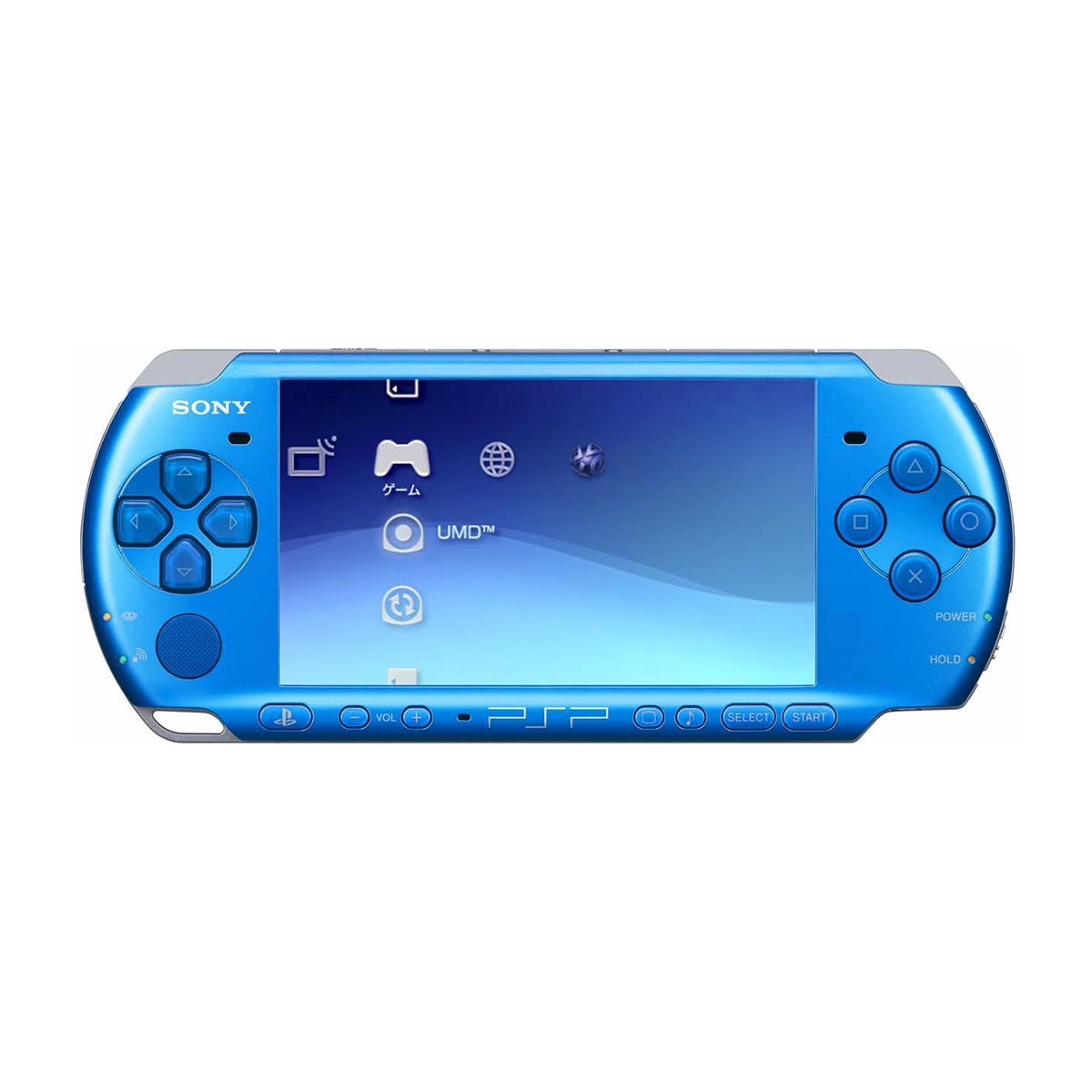
Searching for a standalone "psp games apk download" usually leads to misleading web pages packed with intrusive ads or malicious executables. PlayStation Portable games were distributed on Universal Media Discs (UMDs), not as standalone Android application packages. To run them on your phone, you need an emulator app to process the system architecture alongside clean game backup files, known as ISO or CSO ROMs.
Understanding How PSP Emulation Works on Android
The core engine behind mobile PlayStation emulation is PPSSPP, an open-source project designed to interpret PSP machine code directly on modern mobile processors. Unlike older console emulators, PPSSPP simulates the device's internal operating system natively, meaning you don't need to hunt down separate BIOS files or system firmware to get started.
When you look for game files, you will encounter two primary formats:
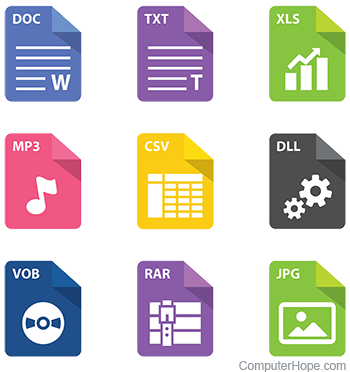
- ISO Files: Uncompressed raw dumps of original UMD discs. These offer maximum compatibility and stable performance, though they take up more storage space on your device.
- CSO Files: Compressed ISO formats designed to save storage space without major sacrifices in performance. Most modern mobile processors handle decompression on the fly without introducing stutter.
Step-by-Step Setup Guide for Android
Getting your setup running takes just a few minutes if you organize your files correctly. Follow these steps to move from installation to gameplay.
- Install the Emulator: Open the Google Play Store on your Android device, search for PPSSPP, and install the application. A gold contribution version is available if you want to support the developers, but the free version provides full emulation features.
- Organize Your Storage: Use a file manager application (such as ZArchiver) to create a dedicated folder on your internal storage or SD card named
PSPand a subfolder calledROMsorGames. - Transfer Game Files: Place your legally dumped ISO or CSO game files into that dedicated folder. If your files are compressed in .zip or .rar archives, use your file manager to extract them first.
- Configure PPSSPP: Launch the emulator app, tap the Games tab, and browse to select the folder where you stored your game files. The app will automatically populate your menu with game icons.
Optimizing Performance and Visuals
Mobile processors vary widely in power, and complex 3D titles can occasionally stutter or drop frames. Tweaking a few settings inside the emulator ensures smooth gameplay across a wide range of devices.
If you notice audio crackling or slow frame rates, head into the graphics settings and adjust the Rendering Resolution. Setting this to 2x or 3x matches most phone screens cleanly without overloading the graphics processor. Turn on Auto-frameskip if a specific title demands extra breathing room during heavy combat sequences.
You should also look into hardware mapping if touch controls feel clunky. PPSSPP allows you to connect Bluetooth controllers like an Xbox wireless gamepad or a dedicated mobile telescopic pad. Go to settings, choose Control Mapping, and clear default touch overlays if you prefer physical buttons.
Common Mistakes to Avoid
Many players run into frustrating roadblocks because of simple directory errors or file format confusion. Keep these pitfalls in mind:
- Installing fake game APKs: Never download files ending in
.apkthat claim to be a specific PSP game. These are almost always phishing traps or adware. Real games require an emulator and an ISO or CSO file. - Leaving files zipped: PPSSPP cannot read games hidden inside a .zip or .rar archive. Always extract the archive to expose the raw file format before launching the app.
- Ignoring modern Android storage limits: Recent versions of Android restrict direct access to root directories. Keep your ROM files inside the designated app directories or use the folder picker authorization prompt when PPSSPP asks for storage permissions.
Frequently Asked Questions
Do I need a BIOS file to run games?
No. PPSSPP features a built-in emulator environment that simulates the necessary system architecture, so you don't need to track down external BIOS or boot files.
Why is my game running in slow motion?
Slowdowns usually happen when the rendering resolution is set too high for your phone's processor. Lower the resolution scaling or enable hardware frameskipping in the graphics menu.
Can I save my progress mid-game?
Yes. PPSSPP includes built-in "Save States" accessible through the in-game pause menu. This lets you save your exact spot at any second, bypassing the traditional in-game save point restrictions.
Are multiplayer features supported?
PPSSPP includes a built-in ad hoc multiplayer setting that allows local wireless play over Wi-Fi networks if configured correctly in the system settings.