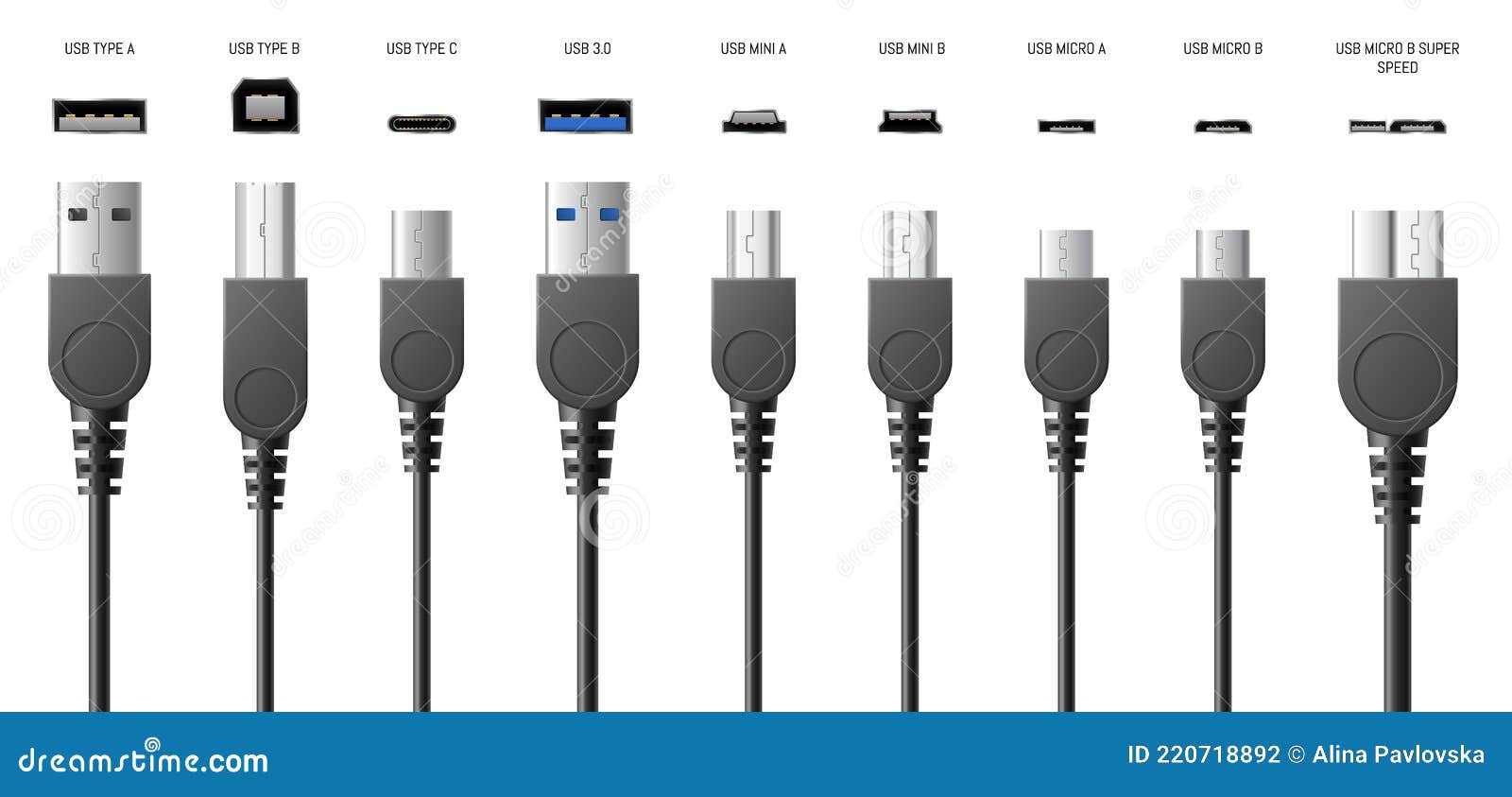
Running LED lights from a USB port is an efficient way to illuminate a desk, bookshelf, or media center without dealing with wall outlets. Standard USB ports output 5 volts of direct current, which matches the low-voltage requirements of many compact LED strips and accent lamps. If you plug a high-draw light strip into a weak port, you'll run into flickering, dimming, or thermal shutdown.
Getting this right requires matching the electrical output of your power source to the current draw of your LEDs. Whether you're powering a simple accent strip behind a monitor or rigging up a portable workstation light, understanding voltage limits prevents hardware failure and ensures steady brightness.
Understanding USB Power Output Levels
Not all USB ports deliver the same amount of electricity. Before you connect an LED strip, check the output rating of your power source. Plugging a heavy load into an older port will trip internal safety circuits or cause the power supply to overheat.
Standard USB ports fall into distinct technical tiers: Further information into this topic are covered by Associated Press.
- USB 2.0: Delivers 5V at 500mA, providing a maximum of 2.5 watts. This is enough for small single-color accent strips or a tiny reading light.
- USB 3.0 and 3.1 Gen 1: Supplies 5V at 900mA, delivering up to 4.5 watts. This runs slightly longer density strips or small desk lamps reliably.
- USB-C and Power Delivery (PD): Negotiates higher voltages up to 20V and currents exceeding 3A, capable of driving high-density LED matrices or multi-segment architectural lighting.
If your LED strip draws 1A at 5V, running it from an old USB 2.0 port will cause immediate voltage drop. The lights at the far end of the strip will dim significantly, and the host device may disable the port to prevent a short circuit.
Calculating LED Power Requirements
You don't need an electrical engineering degree to figure out if your USB source can handle your LEDs. Look for the specifications on the LED packaging or product listing. Manufacturers usually specify wattage per meter or total current draw.
To check compatibility, use Ohm's law principles or simple wattage checks. If a 1-meter strip is rated at 5 watts and runs on 5 volts, it draws 1 amp ($5\text{W} \div 5\text{V} = 1\text{A}$).
- Check the total length of the LEDs you plan to connect.
- Multiply the per-meter wattage by your total length.
- Compare the total wattage against the capacity of your USB power source (e.g., a standard 5V/2A wall brick provides 10 watts).
- Leave a 20 percent safety buffer so your power supply doesn't run at maximum capacity continuously.
Running power supplies at their absolute limit generates excess heat, shortening the lifespan of both the power adapter and the LEDs themselves.
Selecting the Right Power Source
Choosing the correct power delivery method depends on whether your setup is stationary or mobile.
USB Wall Adapters
For permanent installations like under-cabinet lighting or desk setups, use a dedicated USB wall charger rather than a computer port. Computer USB ports are often limited by internal motherboard fuses. A dedicated wall adapter rated for 2.1A or 2.4A provides stable, clean power without risking your computer's hardware. Look for reputable Underwriters Laboratories certification when purchasing high-draw USB wall bricks to ensure safety compliance.
Power Banks and Portable Packs
When you need mobile lighting for outdoor events, emergency kits, or photography gear, external battery packs offer complete independence from grid power. Check the output amperage printed on the battery pack casing. Many cheap power banks feature massive capacity ratings in milliamp-hours (mAh) but restrict their USB-A output ports to a sluggish 1A limit.
Common Mistakes and Troubleshooting
Most installation failures stem from a few predictable oversights during setup.
- Exceeding current limits: Plugging multi-meter high-density strips into a computer's front panel USB port causes intermittent shutdowns. Always use a dedicated wall brick for strips longer than one meter.
- Ignoring voltage drop: As current travels down a thin copper trace in a long LED strip, resistance causes the voltage to drop. LEDs at the very end will look noticeably warmer or dimmer than the beginning. For runs over two meters, inject power at both ends of the strip or use thicker wire gauges.
- Using low-quality cables: Flimsy charging cables meant only for smartphones often use hair-thin internal wires. These cables introduce high resistance, turning electrical energy into heat instead of light.
Frequently Asked Questions
Can I cut USB LED strips to fit a specific length?
Yes, most standard LED strips feature designated copper cut lines marked with scissors icons. You can safely snip the strip with sharp shears, but you can only reuse the remaining disconnected segments if you solder new wires to the copper pads or use specialized snap-on connectors.
Why do my USB LED lights flicker when plugged into my TV?
Television USB ports often shut down or drop amperage when the TV processes heavy scenes or enters a low-power standby state. Moving the LED power cable to a dedicated wall adapter solves this problem immediately by providing continuous, uninterrupted current.
Can I use a phone fast charger for 5V LED lights?
Standard 5V LED lights only draw the current they need, so plugging them into a multi-amp fast charger is safe as long as the output voltage remains at 5V. However, avoid using chargers that automatically jump to 9V or 12V unless your LED controller explicitly supports higher voltage inputs.