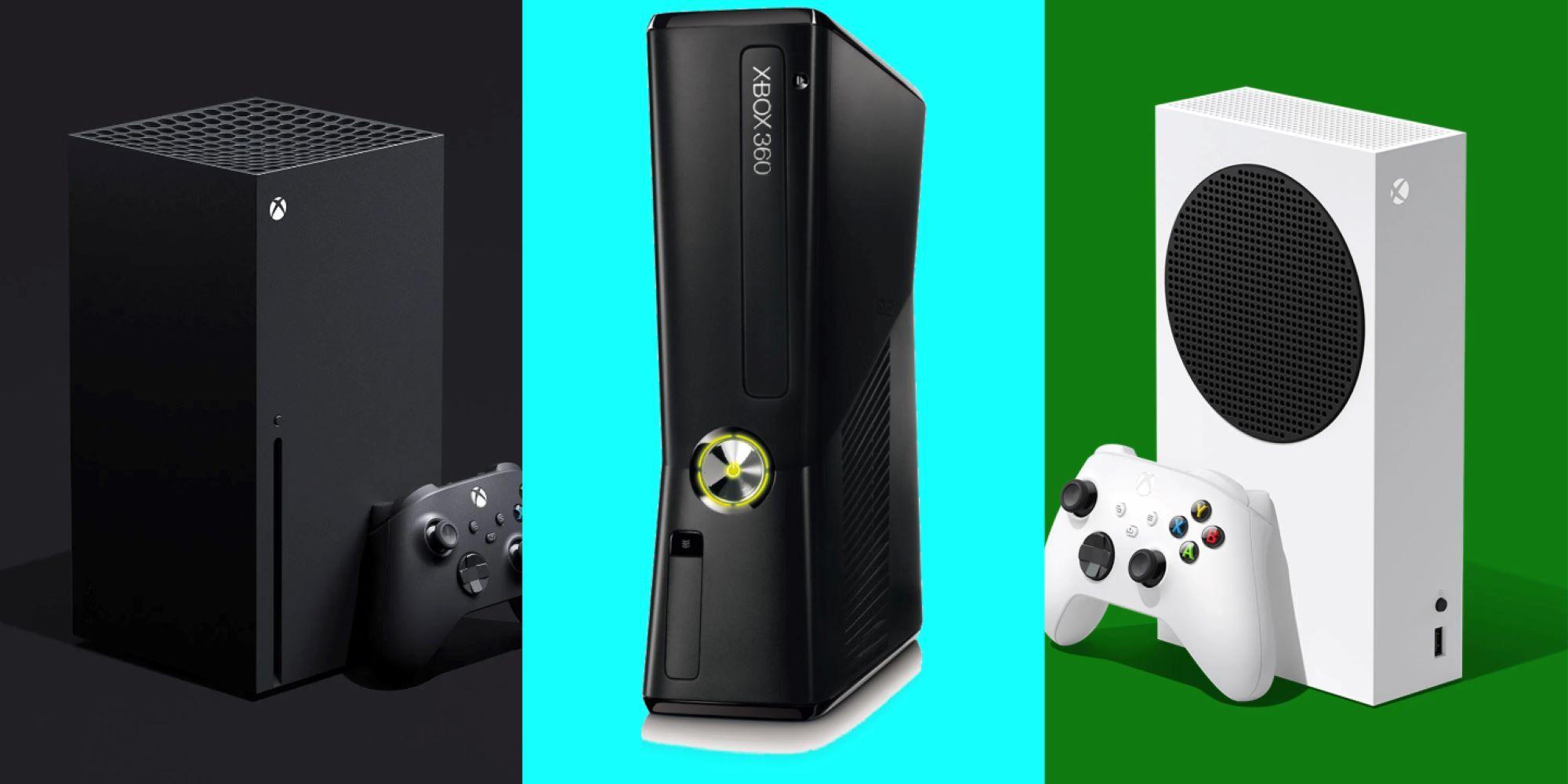
If your old Xbox One sounds like a jet engine trying to lift off during a simple menu load, it's time to look at your options. Moving from an aging 2013-era console to the Xbox Series S changes how games load, feel, and run. You get access to current-generation titles that completely bypass the original Xbox One family, alongside drastically shorter waiting screens.
Choosing to upgrade isn't just about chasing higher resolutions; it's about escaping the hardware bottlenecks that plague last-generation machines. Let's break down what changes, what stays the same, and whether this budget-focused system makes sense for your setup.
The Hardware Shift: Mechanical Hard Drives Versus NVMe SSDs
The single biggest performance barrier on any standard Xbox One or Xbox One S is the mechanical hard disk drive. Those old spinning disks bottleneck asset streaming, forcing you to sit through minute-long loading sequences every time you fast-travel or launch a map.
The Xbox Series S replaces that moving metal with a custom NVMe solid-state drive. Games stream textures instantly, reducing loading waits from minutes to mere seconds.
- Storage Speeds: Raw I/O throughput leaps from roughly 50-100 MB/s on an old Xbox One up to 2.4 GB/s raw (and 4.8 GB/s compressed) on the Series S.
- Quick Resume: This feature lets you suspend multiple titles in memory and jump back into exact spots without sitting through title screens or studio logos.
- Thermal Design: The original Xbox One units run hot and loud under stress. The Series S relies on a clean, centralized airflow path that keeps fan noise whisper-quiet during heavy sessions.
Performance and Resolution Targets
Performance isn't just about pixels on a screen; it's about frame stability. Most games on the base Xbox One struggle to maintain a stable 30 frames per second at 900p or 1080p. The Series S targets 1440p resolution at up to 120 frames per second, though most modern titles run at 1080p or 1440p scaled dynamically to hold a steady 60 frames per second.
- CPU Power: The jump from an outdated Jaguar CPU architecture to an 8-core Zen 2 processor eliminates heavy stuttering in complex open-world games.
- Frame Rates: Titles that suffered from severe drops on older hardware run smoothly on the Series S, giving you a responsive input feel.
- Visual Tech: Hardware-accelerated ray tracing and variable refresh rate (VRR) support bring modern lighting and smooth motion to compatible displays.
The Catch: Discs, Digital Libraries, and Storage Limits
Before you swap out your console, you have to look at your current game collection and usage habits. The Series S comes with major structural differences that might catch physical media collectors off guard:
- All-Digital Design: The Series S lacks an optical disc drive. If you own a large physical stack of Xbox One or Xbox 360 game discs, they won't work on this console unless you repurchase them digitally.
- Base Storage Space: The standard white model includes 512GB of storage, which fills up fast when modern games demand 50GB to 150GB each. A 1TB version exists, but adding proprietary expansion cards costs extra if you need more room.
- Backwards Compatibility Mode: While the console plays thousands of legacy games, it runs the standard Xbox One S versions rather than the enhanced Xbox One X versions, meaning older games might run at lower resolutions than what an X variant would output.
To see how these specifications line up against your current machine, look at the core differences side-by-side:
- Xbox One (2013): 1.31 TFLOPS GPU, mechanical HDD, 8GB DDR3 RAM, 1080p max resolution at 30Hz.
- Xbox Series S: 4 TFLOPS GPU, custom NVMe SSD, 10GB GDDR6 RAM, 1440p target resolution with support up to 120Hz.
Making the Jump: Is It Worth It?
If you play modern multiplayer titles or want to experience new releases that skip the old generation entirely, the upgrade pays for itself in performance alone. You stop dealing with asset pop-in, long matchmaking queues, and choppy frame rates.
For casual players who only fire up an older sports title once a week and don't mind long loading bars, sticking with what you have might work for a little longer. However, software support for the Xbox One family has ended, meaning every new major release requires current-generation hardware.
If you want an affordable entry point into modern gaming without buying a high-end rig or a bulkier machine, the Xbox Series S official site outlines its full technical capabilities. Pairing this console with a subscription like Xbox Game Pass gives you an immediate library of titles to test out the hardware's speed.
Frequently Asked Questions
Can I plug my old external hard drive into an Xbox Series S?
Yes. You can plug a standard USB 3.1 external hard drive into the Series S to store games, but you cannot run optimized current-generation games directly from a mechanical drive. You must transfer them to the internal SSD or official expansion card to play them.
Does the Xbox Series S support my old controller?
Yes, original Xbox One controllers, media remotes, and official headsets connect to the Xbox Series S without issues, saving you money on extra accessories.
How much usable space do I get on the 512GB model?
Out of the box, the system software and operating files take up roughly 150GB of the 512GB drive, leaving you with about 364GB of usable space for game installations.
Will my digital game purchases transfer over?
Yes. Anything tied to your Microsoft account digitally will appear in your ready-to-install list as long as the game is playable on current-generation hardware.



