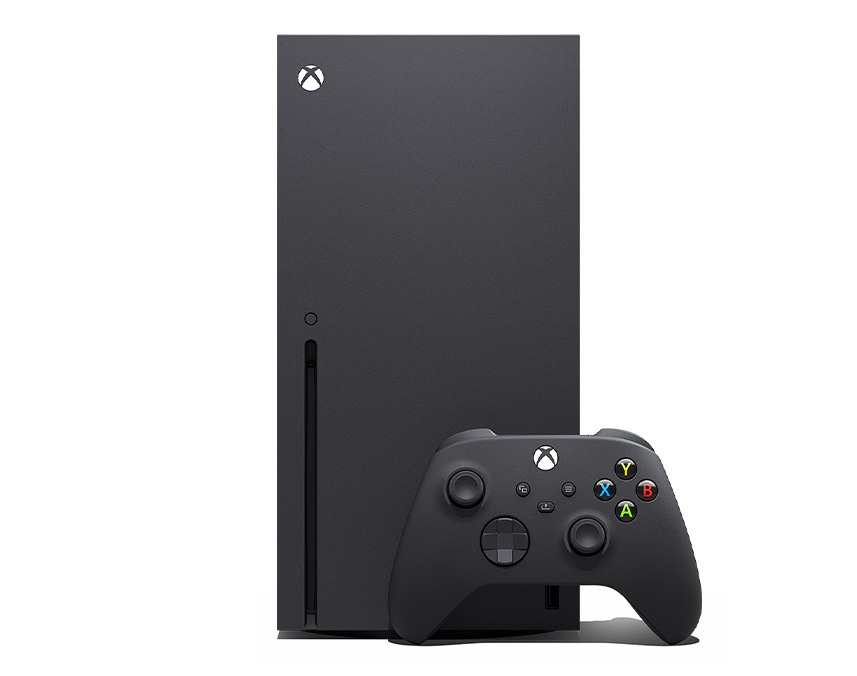
Navigating the twilight years of a console generation can feel confusing, especially when hardware moves past its prime manufacturing window. If you're still relying on an eighth-generation console, understanding the current state of Xbox One support helps you protect your game library, maintain your hardware, and decide when it's genuinely time to upgrade. Microsoft officially wrapped up production on all Xbox One models at the end of 2020, shifting primary engineering resources entirely toward current-generation hardware. Even so, the ecosystem hasn't vanished overnight, and online services remain active for millions of players worldwide.
Knowing what works, what's phasing out, and how to keep your console running smoothly prevents unexpected headaches. This breakdown cuts through the noise, detailing what support looks like today, how digital libraries handle the transition, and what practical steps you can take to maximize your console's remaining lifespan.
The Current Reality of Xbox One Support
When a gaming system transitions into legacy status, manufacturer backing changes fundamentally. Microsoft no longer manufactures replacement parts or builds brand-new consoles for the Xbox One family, which includes the original launch model, the Xbox One S, and the Xbox One X. Hardware repairs through official channels are largely unavailable unless covered by legacy extended warranties that have long since expired.
However, system software and network infrastructure don't switch off simultaneously with hardware production. Microsoft continues to deploy periodic operating system stability patches and network maintenance updates to keep the overarching Xbox network unified across generations.
- Online Services: Core multiplayer matchmaking, party chat, and access to the Microsoft Store remain functional.
- Cloud Gaming: You can leverage Xbox Cloud Gaming via Xbox Support to stream newer titles directly to older hardware, bridging the generational gap for select games.
- App Ecosystem: Major media streaming apps like Netflix, Disney+, and YouTube still receive independent updates from their respective developers, keeping the console viable as a media hub.
Managing Your Game Library and Digital Purchases
One of the biggest concerns for legacy console owners involves digital ownership. If you've spent years building a digital library, you aren't losing access to those purchases. Your digital licenses remain tied directly to your Microsoft account, not to the physical plastic sitting under your television.
When you sign into any supported console using your credentials, your purchased catalog is ready to download. Furthermore, Microsoft's cross-generation philosophy ensures that a massive portion of your Xbox One library carries forward if you eventually transition to an Xbox Series X or Series S.
Physical game discs also continue to function normally. If you prefer physical media, your local optical drive will read compatible game discs just as it always did. Microsoft has even introduced quality-of-life additions like disc-to-digital licensing capabilities for select titles, making modern library management more flexible for long-time collectors.
Hardware Maintenance Tips for Aging Consoles
Without factory support or easy access to official repairs, taking care of your physical console falls entirely on you. Aging electronics accumulate dust, dry out thermal paste, and experience mechanical wear on optical drives and controller ports. Simple maintenance routines can drastically extend the functional life of your hardware.
Clean your console's exterior vents regularly using a microfiber cloth and compressed air designed for electronics. Never spray cleaners directly onto the plastic housing. Keep the system in a well-ventilated open space rather than a cramped entertainment center cabinet; trapped heat degrades internal components rapidly.
Controllers also require attention. Stick drift and worn-out bumper buttons are common issues on aging gamepads. Replacing thumbstick modules or cleaning contact points with isopropyl alcohol can revive a sticky controller without forcing you to track down scarce official replacements.
Transitioning Out: When and How to Upgrade
Eventually, software developers will leave eighth-generation hardware entirely behind. Major studio releases are increasingly built exclusively for current-generation architectures, meaning new blockbuster titles bypass the Xbox One altogether. If you notice persistent frame rate drops, long loading times in modern software, or your favorite multiplayer titles dropping support for the platform, it's worth planning your next steps.
When you're ready to move on, you don't necessarily have to abandon your setup. Use the built-in network transfer feature to move games directly from your old console to a new system over your local home network, saving hours of bandwidth redownloading large files. You can also trade in your old console through retailers or secondary markets to offset the cost of hardware upgrades.
Frequently Asked Questions
Can I still buy games from the Microsoft Store on Xbox One?
Yes. The digital storefront remains active for the platform, allowing you to purchase and download compatible games, DLC, and media apps directly from your console dashboard.
Will my Xbox One controllers work on newer consoles?
Xbox One wireless controllers are forward-compatible and will sync and function perfectly with Xbox Series X and Series S consoles, saving you money on extra gamepads during an upgrade.
Are servers for older multiplayer games shutting down?
While Microsoft keeps the core network running, individual game server shutdowns are decided by third-party publishers. If a game developer turns off online servers for a specific older title, multiplayer features for that specific game will stop working, though single-player modes usually remain playable.
How do I check if my system software is up to date?
Press the Xbox button on your controller, navigate to Profile & system > Settings > System > Updates, and check if a console update is waiting to be installed. Keeping your system updated ensures maximum compatibility with network services.



