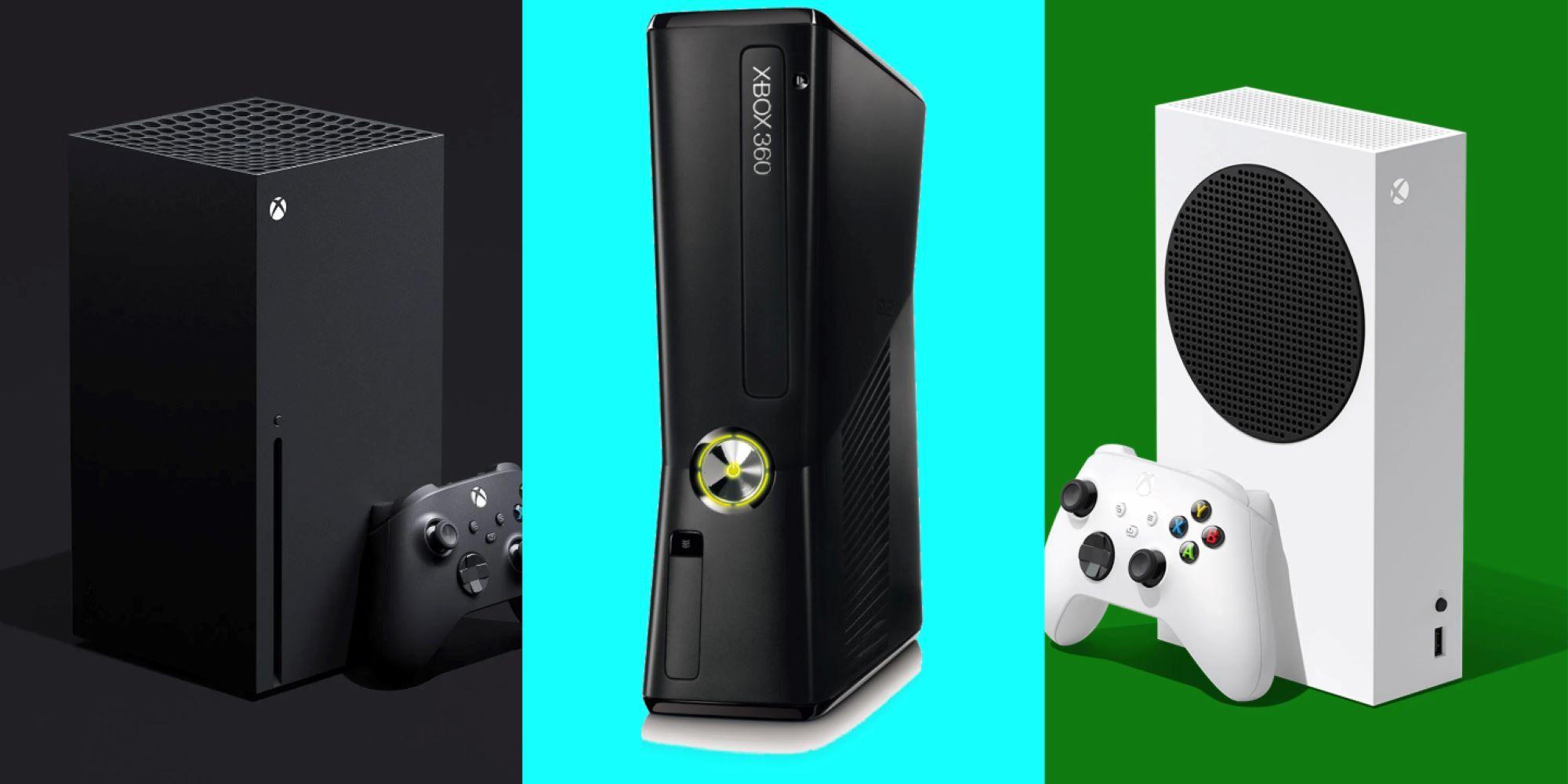
The Xbox One S sits firmly in the last-generation category. Launched back in 2016 as a slimmer, refined revision of the original 2013 Xbox One, it belongs to the eighth generation of video game consoles. With ninth-generation hardware like the Xbox Series X and Series S well into their lifecycles, the One S is outdated. First-party studios stopped making native games for the system years ago, pushing the hardware into a legacy status where it now functions primarily as a budget media streaming box or an entry-level machine for older titles.
Understanding where this hardware stands requires looking past Microsoft's confusing naming conventions. People frequently mistake the Xbox One S for a current-gen device because of the shared "S" moniker, confusing it with the newer Xbox Series S. They are entirely different machines built years apart. This guide breaks down the hardware reality, what the console can still do, and whether it's worth keeping or buying today.
Hardware Breakdown: Where the Xbox One S Stands Today
The internal components of the Xbox One S tell the story of why it's considered old-gen. Built around a customized AMD Jaguar CPU and a GCN-architecture GPU, the console targets 1080p gaming at 30 or 60 frames per second. It lacks a solid-state drive, relying instead on a mechanical SATA II hard drive.
Loading times on a traditional mechanical drive feel sluggish compared to the lightning-fast NVMe storage found in ninth-generation hardware. Furthermore, the machine lacks ray tracing support, variable refresh rate hardware features in full capacity, and the processing headroom required for modern game engines like Unreal Engine 5.
- CPU Bottleneck: The eight-core Jaguar processor was already considered weak when the console launched in 2016, leading to frame rate dips in demanding open-world titles.
- Storage Limitations: The slow mechanical hard drive creates long loading screens and prevents streaming complex textures quickly.
- Resolution Limits: While it supports 4K video playback and 4K upscaling for media apps like Netflix, games rarely run at native 4K.
The Shift to Ninth-Gen and Loss of First-Party Support
Microsoft and third-party publishers have completely transitioned away from the eighth generation. Major releases no longer receive versions tailored for the Xbox One family. If you want to play current role-playing games, high-fidelity shooters, or modern sports titles with up-to-date rosters and physics engines, the Xbox One S cannot run them natively.
Cloud gaming via Xbox Game Pass Ultimate provides a workaround for this limitation. By streaming games through the cloud, a player can experience newer titles on legacy hardware. However, this method requires a fast, stable internet connection and introduces input latency that native play avoids.
Practical Uses for the Console Now
Even though it's an old-gen system, the Xbox One S retains value for specific use cases. It functions exceptionally well as an affordable media hub. It features an integrated 4K Ultra HD Blu-ray disc drive—a feature missing entirely from the digital-only Xbox Series S. For movie collectors who still own physical discs, the console remains a cheap way to watch 4K HDR content.
It also serves as a capable machine for backward-compatible games. The system handles a vast library of original Xbox, Xbox 360, and standard Xbox One titles. For younger kids or casual gamers content with older releases, Minecraft, and indie games, the hardware delivers reliable performance without a steep financial investment.
Common Mistakes When Buying or Selling a Used One S
Shooters and bargain hunters frequently encounter pitfalls in the secondhand marketplace due to confusing branding.
- Confusing One S with Series S: Buyers frequently mistake a used Xbox One S for an Xbox Series S because sellers mislabel listings. Always check the shape and naming conventions before purchasing. The One S is a rectangular white or black box with a black circular fan vent on top and a physical disc slot on the front. The Series S is much smaller, white with a prominent black circular exhaust vent, and completely lacks a disc drive.
- Ignoring the Hard Drive Health: Secondhand mechanical hard drives degrade over time. Buying an older console with a failing drive leads to excessive noise and longer loading screens.
- Overpaying: Because the console is thoroughly outdated, paying close to the price of a used ninth-generation machine is a poor financial decision.
For a deeper look at current console options and official hardware guidelines, you can visit the Xbox Official Site. To understand how older hardware holds up against current industry standards, check out reports from The Verge.
Frequently Asked Questions
Can the Xbox One S play Xbox Series X games?
No. Games developed exclusively for ninth-generation hardware require the CPU and SSD architecture of the Xbox Series X or Series S, meaning they won't install or run on an Xbox One S.
Will online servers stay active for Xbox One games?
Server lifespans depend entirely on individual game publishers. While Microsoft keeps core Xbox network services running, specific multiplayer titles shut down their servers as player bases shrink.
Is the Xbox One S worth buying on a budget?
It's only worth buying if you find one very cheap to use as a media player, a 4K Blu-ray player, or an entry-level machine for legacy games. Anyone wanting to play modern releases should save up for a current-generation system.
How do I clean and maintain an aging Xbox One S?
Dust accumulation causes the internal fan to run loud and overheat the system. Carefully opening the plastic shell or using compressed air on the external vents helps clear out trapped dust and extends the life of the cooling fan.



