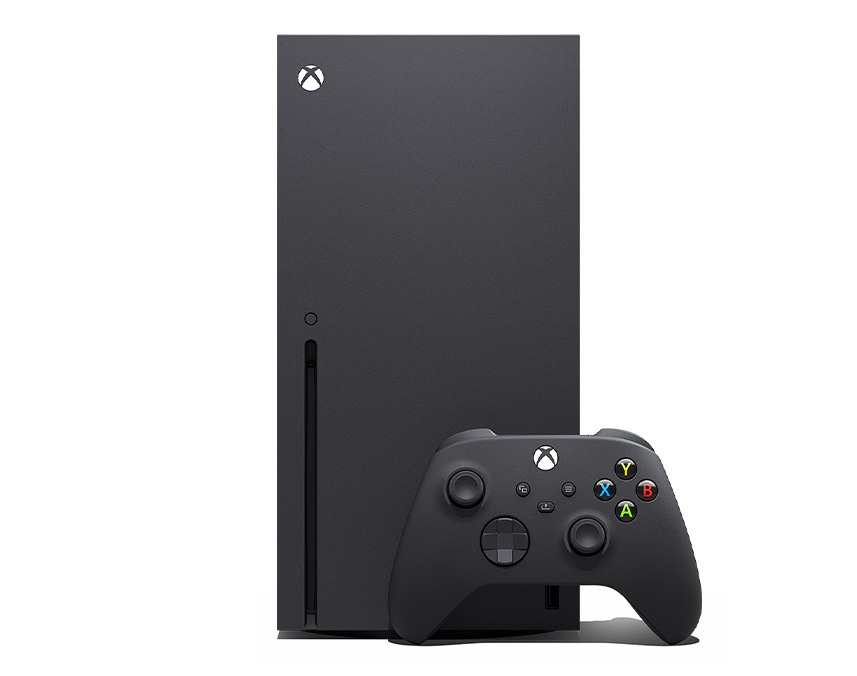
If you're moving between console ecosystems or mapping controls for PC gaming, you'll quickly notice that different manufacturers use completely different names for the exact same physical locations. If you're wondering how Xbox terminology maps to PlayStation terminology, the short answer is that Xbox controllers don't actually feature "L1" or "L2" buttons at all. Instead, Microsoft uses the labels LB and LT for the upper-left shoulder controls.
Understanding how these inputs translate across platforms prevents frustrating control mapping errors, especially when playing multiplatform games or using an Xbox gamepad on a PC or mobile device. Let's break down the exact layout, mechanics, and terminology differences so you can configure your setup without second-guessing.
Xbox Shoulder Layout: Bumpers and Triggers Explained
Microsoft designs its gamepad shoulders with a two-tiered system on each side. On the upper left edge sits a digital button, while the lower sloping control acts as an analog trigger.
- LB (Left Bumper): Located on the top left edge of the controller. This is a digital microswitch button, meaning it functions like a standard mouse click. It registers an on or off state instantly when pressed, with very little travel distance.
- LT (Left Trigger): Positioned directly beneath the left bumper. This is an analog trigger that pulls inward like a vehicle throttle or a weapon's trigger. It measures depth and pressure, allowing for variable input values from zero to one hundred percent.
The right side mirrors this configuration with RB (Right Bumper) and RT (Right Trigger). Together, this quartet forms the primary shoulder control suite for modern Xbox Wireless Controllers. Additional details into this topic are detailed by Associated Press.
Translating Xbox to PlayStation: LB/LT vs. L1/L2
The confusion between Xbox and PlayStation layouts usually stems from legacy naming conventions. Sony pioneered the numeric labeling system with the original PlayStation controller, designating the top shoulder buttons as L1 and R1, and the bottom ones as L2 and R2.
Microsoft took a descriptive approach instead, using abbreviations for the physical functions:
- LB on an Xbox controller equals L1 on a PlayStation DualSense or DualShock controller. Both sit on the upper tier and function as digital bumpers.
- LT on an Xbox controller equals L2 on a PlayStation controller. Both occupy the lower rear tier and provide analog, pull-based input.
+------------------+-------------------+-------------------+
| Console Family   | Upper Shoulder    | Lower Shoulder    |
+------------------+-------------------+-------------------+
| Xbox (Series X/S)| LB (Left Bumper)  | LT (Left Trigger) |
| PlayStation      | L1                | L2                |
+------------------+-------------------+-------------------+
When a PC game prompt instructs you to "Press L1," it's using PlayStation nomenclature. If you're playing on an Xbox gamepad, you need to press LB.
Why Game Ports and Emulators Cause Confusion
If you play emulated titles or cross-play games on platforms like Steam, software settings often display generic layouts or PlayStation icons by default. Steam Input tries to bridge this gap by automatically remapping buttons, but custom configurations can misinterpret hardware inputs if settings aren't adjusted.
When setting up a custom profile in a game menu, pay close attention to whether the game registers inputs digitally or analogously. Assigning an analog action—such as accelerating a car—to a digital bumper like LB will result in an all-or-nothing input, whereas mapping it to the analog LT trigger allows for smooth, graduated control.
Common Mistakes When Mapping Controller Buttons
- Treating bumpers like triggers: Trying to hold down a bumper expecting variable pressure will fail because LB and RB are binary switches.
- Ignoring software mapping profiles: Using an Xbox Elite Wireless Controller with paddle accessories while ignoring the Xbox Accessories app configuration can cause conflicting inputs in competitive titles.
- Assuming uniform sensitivity: Not all third-party Xbox-compatible controllers feature analog resistance on their triggers; cheaper models sometimes use digital switches for both tiers.
Frequently Asked Questions
Can I remap LB and LT to different functions on my Xbox?
Yes. You can fully remap any button or trigger on modern Xbox gamepads using the official Xbox Accessories app on an Xbox console or a Windows PC. This tool also lets you swap thumbstick axes and invert trigger ranges.
Do Xbox controllers work natively with PlayStation consoles?
No. Xbox controllers do not connect natively to PlayStation 4 or PlayStation 5 consoles due to proprietary security protocols. You would need a specialized hardware adapter to bridge the connection.
What is the difference between an Xbox Bumper and a Trigger?
A bumper is a clicky, digital shoulder button designed for fast, repetitive taps. A trigger is a larger, analog lever on the back that registers depth and pressure for precise actions like aiming or accelerating.
Why do some PC games show PlayStation button prompts when I use an Xbox controller?
Many PC titles rely on default Steam configurations or ported engines built around the PlayStation DualSense API. You can usually fix this by enabling Xbox Configuration Support in your Steam controller settings.



