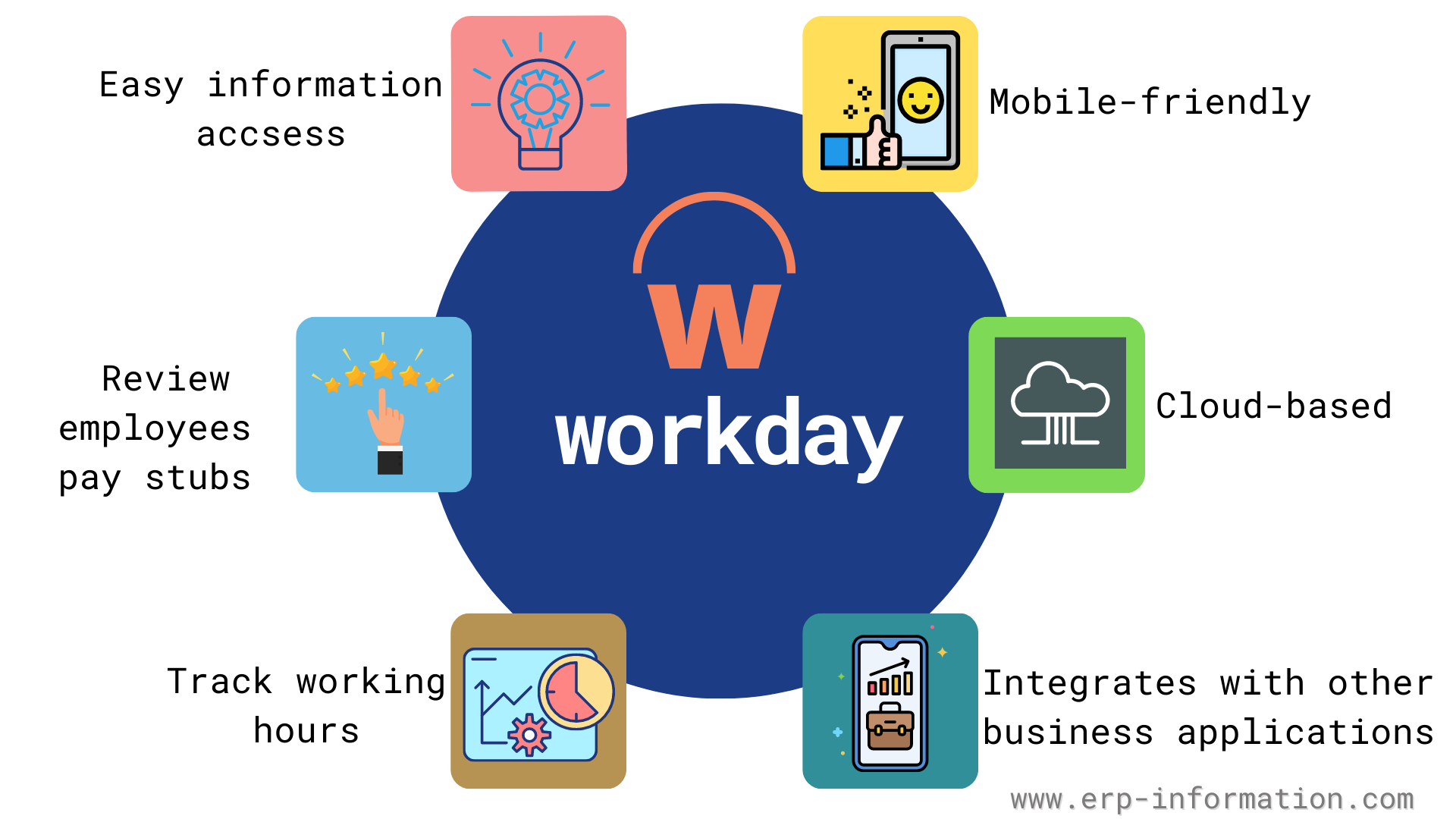
Migrating a major research institution to a unified enterprise resource planning platform requires aligning fragmented legacy databases into a single, cloud-native architecture. At Cornell University, the integration of Workday for human resources, payroll, and financial management replaced decades of disparate local systems with a standardized operational core. This transformation changes how thousands of faculty members, staff, and student employees manage personnel records, procurement workflows, and research grant accounting.
Understanding the mechanical reality of this ecosystem helps administrators and campus users navigate permissions, data flows, and reporting requirements without friction. Below, we break down how the Workday architecture operates across campus divisions, how data security is enforced, and how to troubleshoot common workflow hurdles.
The Architecture of Campus-Wide HR and Finance Unification
Historically, higher education institutions relied on decentralized administrative applications. Separate departments managed payroll locally, maintained standalone databases for academic appointments, and processed procurement through custom legacy interfaces.
The unified Workday deployment centralizes these functions into two primary pillars: Human Capital Management (HCM) and Financial Management.
- Single Source of Truth: Personnel actions, such as hiring an adjunct professor or updating staff benefits, flow directly into the core database, immediately updating financial ledger encumbrances.
- Streamlined Procure-to-Pay: Purchasing requisitions initiated by a department head automatically check budget availability against specific account strings before routing for approval.
- Real-Time Encumbrance Accounting: Salary commitments and hourly wages post against research grants instantly, reducing the lag time typical of batch-processed legacy systems.
For official guidance on navigating these tools on campus, staff can consult the Cornell IT Workday Portal.
Managing Human Capital and Payroll Workflows
The Human Capital Management module acts as the digital personnel file for every active worker across Ithaca, Cornell AgriTech, and remote research outposts.
When a department initiates a hire, the onboarding workflow triggers automated provisioning. Tax elections, direct deposit setups, and benefit elections occur through self-service portals rather than paper forms submitted to central offices.
Key HCM Operational Modules
- Absence and Time Tracking: Hourly employees and student workers log hours directly through web or mobile interfaces. Supervisors approve timesheets weekly, feeding data straight into the payroll calculation engine.
- Talent and Performance Management: Annual reviews, goal setting, and professional development records live inside the employee profile. Workday Learning integrates here to assign mandatory compliance modules based on an individual's job classification.
- Position Management: Unlike simple employee lists, the system tracks funded positions. Creating or modifying a position requires budget pool validation, preventing unauthorized headcount inflation.
Financial Management and Grant Accounting
Higher education finance involves complex fund accounting, where dollars are tied to specific restrictions, endowments, or federal research grants. The financial integration ensures that every transaction maps correctly to the university chart of accounts.
When researchers purchase lab supplies, the procurement workflow requires a designated worktag—such as a grant number or gift code.
- Requisition Creation: The researcher or lab manager submits item details, vendor information, and account strings.
- Workflow Routing: Approval rules evaluate the total cost and fund source. Grants with specific compliance flags route automatically to specialized pre-audit teams.
- Supplier Invoice Matching: Accounts payable matches the final vendor invoice against the original purchase order and receiving confirmation before disbursing funds.
This automated match reduces duplicate payments and provides principal investigators with live ledger balances, eliminating the surprise deficits common under older ledger structures.
Security Models and Role-Based Permissions
Data privacy is paramount in a university setting handling student records, personal identification numbers, and sensitive financial data. Workday enforces strict security via role-based and user-based security groups.
Access to specific data fields—such as salary details or medical leave accommodations—depends entirely on an individual's assigned organizational role. For example, a departmental administrator can view local cost center reports, but cannot access personnel records outside their supervisory hierarchy.
- Role-Based Groups: Automatically grant permissions when an employee assumes a specific title, such as People Leader or Timekeeper.
- Domain Security Policies: Govern individual data objects, determining whether a user can read, write, or modify specific fields.
- Business Process Policies: Control how multi-step approvals move across organizational boundaries, ensuring proper segregation of duties.
To explore broader enterprise integration standards and platform capabilities, review the Workday Integration Resources.
Frequently Asked Questions
How do I update my direct deposit or tax withholding information?
Log into your campus portal, navigate to the Pay application on your dashboard, and select the payment elections or tax withholding options. Changes take effect on the subsequent payroll cycle depending on processing cutoff dates.
Why is a purchase requisition stuck in approval routing?
Requisitions often pause if the designated worktag lacks sufficient available balance or if the approval hierarchy requires sign-off from a specific grant administrator or local finance director. Check the process history tab on the requisition to see which security role currently holds the action.
Where can student employees view their tax forms and pay slips?
Student workers access their compensation details through the same self-service interface as regular staff. Form W-2 and pay slips remain available digitally year-round.
Who should I contact if my security role does not match my job duties?
If you lack access to view a team member's time sheet or submit a procurement request, contact your local unit HR or finance coordinator. They initiate security access changes through the authorized authorization workflow.



