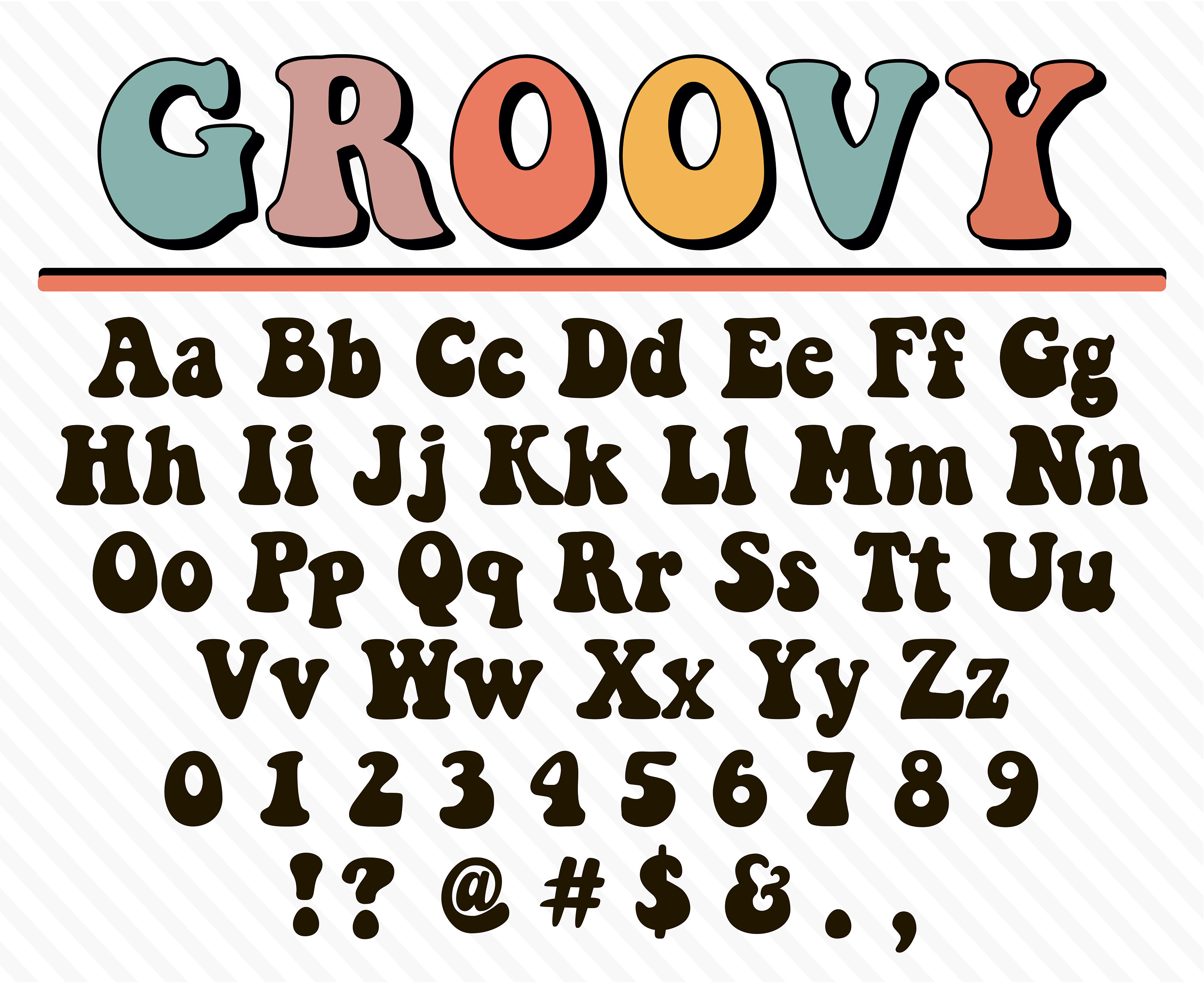
Ever spotted a striking typeface on a billboard, a menu, or a website and spent hours trying to track it down? Finding an unknown typeface used to require hours of manual browsing through heavy print specimen books or guessing letterforms on forums. Today, visual recognition technology and specialized databases let you identify any font in seconds.
Whether you're a seasoned designer matching a brand identity or a hobbyist curious about a movie poster headline, modern font recognition tools take the guesswork out of typography. You don't need an encyclopedic knowledge of serif, sans-serif, and script classifications anymore. You just need the right workflow.
Understanding Font Identification Technology
At its core, identifying a font from a static image relies on optical character recognition and pattern matching. When you upload a cropped image of text, software analyzes the geometric properties of individual glyphs. It measures stem width, x-height, counter spaces, serif structure, and the specific angles of letter connections.
The algorithm compares these measurements against an extensive library of commercial and free digital typefaces. Because thousands of new fonts launch every year, accuracy depends heavily on the quality of the sample image you provide.
- Glyph Shape Analysis: The system looks at unique character markers, such as the tail on a lowercase 'g', the crossbar on an 'e', or the curve of an 'a'.
- Proportion Mapping: It calculates the ratio between capital and lowercase letters and overall stroke contrast.
- Database Cross-Referencing: Matches are ranked by similarity score against millions of font variations.
Step-by-Step Guide to Identifying Unknown Fonts
Getting an accurate match on your first try comes down to how you prepare and capture your sample image. Follow these steps to ensure clean results.
- Crop tightly around the text: Remove background noise, icons, and unnecessary imagery so the software only processes clean letterforms.
- Ensure horizontal alignment: Rotate your image if the text is skewed at an angle; tilted letters confuse pattern-matching algorithms.
- Choose high-contrast samples: Dark text on a light background or vice versa works best. Avoid low-resolution or heavily pixelated screenshots.
- Isolate distinct characters: Pick words that contain unique letters like Q, R, G, or m rather than common symmetrical letters like o or i.
- Review alternative matches: If the top result isn't exact, check the runner-up suggestions. Minor weight or width variations often share similar character structures.
Popular Tools for Finding Fonts
Different platforms suit different workflows. Depending on whether you're working on a desktop browser or a mobile device, several reliable utilities handle font discovery effectively.
MyFonts hosts the industry-standard recognition engine, which excels at parsing complex bitmap images and offering precise commercial matches. Adobe Fonts provides visual search integrated directly into Creative Cloud applications, making it convenient if you already subscribe to their ecosystem. For quick smartphone captures on the go, mobile apps allow you to snap a photo of signage on the street and run an instant query against cloud databases.
You can also explore community-driven identification boards like Typographic Details or design forums where human typographers manually inspect obscure or vintage lettering that automated software fails to catch.
Common Mistakes When Matching Typefaces
Even with advanced recognition tools, users often encounter frustrating dead ends due to avoidable errors in image preparation.
- Using low-resolution screenshots: Grainy or compressed images distort fine serifs and subtle stroke contrasts, leading to incorrect matches.
- Ignoring styling effects: Drop shadows, outlines, textures, or heavy kerning adjustments trick recognition software into reading custom art instead of the base font.
- Overlooking font variations: Many popular typefaces have dozens of weights, from thin to ultra-black, as well as italic styles. A mismatch in weight can make a correct font family look entirely wrong.
- Forgetting licensing differences: Free alternatives often look similar to premium typefaces, but subtle differences in punctuation or numerals can cause layout inconsistencies.
Frequently Asked Questions
Can font identification tools recognize handwritten or script fonts?
Script and handwritten fonts are notoriously difficult for automated software because connected strokes and organic variations break standard character isolation. Clean, unconnected script fonts yield moderate results, but truly bespoke hand-lettering usually requires manual expert review.
Why do I get different font suggestions for the same image on different platforms?
Each platform relies on its own proprietary database and matching algorithm. Some engines prioritize commercial libraries like Monotype or Linotype, while others include massive repositories of open-source typefaces from directories like Google Fonts.
What should I do if a font is completely custom or proprietary?
Large brands often commission custom typefaces that aren't available to the public. If a search yields no exact matches, look for geometric or humanist sans-serifs with similar proportions to use as a close substitute.
Are there free tools available for identifying typography?
Yes, most major online font marketplaces offer their visual search engines entirely free of charge, requiring only an image upload to generate results.



