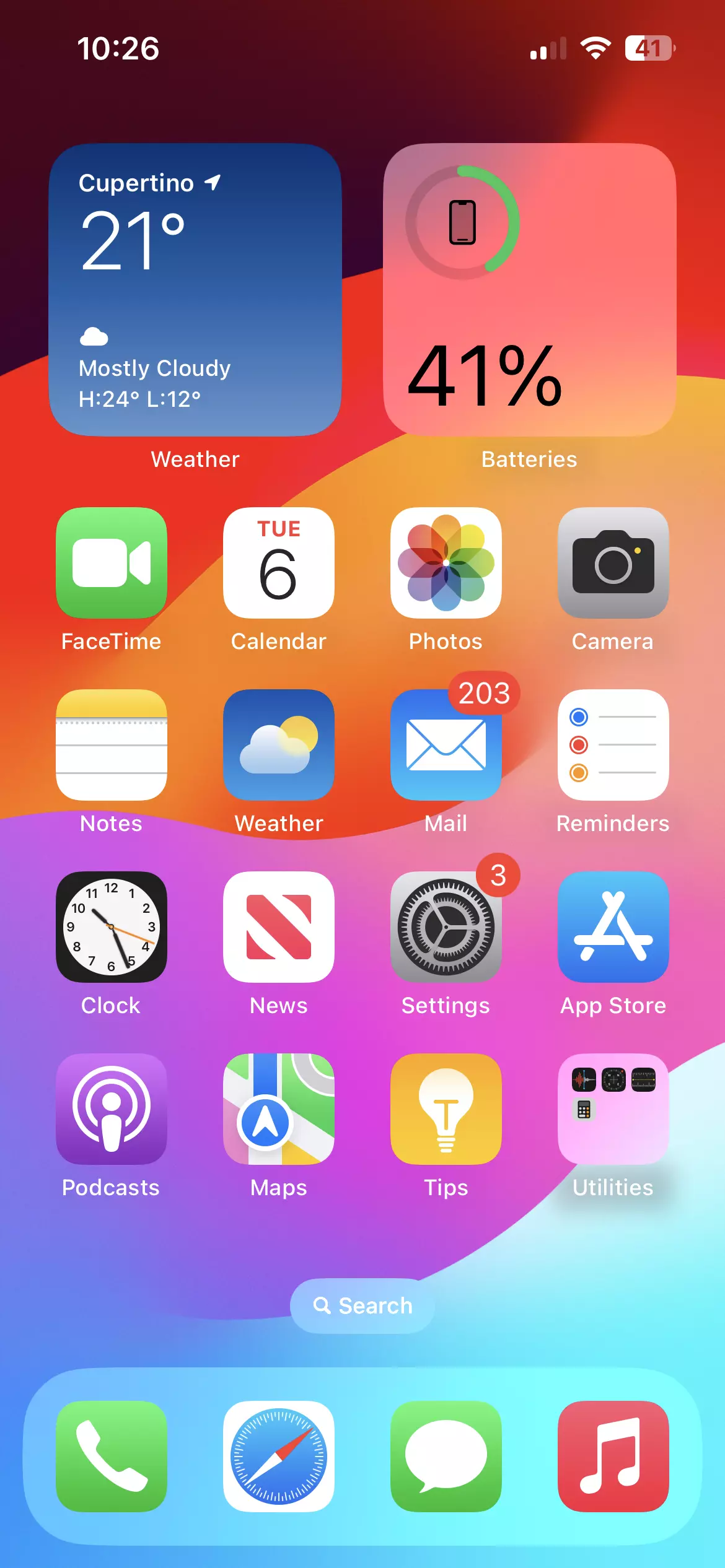
When you pick up your phone and tap an app icon, you're interacting with the invisible engine that makes the hardware useful. If that phone is an iPhone, the engine is called iOS. It stands for iPhone Operating System, and it acts as the primary bridge between you, your physical device, and every application running on it. Without it, your phone is just an expensive piece of glass and metal.
Your operating system manages memory, powers the touchscreen, connects to cellular networks, and keeps your private data locked away. Understanding how it functions helps you troubleshoot glitches, manage storage, and get more out of your device every day.
What iOS Actually Does on Your iPhone
At its core, iOS is system software designed exclusively by Apple for its mobile hardware. While competitors like Android run across thousands of different phone models made by various manufacturers, iOS is built strictly for the iPhone. This tight pairing of hardware and software allows Apple to optimize battery life, graphic performance, and security.
Think of iOS as the conductor of an orchestra. The physical components—the camera sensor, the OLED screen, the microchips, and the battery—are the musicians. The operating system coordinates every action so that when you press the shutter button, the camera captures light, processes the image signal, stores it in flash memory, and displays a thumbnail on your screen in a fraction of a second.
Key Layers of the System
- The Kernel: The lowest level of software that talks directly to the phone's silicon chips, handling processing power and energy distribution.
- System Services: Background protocols that manage Wi-Fi connections, Bluetooth pairing, location tracking, and push notifications.
- The User Interface: The visual layer you touch, including the Home Screen, Lock Screen, Control Center, and app icons.
You can verify which version of this software your device currently runs by opening your settings. Head to the Settings app, tap General, and select About to view your exact software version number.
How iOS Differs From Other Operating Systems
Every smartphone needs an operating system, but iOS takes a different philosophy compared to platforms like Android. Apple maintains rigid control over the ecosystem. Every app available for download must pass review guidelines set by the company before appearing in the official App Store.
This closed-loop design creates distinct advantages and trade-offs for users:
- Ecosystem Integration: iOS devices talk to each other effortlessly. You can copy text on your iPhone and paste it onto a Mac, or answer phone calls on an iPad.
- Predictable Updates: When Apple releases a new software version, it rolls out to supported iPhones worldwide simultaneously, rather than waiting for wireless carriers or third-party manufacturers to modify it.
- Strict Sandboxing: Apps run in isolated environments. One app can't easily peek into data stored by another app, which hardens user privacy.
The downside is customization freedom. You can't radically alter the underlying layout of the operating system or replace core system apps with the same depth found on open-source platforms.
Essential Features Built Into Every iPhone
Apple packs dozens of utilities directly into the operating system so you don't have to download external tools for basic tasks.
Control Center and Navigation
Swiping down from the top-right corner of your screen reveals the Control Center. This panel gives you instant toggles for screen brightness, volume, Wi-Fi, airplane mode, and flashlight access. Navigation relies on multi-touch gestures—swipes, pinches, and taps—that replace physical buttons.
Privacy and Security Controls
Your data protection relies heavily on hardware-software synergy. Features like Face ID or Touch ID use a dedicated secure coprocessor on the chip to store biometric data locally, meaning your facial map or fingerprint data never leaves your device or goes to cloud servers. Furthermore, iOS prompts you whenever a newly downloaded app requests access to your photos, microphone, or precise location.
Continuity and AirDrop
Sharing files between Apple devices happens through AirDrop, which uses local Wi-Fi and Bluetooth peer-to-peer connections to transfer heavy video files or documents in seconds without eating into your cellular data plan.
For official details on current software releases and compatibility lists, check the Apple Support page.
How to Keep Your Operating System Healthy
Operating systems require periodic maintenance to patch security vulnerabilities and fix background bugs. Apple pushes regular updates throughout the year, culminating in major annual upgrades every fall.
- Open the Settings app on your iPhone.
- Tap on General.
- Select Software Update.
- If an update is waiting, tap Download and Install. Make sure your phone is connected to Wi-Fi and plugged into a charger during the process.
Ignoring updates leaves your device vulnerable to newly discovered security exploits. Enabling automatic updates via this same menu ensures your phone handles patches overnight while you sleep.
Frequently Asked Questions
Can I install iOS on a non-Apple phone?
No. Apple designs iOS exclusively for its proprietary hardware lineup. Trying to run iOS on standard Android hardware is technically unsupported and blocked by system architecture requirements.
Why does an iOS update take up so much storage space?
Major operating system updates rewrite large portions of system files, requiring temporary workspace to unpack and verify files before replacing older code. If your phone complains about low storage during an update, clearing out unused apps or offloading photos temporarily solves the issue.
Does updating my iOS slow down my iPhone?
Apple occasionally introduces performance adjustments to keep older batteries from shutting down unexpectedly under heavy loads, but modern updates are generally optimized to maintain or improve system efficiency. If your phone feels sluggish after an update, background indexing often finishes within twenty-four hours, returning normal speed.
How do I free up space taken up by system data?
Over time, iOS accumulates cached files, log data, and streaming buffers categorized as "System Data" in your storage settings. Restarting your phone clears temporary caches, while clearing browser history in Safari or offloading unused messaging attachments helps reclaim gigabytes of storage space.



