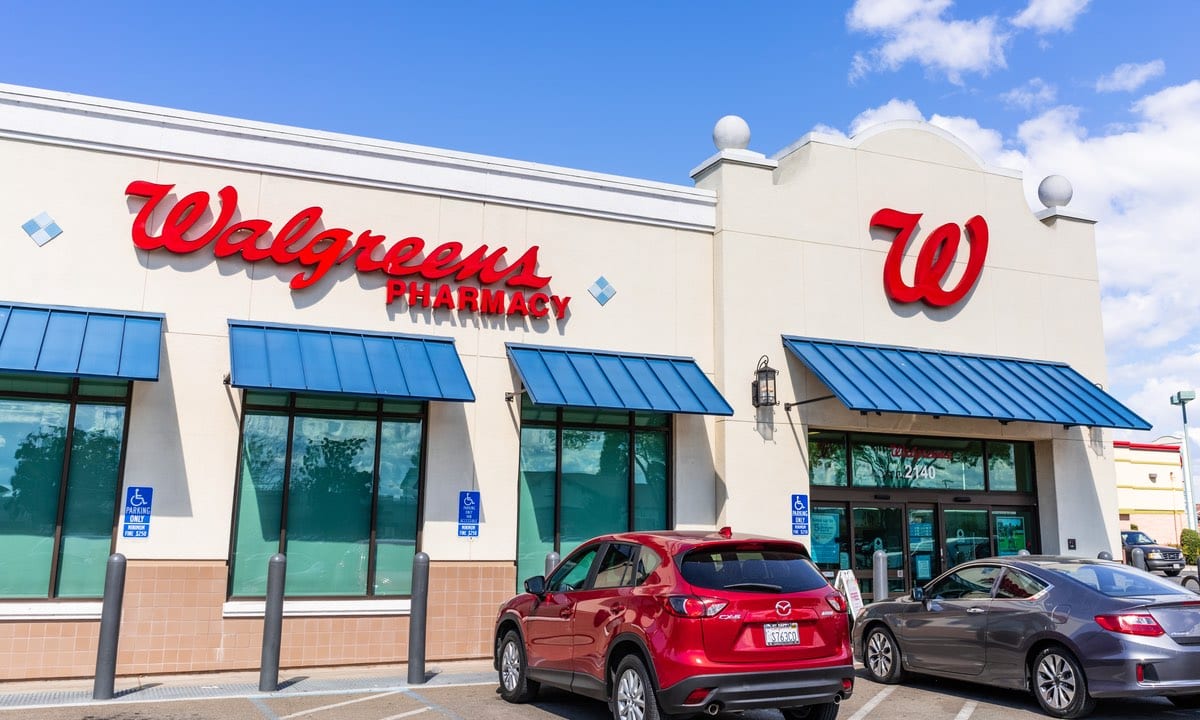
Walgreens paperless coupons let you clip digital manufacturer and store offers directly to your myWalgreens loyalty account via the mobile app or website, automatically applying discounts at checkout when you scan your rewards barcode. Unlike traditional Sunday circular clipping, this digital system tracks manufacturer restrictions, store rewards, and expiration dates in real time, turning routine pharmacy and household runs into structured savings opportunities.
To start using digital coupons immediately, download the Walgreens app, create or sign into your myWalgreens account, and navigate to the "Coupons" tab where you can browse and clip hundreds of active offers. Each clipped coupon links instantly to your phone number or digital barcode, ensuring that when items are scanned at the register, qualifying discounts deduct automatically before payment.
Setting Up Your Account and Navigating the App
Getting the most out of digital savings requires a properly configured account. If your loyalty card isn't linked correctly to your profile, cashiers cannot apply your clipped discounts, and rewards points won't accrue properly.
First, download the official Walgreens App on iOS or Android and sign up for a free myWalgreens membership. Make sure your phone number and email address match your physical rewards card if you already have one in-store. For another perspective on this story, check out the recent update from Reuters.
Inside the app, tap the "Savings" or "Coupons" menu to view the central hub of available promotions. You'll see offers sorted by category, expiration date, and popularity. Tapping the "Clip" button next to an offer moves it from the general pool directly into your digital wallet. A green checkmark or "Clipped" status indicator confirms the offer is active and ready for your next checkout trip.
How to Stack Coupons and Maximize Rebates
The true power of digital savings comes from stacking—combining multiple discount types on a single item. While Walgreens policy prohibits stacking two manufacturer digital coupons on one item, you can combine a manufacturer coupon with a Walgreens store coupon and a promotional sale price.
To build a stackable transaction, look for monthly register rewards, store catalog coupons, and digital manufacturer offers that target the exact same product category. For example, if laundry detergent is on sale for four dollars and there is a digital store coupon for one dollar off plus a manufacturer digital coupon for one dollar off, the register system applies both discounts sequentially, reducing your out-of-pocket cost to two dollars.
Watch out for catalina coupons—printed coupon slips that print at the register after your transaction—which can be used on your next shopping trip to lower costs even further. Planning your purchases around these rolling promotions transforms basic shopping into an efficient bargain routine.
Common Pitfalls and Why Coupons Fail to Scan
Even seasoned shoppers run into frustrating moments at the checkout register when a digital discount doesn't apply. Most failures trace back to three specific mismatch issues: product size variations, item exclusions, or account syncing delays.
Product specificity is strict in digital couponing. If a clipped coupon specifies a twelve-ounce bottle of shampoo, purchasing the ten-ounce or eighteen-ounce version prevents the system from triggering the discount. Always check the barcode in the app using the store scanner tool to verify that the exact UPC code matches the coupon parameters before walking up to the cash register.
Another frequent issue involves clip timing. If you clip a coupon while standing at the cash register, server latency can sometimes delay the sync by a few minutes. It's best to clip your coupons at home before leaving or while walking through the aisles. If an offer fails at checkout, ask the cashier to pause while you verify the clip status in your app wallet.
Frequently Asked Questions
Can I use paper manufacturer coupons and digital coupons together?
No. Walgreens digital coupons and paper manufacturer coupons share the same barcode database. The register system treats them as duplicate manufacturer offers and will reject one if you attempt to use both on a single item.
Do digital coupons expire at midnight?
Most Walgreens digital coupons expire at 11:59 PM local time on their stated expiration date, which is frequently a Saturday night coinciding with the end of the weekly sales ad cycle.
What happens to unused clipped coupons?
If a clipped coupon reaches its expiration date without being redeemed, it automatically disappears from your digital wallet. You don't need to manually delete expired offers.
Can I share my myWalgreens account with family members?
While multiple people can log into the same account on different devices using identical credentials, sharing a single account across different households can complicate reward point redemptions and make tracking active digital clips difficult. It's cleaner to maintain separate accounts for distinct households.



