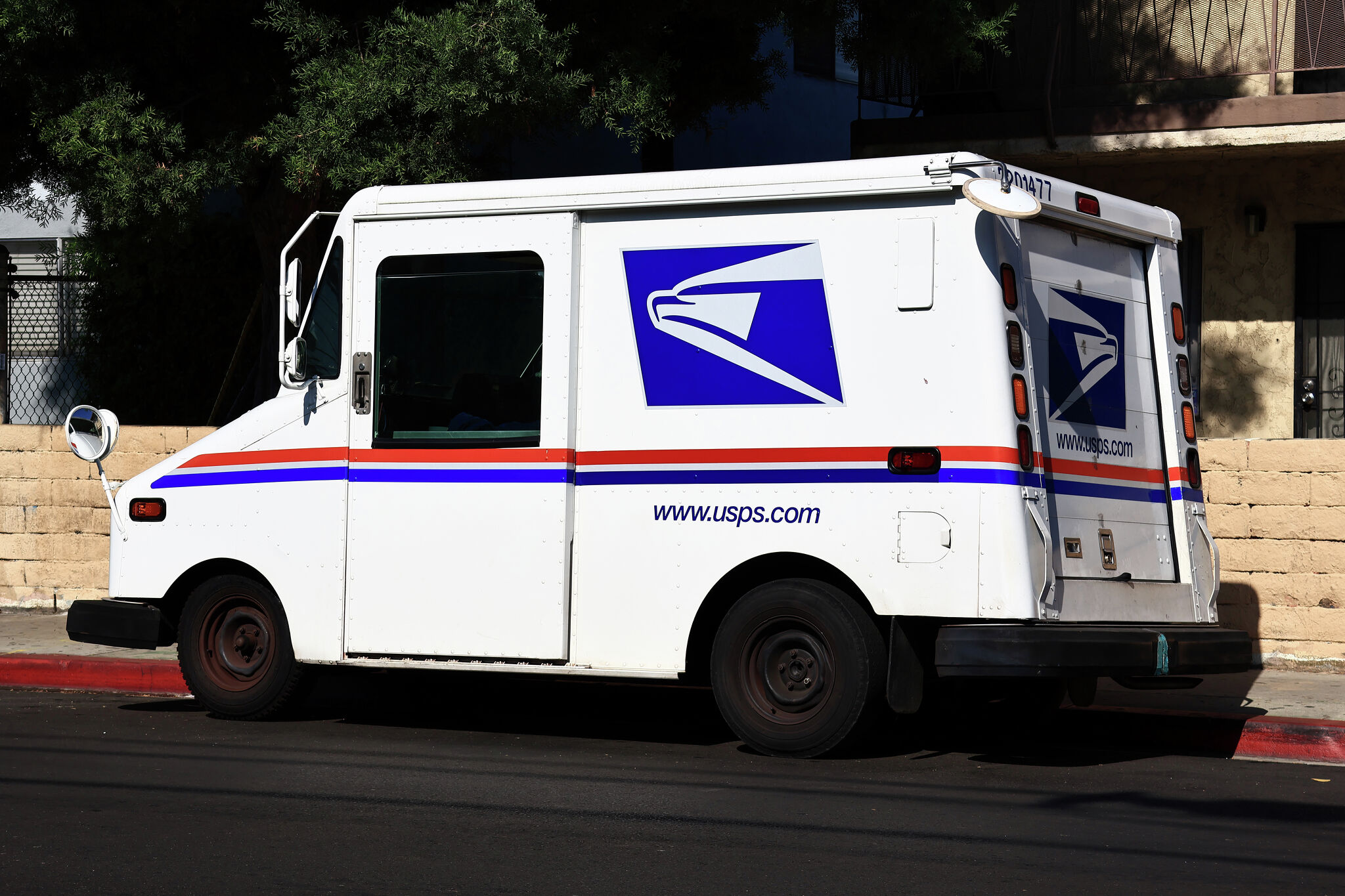
Skipping the post office line entirely changes how you handle shipping logistics. If you run a small business from home or just sell items online occasionally, driving to a retail counter, waiting behind passport applicants, and paying extra for drop-off convenience drains your time. Standard USPS carrier pickup solves this by letting your regular mail carrier collect prepaid packages directly from your doorstep during normal mail delivery—at zero additional cost.
The system sounds simple, but missing small details like weight limits, cutoff times, and stamp restrictions can result in your packages sitting on your porch all day. Understanding exactly how the pickup process works, how to prepare your parcels, and how to troubleshoot common scheduling snags ensures your items enter the mail stream smoothly every single time.
How USPS Package Pickup Works
The foundational mechanic of the service is built around your existing postal route. When you submit a request online, the information flows directly to your local post office and onto your assigned carrier's mobile device. As they deliver your daily mail, they pick up your outgoing shipments and scan them into the system.
This service is completely free for standard domestic and international mail classes as long as at least one qualifying item—such as Priority Mail, Priority Mail Express, or USPS Ground Advantage—is included in the pickup. You don't need to pay a subscription fee or a per-trip charge for regular carrier pickups.
Eligibility and Core Requirements
Before you schedule a pickup, your shipments must meet specific operational guidelines to ensure the carrier can legally and safely accept them.
- Prepaid Postage: Every piece must have postage already paid. You can print labels using USPS Click-N-Ship or third-party shipping software.
- Weight and Size Limits: Individual packages cannot exceed 70 pounds, and the combined length and girth must stay under 130 inches.
- The Stamp Restriction: If your package weighs more than 10 ounces or is thicker than half an inch, and you paid for postage entirely using traditional postage stamps instead of a meter or online barcode, you cannot use carrier pickup. You must take those items to a retail counter.
Step-by-Step Instructions to Schedule Your First Pickup
Scheduling takes less than five minutes through the official postal portal. You don't need a special merchant account, though having a standard profile on the USPS website makes managing and editing requests much easier.
- Prepare and Label Your Boxes: Securely pack your items, tape all seams, and affix your printed shipping labels flat on the largest side so the barcodes remain fully visible and scannable.
- Access the Portal: Log into your account and navigate to the online scheduling tool.
- Verify Address and Availability: Enter your pickup address. The system checks if your location falls within an eligible carrier route.
- Enter Package Details: Specify how many packages you have and categorize them by mail class (for example, three Ground Advantage parcels and two Priority Mail boxes).
- Select Your Location: Tell the carrier exactly where the items will be waiting, such as your front porch, side door, back porch, or inside an office reception area.
- Submit and Save Your Confirmation: Complete the request before the local cutoff time. Write down or save your confirmation number in case you need to modify or cancel the request later.
Maximizing Convenience and Avoiding Common Mistakes
Even experienced shippers occasionally run into snags that leave packages stranded on a porch. Knowing what can go wrong helps you build a reliable daily shipping routine.
Missing the Scheduling Cutoff
You must submit your standard pickup request before the local cutoff time, typically early in the morning on the day of your delivery, or schedule it in advance for a future date. If you submit a request after your carrier has already left the station for your street, they won't see the notification until the following delivery day.
Leaving Packages Hidden or Unsafe
Carriers are pressed for time and follow strict safety guidelines. If your packages are hidden behind a locked gate, placed inside an unlit area, or left where loose dogs roam freely, the carrier will bypass them. Always place items in a clearly visible spot right near the designated pickup location you selected online.
Ignoring High-Volume Protocols
If you regularly ship more than five packages at a time, generating a Master Barcode or a Shipment Confirmation Acceptance Notice (PS Form 5630) is essential. This single summary page contains a barcode that the carrier scans once to accept your entire batch instantly. Without it, scanning dozens of individual parcels manually adds massive delays to the carrier's route, which can lead to missed scans or friction with your local post office.
Frequently Asked Questions
Do I need to be home when the carrier picks up my packages?
No, you don't need to be home. As long as the packages are safely secured in your designated spot—like your front porch—the carrier will collect them during their regular delivery stop.
What is the difference between standard pickup and Pickup on Demand?
Standard pickup is completely free and happens during your regular mail delivery window. Pickup on Demand is a paid service tier that lets you request a specific, expedited two-hour window outside of normal mail delivery hours.
Can I modify or cancel a pickup request after submitting it?
Yes. You can log back into the online portal using your confirmation number and edit your package count, change the pickup location, or cancel the request entirely. Just make sure you complete any changes before the early morning deadline on the scheduled day.
Are international shipments eligible for carrier pickup?
Yes, but only if you generated the postage, shipping labels, and electronic customs forms completely online beforehand. Packages with handwritten customs forms cannot be picked up by your carrier and must be dropped off at a retail counter.


