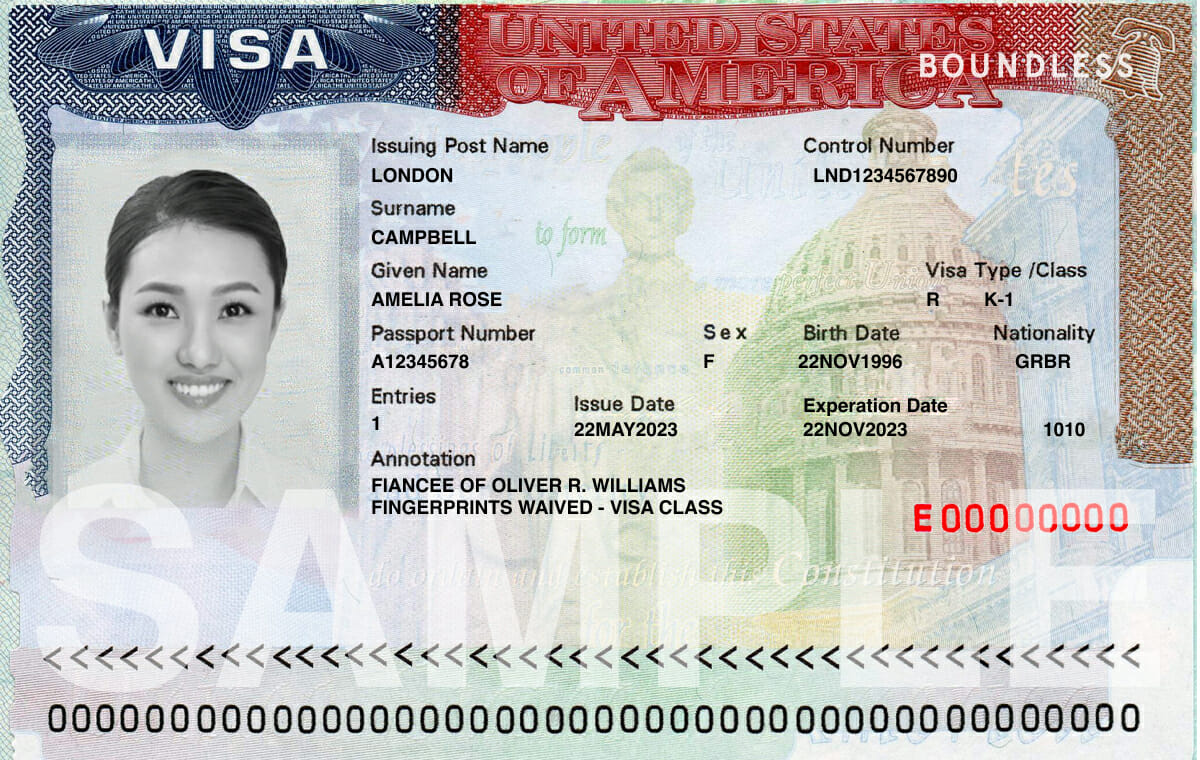
Tracking a U.S. visa application requires navigating the official Consular Electronic Application Center (CEAC) portal. Whether you're waiting for a tourist visa, a student visa, or an immigrant petition approval, knowing how to interpret status updates prevents unnecessary panic and flags real issues early.
The process involves two entirely different tracking systems depending on your visa category: the CEAC tracker for Department of State applications and the USCIS case status tool for domestic petitions. Confusing the two is the single most common reason applicants waste weeks looking at "status not found" error screens.
Understanding the Two Tracking Portals
Before checking any numbers, you must identify which government agency holds your file. U.S. immigration processing is split between U.S. Citizenship and Immigration Services (USCIS) and the Department of State (DOS).
USCIS Case Status Tool
If you are filing an initial petition inside the United States—such as a family petition (Form I-130), an adjustment of status (Form I-485), or an employment petition (Form I-140)—your tracking number starts with three letters like EAC, WAC, MSC, or IOE, followed by ten digits. You must use the USCIS online case status tracker for these numbers. For another look on this story, check out the latest update from Reuters.
CEAC Status Tracker
Once a petition is approved by USCIS, or if you are applying directly for a nonimmigrant visa (like a B1/B2 tourist visa or F-1 student visa) via a DS-160 form, your file moves to the Department of State's CEAC portal.
- For Nonimmigrant Visas (NIV): You use your DS-160 barcode/Application ID (starting with "AA" followed by numbers), select your interview location, and enter your passport details.
- For Immigrant Visas (IV): You use the case number provided by the National Visa Center (NVC), which typically consists of three letters representing the consulate location followed by numbers.
Decoding CEAC Status Messages
When you log into the CEAC tracker, the system displays a specific text string describing where your file sits in the adjudication pipeline. Here is what those terms actually mean:
- Application Received: Your application data has been entered into the consular system, but formal review hasn't started. For interview-based visas, it stays here until you attend your consular appointment.
- Ready: The U.S. embassy or consulate has your case and is ready to schedule an interview or process your paperwork.
- Administrative Processing: Your application is undergoing mandatory background checks, security clearances, or additional document reviews. This status often triggers anxiety, but in most cases, it is a standard procedural step rather than an outright denial.
- Issued: Your visa has been approved and printed. It is ready for courier delivery or pickup.
- Refused: A consular officer has temporarily or permanently refused the visa under a specific section of the law, most commonly Section 221(g) for missing documents. A refusal does not always mean a final denial; it frequently means the officer needs more paperwork before they can print the visa.
Top Reasons Visa Applications Face Delays
Most processing bottlenecks are entirely preventable. Knowing where administrative hangups occur helps you protect your timeline.
1. Document Mismatches and Invalid Formats
When uploading civil documents or financial sponsorships to the CEAC portal, file quality matters. Grainy scans, truncated PDF pages, or files missing required official seals prompt the NVC or consular officers to reject the upload. Every rejection resets your position in the review queue, adding weeks or months of waiting time.
2. Failure to Monitor Email and Spam Folders
The Department of State rarely calls applicants to request missing information. Instead, they send automated update notifications or direct messages through the CEAC system or via the email address registered on your application. If your email provider routes these messages to the spam folder, an urgent request for a police certificate or medical exam can sit unanswered until your file faces automatic termination.
3. Inaccurate Biographic Data Entry
Typing errors during data entry cause immediate tracking failures. A single mistyped digit in your passport number, a transposed sequence in your DS-160 barcode, or entering the wrong interview location will return an error or show "Status Not Available." Always cross-reference your confirmation pages before submitting inquiries.
Best Practices to Keep Your Application Moving
Active monitoring requires a disciplined approach to avoid common procedural traps.
- Check your status weekly, not hourly: CEAC status updates happen in batches. Logging in multiple times a day changes nothing and only adds unnecessary stress. Once or twice a week is sufficient.
- Keep physical and digital copies: Save your DS-160 confirmation page, NVC welcome letter, fee receipts, and passport photocopies in a secure folder. If a system glitch wipes your session, you will need these exact numbers to recover your profile.
- Do not book non-refundable travel: Never purchase plane tickets or finalize hotel reservations based solely on an "Approved" or "Ready" status update. Wait until the status explicitly changes to "Issued" and your physical passport is safely back in your hands with the visa foil inside.
Frequently Asked Questions
Why does my CEAC status date change without the message changing?
When a consular officer or database system opens your file to perform internal checks, the system updates the "Last Updated Date" timestamp even if the primary status text remains identical. This is a normal indicator that your file is active in the queue.
What should I do if my application stays in Administrative Processing for months?
If your case remains in administrative processing beyond the standard window provided by the specific embassy, check your email or physical mail for any hidden requests. If no instructions arrived, submit a formal public inquiry through the specific U.S. Embassy or Consulate's website contact form.
Can I expedite my visa status review if I have an emergency?
Yes. Most embassies allow requests for emergency appointments or expedited processing for urgent medical care, death of an immediate family member, or critical business travel. You must submit your request directly through the official visa appointment booking portal for your specific country location, accompanied by supporting evidence.
Is the CEAC status tracker mobile-friendly?
While you can access the CEAC tracker via a mobile browser, the interface is optimized for desktop displays. If text fields or verification codes fail to load correctly on your phone, switch to a desktop computer running a standard browser.



