Navigating a digital learning platform doesn't have to feel like deciphering a secret code. At the University of South Alabama, USAonline Canvas serves as the central hub where lectures, assignments, and grades live. Whether you're balancing a busy nursing clinical schedule in Mobile or managing core undergraduate classes, knowing how to use this system efficiently saves hours of frustration.
Learning management systems often cause initial friction because instructors set up their courses differently. One professor might rely heavily on module folders, while another posts everything directly through the calendar or syllabus tab. This guide cuts through the confusion, explaining how to access your courses, troubleshoot common sync errors, and get help when deadlines loom.
Accessing Your Courses on USAonline Canvas
Getting into your virtual classroom starts with your institutional credentials. You don't need a separate username because the platform integrates directly with your central campus identity.
- Navigate to the official portal page at University of South Alabama USAonline.
- Click the login link to reach the authentication portal.
- Enter your standard JagNet or JagMail username and password.
- Complete any required multi-factor authentication prompts to view your dashboard.
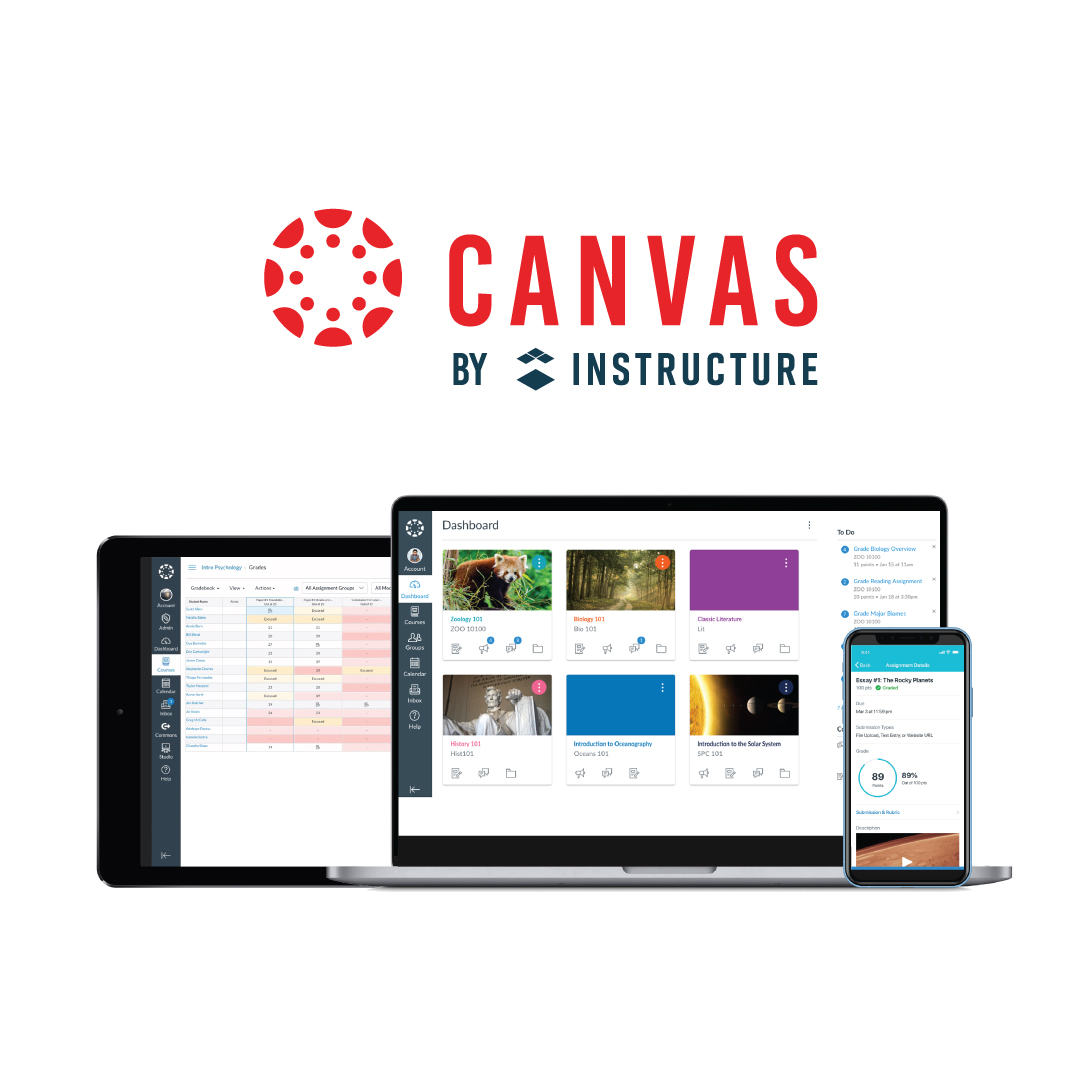
Once you log in, your dashboard displays your active courses as individual tiles or cards. If you've just registered for a class, keep in mind that rosters update automatically from PAWS every four hours. Don't panic if a newly added class doesn't appear instantly; give it time to sync, or check with your department if the delay exceeds a half-day.
Core Features and Daily Navigation
The interface relies on a global navigation menu pinned to the far left side of your screen. Mastering a few key areas keeps your semester organized:
- The Dashboard: Acts as your central landing pad, giving you a snapshot of all current subjects and quick links to recent announcements.
- The Calendar: Aggregates due dates across every class automatically. You can export this feed into your phone's calendar app so assignment alerts hit your lock screen.
- The Inbox: Provides an internal messaging system that keeps course communication separate from your regular student email inbox.
- The To-Do List: Appears on the right side of the desktop view, highlighting upcoming quizzes, discussion board posts, and paper submissions.
Instructors use different tools depending on their discipline. Science labs might lean heavily on multimedia module pages, while humanities courses emphasize threaded discussions and peer review assignments.
Mobile Learning and Offline Access
You aren't tied to a desk to stay on top of coursework. The mobile applications for iOS and Android let you track grades, submit files, and chat with classmates on the go.
When setting up the app for the first time, search for "University of South Alabama" or "USAonline" when prompted to find the correct institution login path. A helpful feature for commuters or students with spotty Wi-Fi is offline course content synchronization. You can download full reading materials and syllabus pages while connected to campus internet, letting you review texts between classes without burning mobile data.
Fixing Common Setup and Sync Roadblocks
Small technical glitches happen to everyone. Knowing how to resolve them independently prevents missed deadlines.
- Missing Courses: If an enrolled class isn't showing up, the instructor likely hasn't published it yet. Professors control the release date of their course shells, so check your syllabus or email them directly if the semester has already started.
- Loading Errors: If pages fail to load or buttons don't respond, try clearing your browser cache or switching from Safari or Internet Explorer to an updated version of Google Chrome or Mozilla Firefox.
- Incorrect Roster Status: If you dropped a class via PAWS, it can take up to four hours for that change to reflect in your course list.
Frequently Asked Questions
How do I contact technical support if something breaks?
If you run into platform errors late at night, call the dedicated 24/7 support line at (385) 501-6525. You can also launch live chat directly from the Help menu inside your dashboard during regular hours.
Can I submit assignments directly from my phone?
Yes. The mobile application allows you to upload PDFs, documents, or photos of handwritten work straight to your assignment dropboxes. Always verify that your upload processed by checking for the confirmation timestamp.
Where can I find extra training if I'm new to the platform?
The university provides a self-paced student training course. You can self-enroll through the USAonline Current Students Portal to practice submitting mock assignments and navigating discussion boards safely before graded work is due.
Why won't a quiz or exam open for me?
Many timed assessments require an access code provided by your instructor or enforce strict availability windows. If a link appears greyed out, double-check the due date and verify that you've completed any prerequisite modules required to unlock it.



