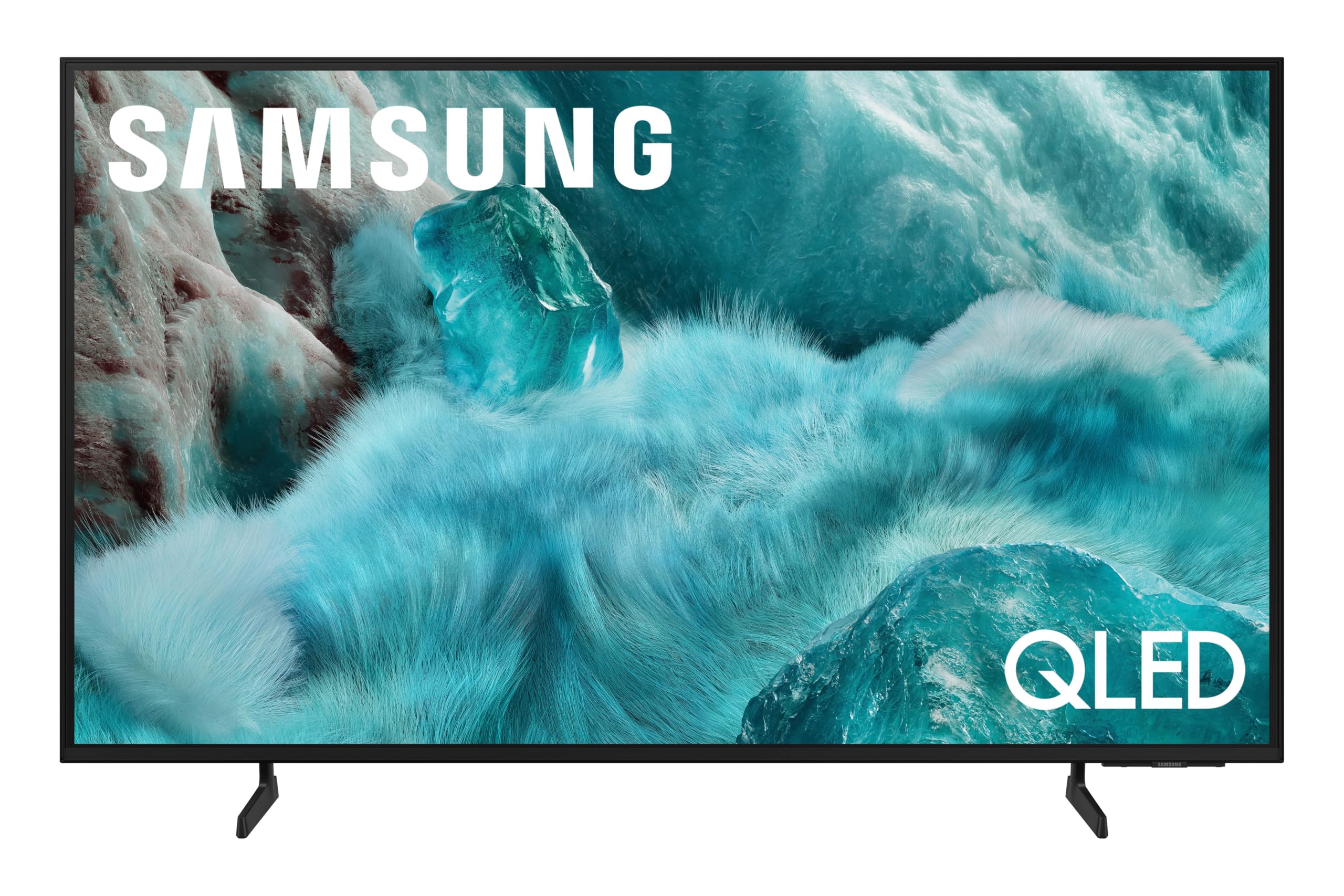
Choosing the right TV stand goes far beyond matching wood tones to your coffee table. It's about safety, proper screen height, housing bulky audio-video components, and managing a maze of cables. If you pick a stand that's too small, your screen looks unstable; if it's too high, your neck aches during movie marathons.
Let's cut through the generic advice and look at how to select, size, and style a television support system that actually fits your hardware and living room layout.
Types of TV Support Solutions
Different rooms and display habits demand distinct furniture configurations. Knowing what's available helps you narrow down options before you shop.
- Low-Profile Media Consoles: These traditional floor cabinets sit low to the ground, keeping the screen's center point at eye level. They offer the best balance of enclosed storage, shelf space, and stability.
- Floating Wall-Mounted Units: Bolted directly to wall studs, these shelves or cabinets hover off the floor. They create an airy, minimalist aesthetic and make floor cleaning easy, though wire concealment requires careful planning behind drywall.
- Integrated Mount Stands: These feature an upright metal spine attached to a base cabinet, letting you mount the TV without drilling into the wall. They often swivel, giving you flexible viewing angles from an adjacent kitchen or dining area.
- Corner TV Stands: Designed with an angled back, these fit snugly into room corners to maximize tight square footage or awkward layouts.
- Entertainment Centers: Large, wall-spanning wall units that surround the television with bookshelves, display cabinets, and closed media storage. They dominate a room visually but provide maximum storage capacity.
Sizing Your Stand Correctly
A common mistake is buying a stand that matches only the diagonal screen measurement rather than the physical width of the chassis.
Always measure the actual horizontal width of your television. For stability and visual balance, your TV stand should be wider than the television itself. Aim for an extra three to six inches of clear surface on both sides. For instance, a standard 55-inch television measures roughly 48 inches wide; placing it on a 54-to-60-inch console prevents it from looking top-heavy and leaves room for small speakers or decor.
Height matters just as much as width. When you sit on your couch, your eye line should naturally hit the lower third of the television screen, roughly 40 to 42 inches off the finished floor. Measure your seat height before buying a low-profile or high-boy console to avoid neck strain.
Managing Heat, Weight, and Cables
Modern entertainment gear generates significant heat, especially gaming consoles, AV receivers, and streaming boxes. Stuffing electronics into a tightly sealed cabinet shortens their lifespan.
- Ventilation: Look for media consoles with open backs, slatted doors, or built-in mesh panels. If you prefer solid wood doors, ensure there's enough internal breathing room and space behind the units for hot air to escape.
- Weight Ratings: Check the top surface weight capacity of any stand. While flat screens are light, older plasma displays or heavy center-channel audio speakers place substantial static loads on furniture.
- Cable Routing: Choose furniture equipped with rear cutouts or internal wire management channels. This keeps power cords and HDMI cables separate, preventing tangled wire nests that trap dust and heat.
Safety and Anchoring
Heavy furniture and flat screens present a tipping hazard, particularly if you have young children or pets.
Always secure your media console to a wall stud using an anti-tip kit, even if the television rests safely on its own pedestal base. For guidance on furniture safety standards and securing heavy objects, consult resources provided by the U.S. Consumer Product Safety Commission. If you use an integrated wall-mounting column, verify that your TV's VESA mounting hole pattern matches the bracket specifications before installation.
Frequently Asked Questions
Can I use a regular dresser as a TV stand?
You can, provided the top surface is wide and deep enough to support the television base completely without overhang. However, dressers usually sit taller than media consoles, which can elevate your screen past comfortable viewing angles. They also rarely feature built-in wire management or heat ventilation for electronics.
How do I hide cords if my TV is wall-mounted above a console?
The cleanest approach is running low-voltage pass-through brackets inside the drywall to route cables behind the wall cavity. If you rent or can't cut into drywall, use paintable surface-mount cord channels that blend into the wall color, running them straight down to the console top.
Do glass doors block remote control signals?
Standard clear glass allows infrared (IR) remote signals to pass through easily. Smoked, tinted, or frosted glass can sometimes block or weaken remote signals, though modern radio-frequency (RF) remotes and app-based controls bypass this issue entirely.
What is the VESA pattern on a TV?
It's the standardized four-hole mounting pattern on the back of a flat-screen television, measured in millimeters (such as 200x200 or 400x400). Matching this pattern ensures any third-party stand or wall mount will bolt securely to your display.



