Cutting the cord doesn't mean giving up local news, emergency broadcasts, or major sporting events. Millions of households pull in crystal-clear high-definition broadcasts for free using digital antennas, completely bypassing monthly cable bills. The secret isn't buying an expensive "200-mile" indoor piece of plastic; it's understanding how to read signal maps to target broadcast towers with absolute precision.
Finding free channels in your neighborhood starts with official transmission data rather than marketing claims. By leveraging FCC contour maps and precision compass alignment, you can map your exact line of sight to local transmitters and pick up dozens of digital networks for a zero-dollar monthly cost.
Reading TV Antenna Maps Like a Professional
Most people plug in an antenna, run a channel scan, and end up with twelve fuzzy stations because they skipped the mapping stage. Free broadcast signals travel via line-of-sight from massive regional towers. Obstacles like hills, dense tree lines, and concrete walls can block these radio waves entirely.
To bypass the guesswork, use signal mapper tools provided by platforms like Channel Master or the FreeTVMap FCC OTA Database. When you enter your exact street address rather than just a general zip code, these tools generate a detailed coverage plot.
Pay attention to three critical data points on your customized report:
- Tower Bearing: The exact magnetic compass degree where your local network antennas sit relative to your roof.
- Signal Strength Category: Stations are typically color-coded into "Strong" (green), "Moderate" (yellow), or "Weak/Fringe" (red) zones.
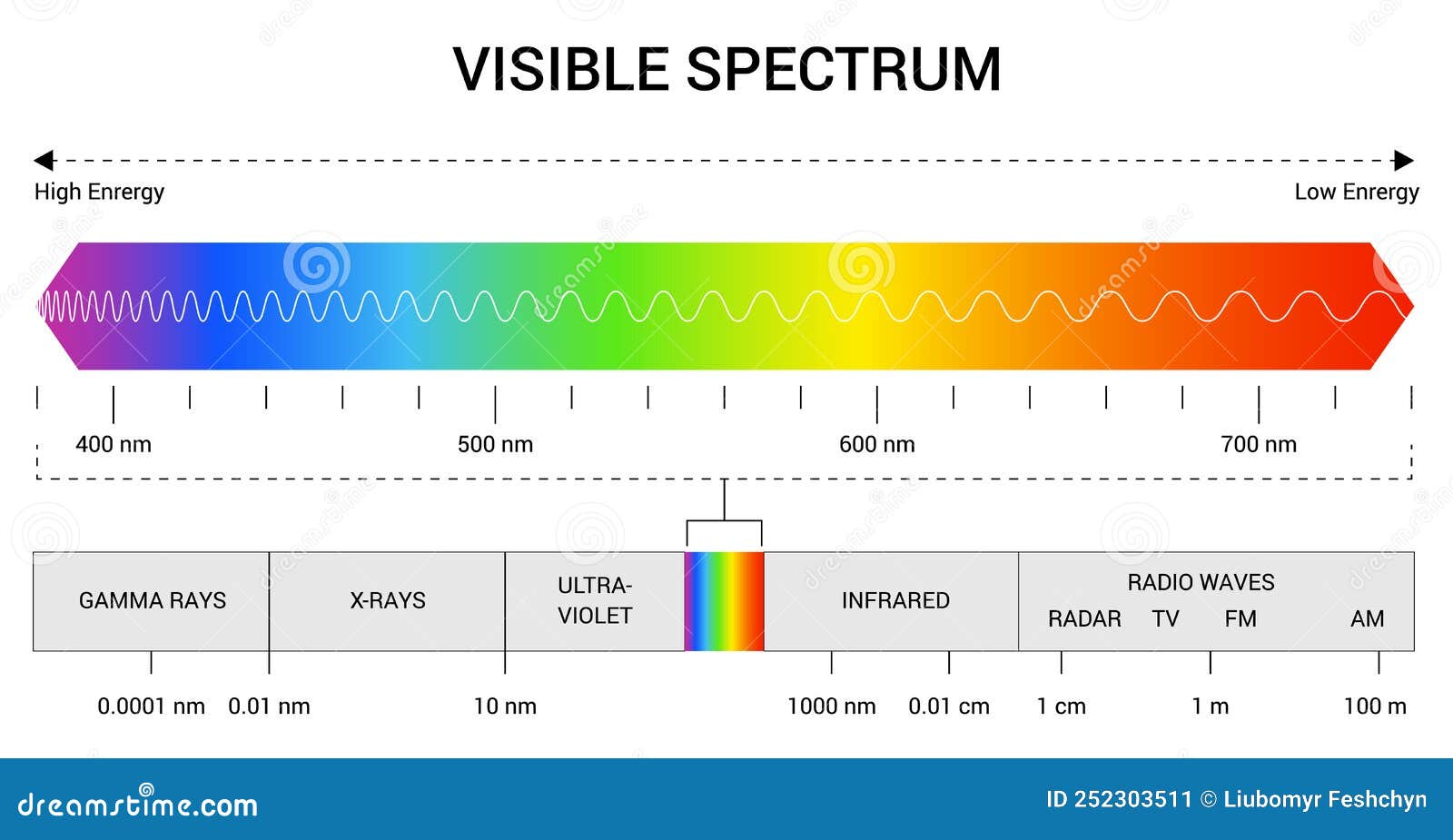
- Frequency Band: Whether a station broadcasts on UHF or VHF frequencies, which dictates the physical size and element type your antenna needs.
Choosing the Right Hardware for Your Map Profile
Once your map exposes where the towers cluster, match your hardware to the terrain. Flat, paper-thin indoor antennas work well if you live within fifteen miles of the broadcast towers with a direct line of sight. If your map shows towers clustered thirty miles away behind a ridge, an indoor patch antenna will fail.
For moderate distances or suburban interference, look toward compact outdoor or attic-mounted directional antennas. Directional models focus their reception gain in a narrow cone, rejecting multi-path reflections bouncing off neighboring buildings. If your target towers sit in two completely opposite directions, you may need a multi-directional antenna or a dedicated rotator setup.
Step-by-Step Alignment and Scanning Workflow
Precision aiming turns a mediocre signal into rock-solid 1080p video feeds. Follow this sequence to lock down your local networks:
- Set your compass: Use a physical compass or a smartphone navigation app to face the exact magnetic degree highlighted by your tower map.
- Mount temporarily: Before drilling holes into your siding or roof, test the antenna near a second-story window or high on an exterior wall facing the tower direction.
- Run a clean channel scan: Connect your coaxial cable directly from the antenna to your television's tuner. Enter your television settings and select Air or Antenna mode—never select Cable, or your tuner will ignore digital broadcast frequencies.
- Fine-tune by increments: If major networks like ABC or CBS fail to appear, rotate your antenna ten degrees left or right, then perform a fresh channel scan. Digital tuners require a complete rescan every time the physical orientation changes.
Common Antenna Mistakes to Avoid
Avoiding rookie setup errors saves hours of frustration and prevents unnecessary equipment returns.
- Falling for mileage scams: Ignore any box claiming an indoor antenna pulls in channels from 200 miles away. Earth's curvature limits direct line-of-sight broadcast reception to roughly 60-70 miles under ideal flat conditions.
- Ignoring VHF frequencies: Many important network affiliates still broadcast on VHF channels (RF channels 2 through 13). Ultra-thin flat plastic antennas often lack the physical metal dipoles required to capture VHF waves, leaving you without key local stations.
- Routing through old splitters: Old multi-room cable splitters and damaged wall plates degrade weak over-the-air signals. Always test your antenna with a direct, single run of high-grade RG6 coaxial cable before splitting feeds across multiple rooms.
Frequently Asked Questions
Are over-the-air antenna channels truly free?
Yes. Broadcast stations use public airwaves licensed by government regulatory agencies. Anyone with a compatible television and antenna can receive these broadcasts indefinitely without subscriptions, internet connections, or monthly fees.
Why does my TV display a different channel number than the map?
Virtual channel mapping allows stations to keep their historic branding numbers. For instance, a station might broadcast physically on UHF RF channel 24, but your television screen displays it as channel 5.1. Signal mappers list the true RF channel so you can verify your antenna supports that specific frequency band.
Do I need a special antenna for HD or NextGen TV?
Any standard digital antenna manufactured for UHF and VHF reception handles high-definition (HD) broadcasts seamlessly, because all modern digital TV signals are transmitted in HD. NextGen TV (ATSC 3.0) broadcasts utilize the same physical antenna hardware, though you need a television or external tuner box equipped with an ATSC 3.0 decoder chip to process those specific signals.
How much does weather affect my antenna reception?
Heavy thunderstorms, dense atmospheric pressure shifts, and wet foliage can temporarily attenuate radio frequency signals. If your signal strength sits right on the edge of the reception threshold, heavy rain might cause pixelation or temporary dropouts. Elevating your antenna higher above ground-level obstructions minimizes weather interference.