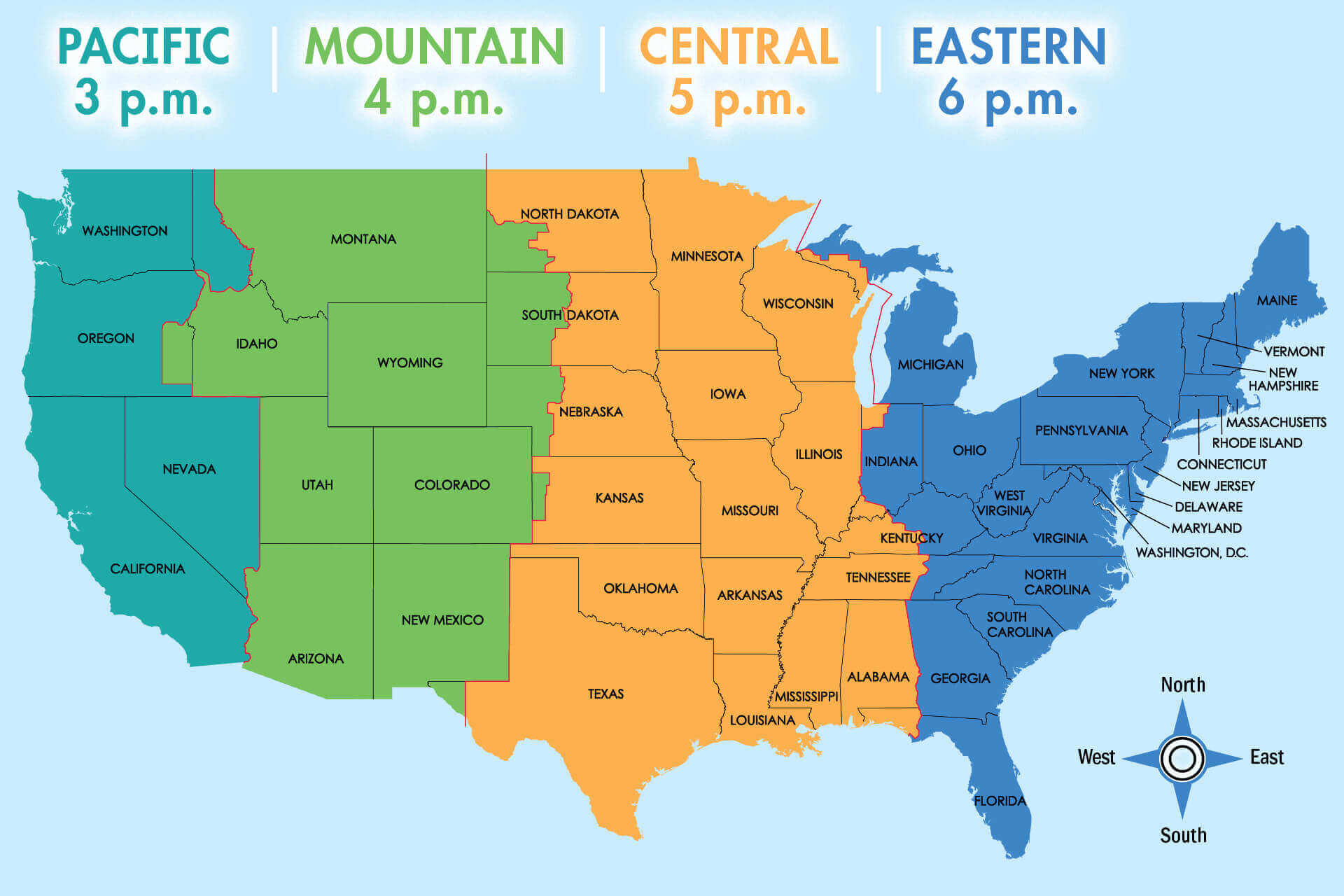
Coordinating across different time zones often feels like trying to hit a moving target. When you're logging on for your morning coffee, a teammate halfway across the planet is wrapping up their evening. Relying on mental math or quick web searches to figure out if someone is awake leads to missed messages and delayed decisions. Modern chat applications now build timezone awareness directly into the interface to solve this exact friction point.
Understanding how timezone chat features and structural strategies bridge global gaps transforms how distributed teams operate. Instead of letting time differences become an invisible bottleneck, you can implement specific communication rhythms and interface habits that keep projects moving 24 hours a day.
The Mechanics of Timezone Chat Features
Most messaging platforms treat all timestamps as identical, displaying when a message was sent according to the viewer's local clock. While clean, this setup hides critical context. If you see a message sent at 3:00 AM, you don't instantly know if the sender is an early bird or burning out on a late-night shift.
Platform designers have introduced native timezone sharing mechanisms to fix this. These tools display subtle indicators—such as a small local clock icon, a live offset indicator like GMT-4, or a dedicated sticky header in the chat window.
- Contextual Timestamps: Showing both the sender's local time and the recipient's local time reduces calculation errors.
- Passive Availability Indicators: Subtle badges show whether a contact is currently in their standard working hours, resting, or offline.
- Smart Scheduling Prompts: When typing a message outside a contact's working hours, some chat tools prompt you to schedule delivery for the start of their next business day.
When you open a chat thread and immediately see that your colleague is six hours ahead, you instinctively adjust your expectations. You know whether to expect an instant reply or to frame your message as an asynchronous brief.
Core Strategies for Cross-Border Coordination
Technology helps bridge the gap, but tools alone won't fix a broken workflow. Global teams need explicit operating rules to manage hours effectively.
Establish a Shared Overlap Window
Even the most asynchronous teams benefit from a brief daily anchor. Identify a narrow window—typically two to four hours—where distinct time zones intersect. Use this window strictly for real-time collaboration, complex problem-solving, and live syncs.
Rotate Meeting Burdens Fairly
If your team spans North America, Europe, and Asia, a permanent 7:00 AM meeting always punishes the same group. Track meeting schedules across quarters and rotate the timing so that off-hours calls are distributed evenly. Transparency here prevents resentment from building up in specific regions.
Shift From Synchronous to Written Defaults
Defaulting to instant messaging for every minor question creates constant interruptions. High-performing distributed teams write down decisions in shared documents, project management boards, or threaded chat replies rather than fleeting direct messages.
- Document project specs where anyone can read them regardless of geography.
- Record video summaries of key decisions so teammates waking up later can catch up quickly.
- Treat the absence of an immediate reply as normal behavior outside core overlap hours.
Common Pitfalls in Global Team Communication
Even well-intentioned teams fall into predictable traps when managing multi-time-zone communication. Recognizing these missteps helps you course-correct before burnout sets in.
- Always accommodating the headquarters: Forcing remote employees in distant regions to constantly adapt to central office hours leads to high turnover and exhaustion.
- Over-relying on live chat: Using instant messaging for everything destroys deep work blocks and forces people to monitor screens around the clock.
- Ignoring local holidays: Scheduling critical launches or syncs on regional holidays alienates team members and halts momentum. Maintain a shared calendar that automatically pulls in international holidays.
Frequently Asked Questions
How do I stop constantly calculating time differences in my head?
Set up a secondary world clock widget on your operating system or use dedicated browser tools like the Time and Date Meeting Planner to keep your primary collaborators' local times visible at a glance.
What is the ideal overlap window for teams spread across three continents?
Aim for a two-to-four-hour window that requires the least absolute burden. It won't be perfect for everyone, but it provides enough live runway for urgent decisions without forcing anyone into midnight shifts.
How do we handle urgent issues outside of working hours?
Define what constitutes a genuine emergency. For true system outages or critical blockers, use dedicated paging tools with explicit on-call rotations. For normal project questions, enforce an asynchronous queue so off-duty staff can rest.
Can asynchronous communication completely replace live meetings?
Not entirely, but it can reduce live meeting volume by up to seventy percent. Reserve live video calls strictly for alignment, team bonding, and complex design sessions that require rapid back-and-forth iteration.