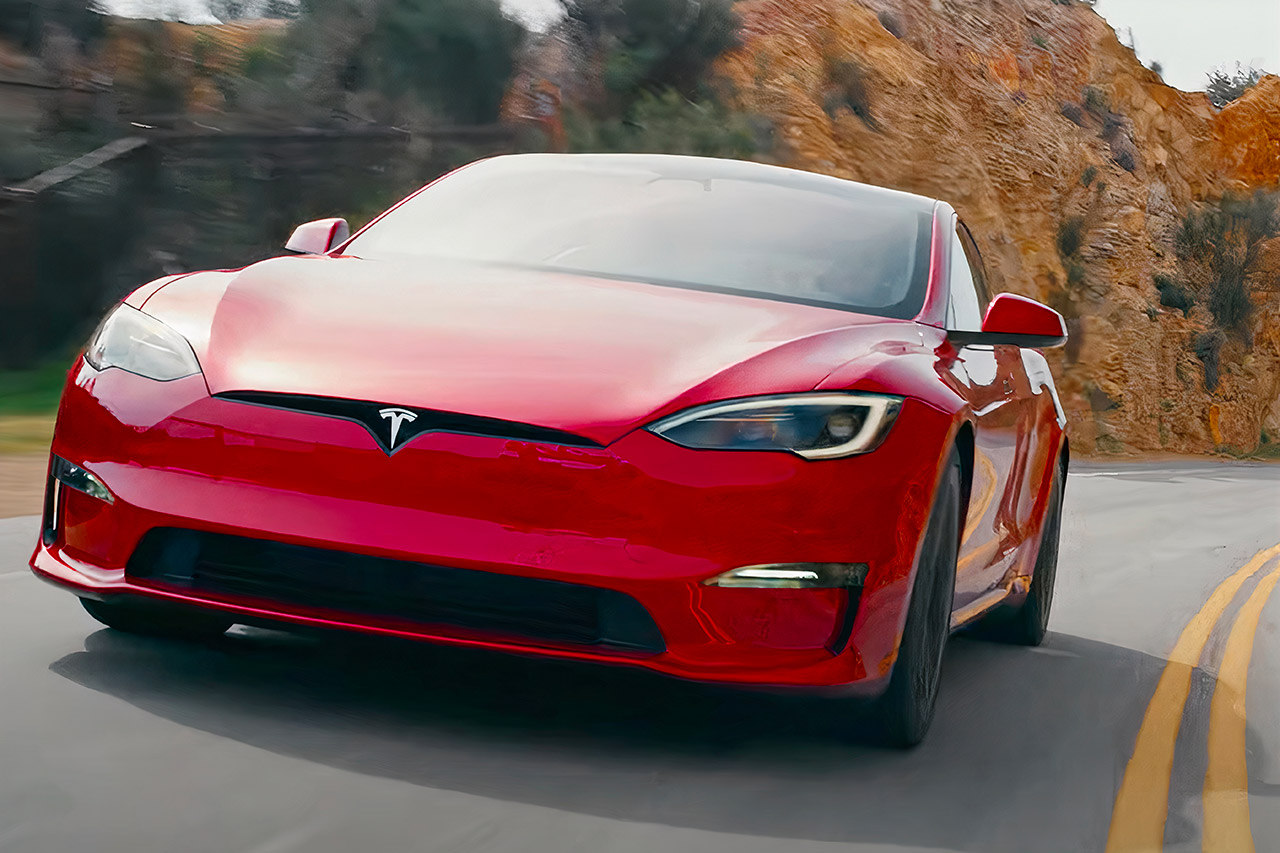
Navigating Tesla's software options can get confusing, especially when public discussions mix up driver-assistance capabilities with true automation. Many drivers search for information on activating Level 3 autonomy in a Tesla, expecting hands-free, eyes-off-the-road travel. Clarifying how these systems actually function helps you understand what your car can and cannot do, preventing dangerous misinterpretations on public roads.
Tesla's Full Self-Driving (Supervised) software operates strictly as a Level 2 partial automation system. It steers, accelerates, and brakes on its own, but it doesn't make the vehicle autonomous. You remain the legal driver at all times, meaning you must watch the road continuously and take over immediately when required.
Understanding the SAE Autonomy Scale
The Society of Automotive Engineers (SAE) defines six distinct tiers of vehicle automation, ranging from zero automation to full self-driving capability. Knowing these classifications prevents costly and dangerous mistakes regarding safety expectations.
- Level 0 (No Automation): The human performs all driving tasks, steering, and braking, though safety alerts like emergency braking might be active.
- Level 1 (Driver Assistance): The car handles either steering or acceleration/braking individually, such as standard adaptive cruise control.
- Level 2 (Partial Automation): The system manages steering and speed simultaneously. You must keep your eyes on the road and remain ready to intervene instantly. Tesla FSD fits here.
- Level 3 (Conditional Autonomy): The vehicle handles the entire driving task under specific conditions. You can legally look away or engage in secondary tasks, provided you take over when the system requests it.
- Level 4 and Level 5 (High to Full Automation): The car operates independently within defined zones or anywhere globally without needing a human driver present.
Why Tesla FSD Remains Level 2
Tesla achieves remarkable urban navigation, automated lane changes, and intersection handling, which often leads to confusion. However, software classification depends on liability. Because FSD requires constant human supervision and can encounter edge cases it cannot resolve independently, liability stays with the person behind the wheel. True Level 3 systems shift legal responsibility to the manufacturer while active, a threshold Tesla has not deployed for consumer purchase.
Step-by-Step Guide to Enabling FSD (Supervised)
If your vehicle has the appropriate hardware package and an active software subscription or purchase, you can enable and configure the system through your Tesla Support interface.
- Complete the Safety Prerequisites: Modern software builds require you to watch an introductory tutorial and complete a brief knowledge check accessible directly inside your vehicle's Self-Driving app or display menu.
- Access Autopilot Settings: Tap Controls on your touchscreen, then select Autopilot or Self-Driving to adjust your preferences.
- Configure Driving Profiles: Choose your preferred driving style, such as Chill, Standard, or Aggressive/Hurry, which dictates how quickly the vehicle accelerates and executes lane changes.
- Activate on the Road: Once driving on a mapped road, enter your destination into the navigation system. Pull down once on the gear stalk or press the right scroll wheel button on the steering wheel to engage the system.
Monitoring Driver Attention
Tesla uses the cabin camera mounted above the rearview mirror to track driver attentiveness. The system checks if your eyes remain directed toward the road ahead.
- Wearing sunglasses doesn't necessarily block the infrared sensors, but looking down at a mobile device triggers immediate audio-visual warnings.
- Ignoring repeated dashboard alerts causes the system to issue a lockout penalty, disabling FSD for the remainder of that drive trip.
- Consistently ignoring prompts can lead to a temporary or permanent feature suspension under Tesla Vehicle Safety Guidelines.
Common Mistakes to Avoid
Misusing driver-assistance features creates severe safety hazards. Avoid these frequent errors:
- Treating Level 2 like Level 3: Never look away to read, text, or sleep. You are legally and physically responsible for every movement the car makes.
- Neglecting Road Conditions: FSD struggles during heavy downpours, blinding direct sunlight, heavy snow, or in active construction zones where lane markings change abruptly.
- Overriding Safety Prompts: Do not use aftermarket steering wheel weights designed to trick the torque sensor. Tesla explicitly prohibits physical gimmicks, which result in permanent feature bans.
Frequently Asked Questions
Can my older Tesla be updated to support Level 3 autonomy?
No. Hardware limitations on legacy vehicles mean they lack the sensor suites and computing power required for advanced automation certification, even if software packages receive updates.
Why does the car suddenly slow down or disengage?
The system disengages if it detects unexpected obstacles, worn lane lines, unmapped road changes, or if your hands leave the steering wheel without slight torque input. It also drops out immediately if you step on the brake or manually adjust the steering wheel.
Does FSD require an internet connection to function?
While real-time traffic data and route updates require cellular connectivity, the neural networks processing local environments run on the car's onboard computer via Edge AI architecture.
Is autopilot included standard with every new vehicle?
Basic traffic-aware cruise control and autosteer come standard, but Full Self-Driving (Supervised) requires an upfront purchase option or a recurring monthly software subscription.



