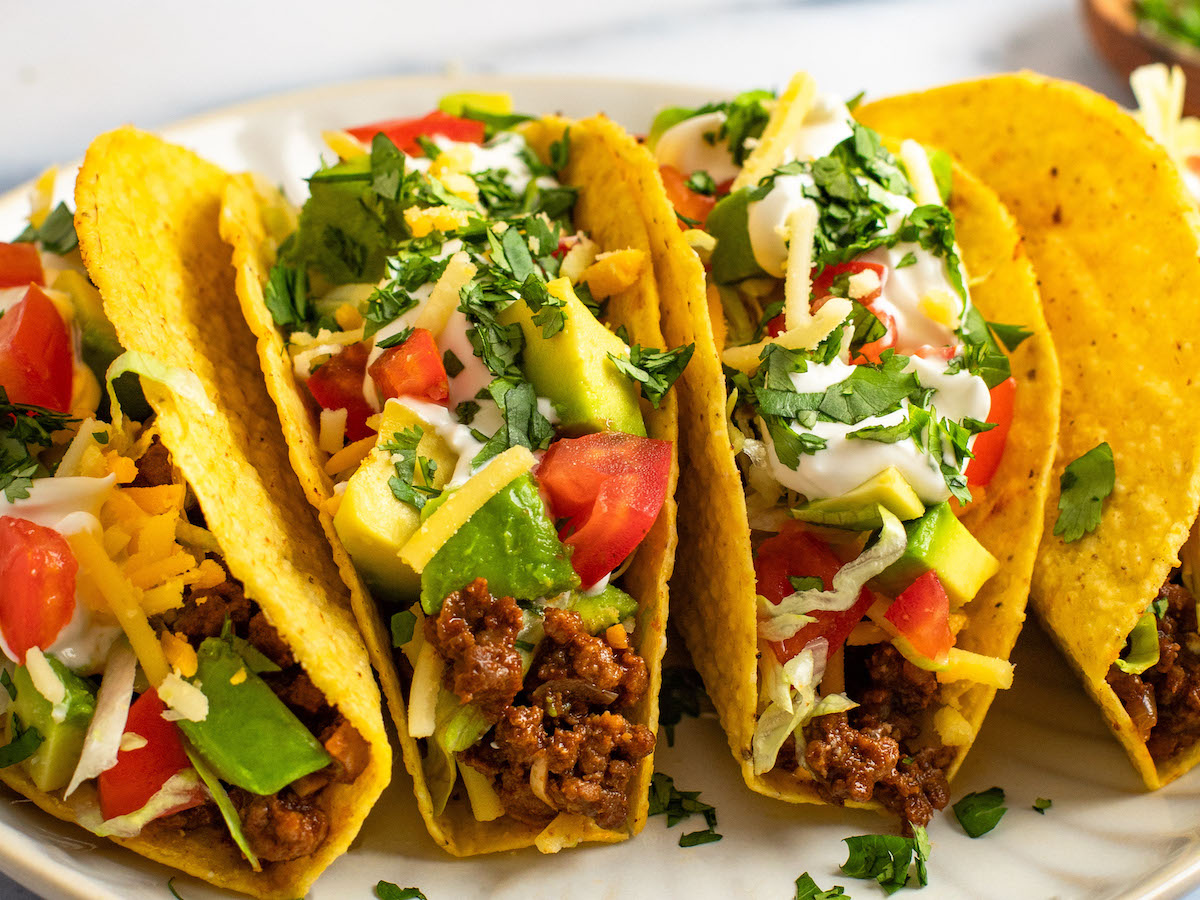
Finding a Taco Bell near me used to mean sitting in a long drive-thru lane or repeating a complicated custom order to a tired cashier. Today, ordering through a smartphone changes how fast-food transactions work. The official mobile app turns a standard menu into an adaptable platform where you can swap ingredients, stack loyalty points, and bypass the counter entirely.
If you're tired of waiting in line or paying unexpected upcharges on third-party delivery aggregators, setting up the native ordering software saves both time and money. This guide covers how the platform functions, how to maximize rewards, and how to avoid common digital ordering pitfalls.
Getting Started With the App
Downloading the application is straightforward, but setting up your profile correctly determines whether you get the most value out of your orders.
- Download and Install: Find the official Taco Bell application on the Apple App Store or Google Play Store. Avoid third-party wrappers or unofficial map shortcuts that charge extra fees.
- Create an Account: Register with an active email address and phone number. Don't skip this step if you want to earn loyalty points. Guest checkouts miss out on automated rewards tracking.
- Set Your Location: Enable location services so the app automatically maps your closest restaurant, displaying accurate local pricing, drive-thru availability, and inventory notes.
- Save Payment Info: Link a credit card, PayPal, or Venmo account. Saving a default payment method speeds up checkout when you're ordering lunch during a rushed break.
Core Features and Customization Controls
The main advantage of using the mobile platform isn't just skipping the queue—it's having total control over food modifications without miscommunication at the speaker box.
Deep Customization and "Make It Fresco"
Ordering custom items at the drive-thru often leads to mistakes. The app maps out every ingredient layer. You can add extra sauces, remove sour cream, or swap beef for black beans with a couple of taps. Features like "Make It Fresco" let you replace dairy-based sauces and mayo with freshly diced tomatoes in one tap, making modifications painless.
Pickup Options: In-Store Versus Drive-Thru
When you submit an order, the system gives you flexibility on how to collect it. You can select in-store pickup to grab your bag from a designated shelf, or choose drive-thru pickup. If you use the drive-thru lane, you simply pull up to the speaker, provide your name or order number, and keep moving.
Saving Favorites and Quick Reordering
If you order the exact same combination meal every Tuesday, you don't need to rebuild it from scratch. The app saves your past orders and custom configurations under a dedicated favorites tab. Reordering takes less than ten seconds.
Maximizing the Taco Bell Rewards Program
The loyalty program uses a tiered structure designed to reward frequent visitors with free food and exclusive drops. Understanding how points accrue helps you turn late-night cravings into free meals.
- Hot Tier Status: Every dollar you spend on qualifying menu items earns you 10 points. Once you hit 250 points, you unlock your first set of reward choices, ranging from tacos to burritos.
- Fire! Tier Status: Accumulating 2,000 points pushes you into the highest tier. At this level, your point multiplier increases, and you gain entry to exclusive digital drops, early product testing, and member-only voting ballots for future menu items.
- Welcome Rewards: New accounts typically trigger a welcome offer (such as a free select item) upon signup, though you usually have a 14-day window to redeem it before it expires.
Common Mobile Ordering Mistakes to Avoid
Even though the software is designed to be user-friendly, small oversights can ruin a quick lunch run. Keep these pitfalls in mind:
- Checking In Too Early: Don't tap "I'm Here" while you are still sitting ten minutes away in traffic. The kitchen fires your hot food immediately upon your arrival check-in to ensure it stays fresh, so checking in too early means your food sits under heat lamps.
- Ignoring Location Discrepancies: If you travel across town, double-check your selected store location before paying. Ordering from a restaurant 15 miles away while standing in a different neighborhood happens more often than you'd think.
- Missing Limited-Time Drops: Exclusive passes, such as the Nacho Fries Pass, run for strict limited windows and must be purchased or claimed inside the app. Check the app's home screen banner weekly so you don't miss short-lived promotions.
Frequently Asked Questions
Can I earn rewards if I order at the restaurant kiosk or drive-thru?
Yes. If you log into your account on the in-store ordering kiosk, or scan your app's check-in barcode at the drive-thru speaker before paying, your purchase will track points toward your account balance.
Why is my local menu showing different prices than advertised online?
Franchise locations set their own local pricing based on operating costs, local supply chains, and regional taxes. The app updates pricing automatically once your specific store location is locked in.
How do I apply a discount or promotional reward to my cart?
Navigate to the "Rewards" or "Offers" tab before checking out. Select the specific reward you want to use, and click "Apply to Order." The discount will deduct automatically from your subtotal on the payment screen.
Can I split payment between a gift card and a credit card?
Yes. If your gift card balance doesn't cover the total cost of your order, the app prompts you to reload the gift card or apply a secondary saved credit card, PayPal, or Venmo account to cover the remaining balance.



