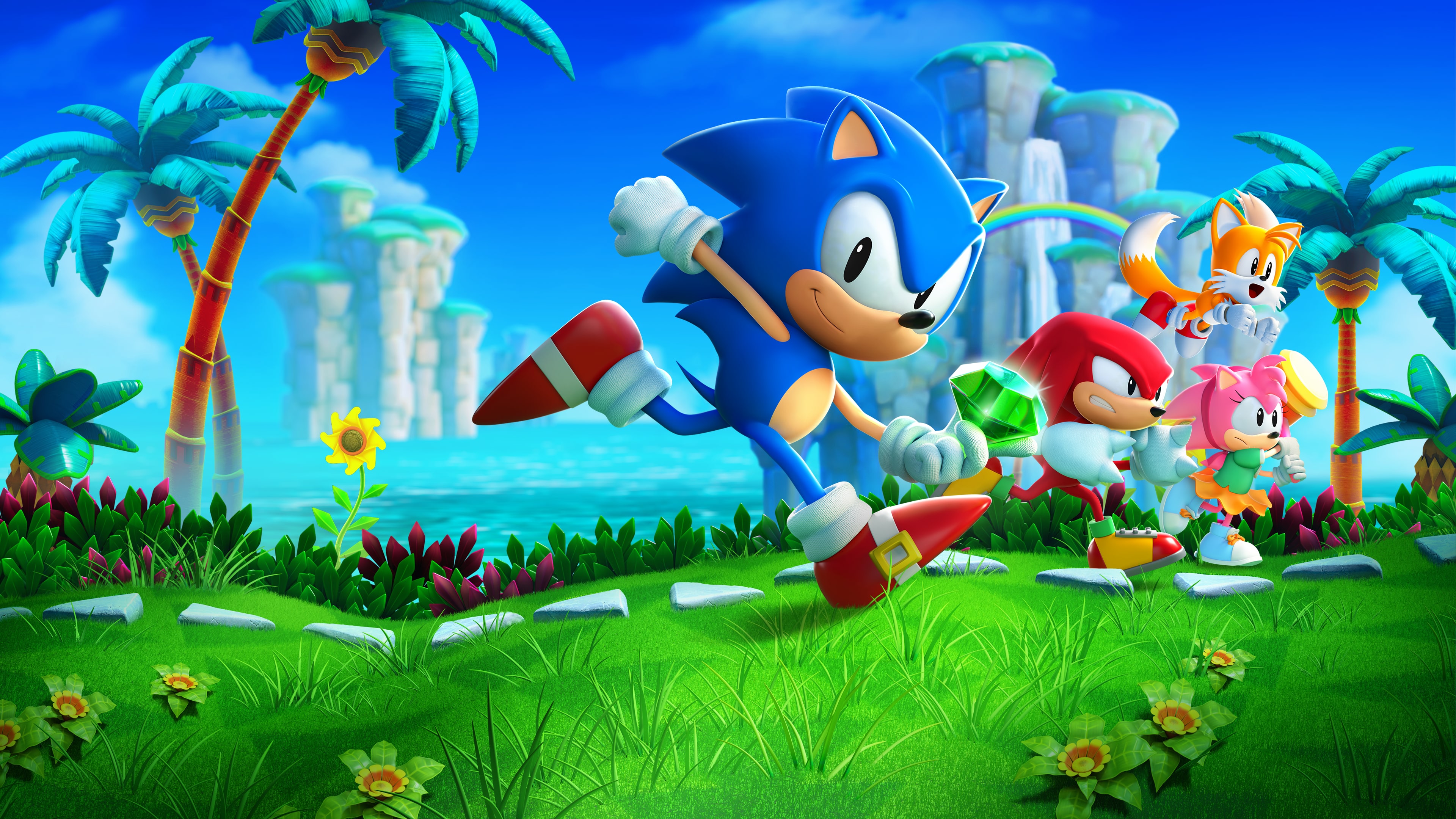
Customizing Sonic 3 A.I.R. (Angel Island Revisited) transforms the classic 1994 platformer into a modern, highly personalized experience. Whether you want to swap out character sprites, tweak physics, or inject total conversion levels, the active modding ecosystem offers endless options. This guide walks through installing and managing enhancements for your setup without the usual headaches.
Finding the right files and configuring your directory correctly ensures everything runs smoothly. Let's look at how to get your game modified, what tools you need, and how to avoid common pitfalls that break scripts.
Setting Up Your Modding Environment
Before dropping custom assets into your directory, you need a clean foundation. Sonic 3 A.I.R. requires a legally obtained ROM file of Sonic 3 & Knuckles—such as the version available on Steam—to extract necessary game assets upon first launch. Once your base installation runs cleanly, locating your designated user files folder is your next step.
Most modifications live inside the mods subdirectory of your main game installation path. If you're on Windows, you can also access your profile directory via your documents folder.
- Create a folder inside
mods/for each individual download. - Keep folder names short and free of special characters to prevent script read errors.
- Ensure each mod folder contains its own
mod.jsonconfiguration file so the game engine recognizes it.
Installing Character and Sprite Overhauls
Visual updates are among the most popular community creations. You can swap standard character animations for retro styles, alternate sprites, or entirely different protagonists. Head over to community hubs like GameBanana to source verified community creations.
Unzipping your downloaded archive directly into the mods folder is standard practice. After moving the files, launch the game, open the main menu options, and navigate to the Mod Management screen. Here, you'll see a list of all detected folders. Use your keyboard or controller to toggle them active.
Ordering matters if you run multiple graphic patches simultaneously. If two texture packs modify the same character frames, place the preferred pack lower in your active list so it overrides conflicting assets.
Script Mods and Gameplay Tweaks
Beyond visual skins, script-based add-ons change how physics, items, and levels behave. These modifications alter game logic by running custom code through the engine's built-in interpreter.
When installing script-heavy add-ons, always check the compatibility notes. Engine updates roll out periodically, and older scripts might use deprecated functions that trigger crashes on startup. If a script fails, check the crash log located in your game directory to identify which line or file caused the exception.
- Download the script mod archive from a trusted community repository.
- Extract the package into its own dedicated folder under
mods/. - Boot the game and enable the script in the mod selection menu.
- Test a short stage, such as Angel Island Zone Act 1, to verify that inputs and custom variables register properly.
Troubleshooting Common Mod Conflicts
Modding retro engines can occasionally produce visual glitches, missing audio tracks, or sudden fatal errors. Knowing how to diagnose these issues saves time and frustration.
If your game crashes immediately upon loading a save file, a background script conflict is usually the culprit. Disable your active mods one by one to isolate the broken package. For graphical tearing or strange sprite alignment, switching your video renderer in the settings menu from standard to OpenGL software often resolves frame rendering bugs.
Always back up your native save files before experimenting with heavy total-conversion mods or experimental scripting packages.
Frequently Asked Questions
Do I need the original ROM to use mods?
Yes. The engine requires a valid base ROM file to extract background tiles, audio assets, and original level data before any community modifications can apply their changes.
Can I use controller mapping with modified builds?
Absolutely. The engine features native controller support that works seamlessly alongside custom graphic and audio add-ons without requiring external remapping software.
Why won't my enabled mod appear in-game?
Check your folder structure. If the mod.json file is buried two folders deep inside a nested directory instead of sitting right at the root of the specific mod folder, the game engine won't detect it.
Are these modifications safe for my computer?
Files sourced from established community hubs are vetted by moderators. Always download from reputable hubs rather than unverified third-party link aggregators to keep your system secure.



