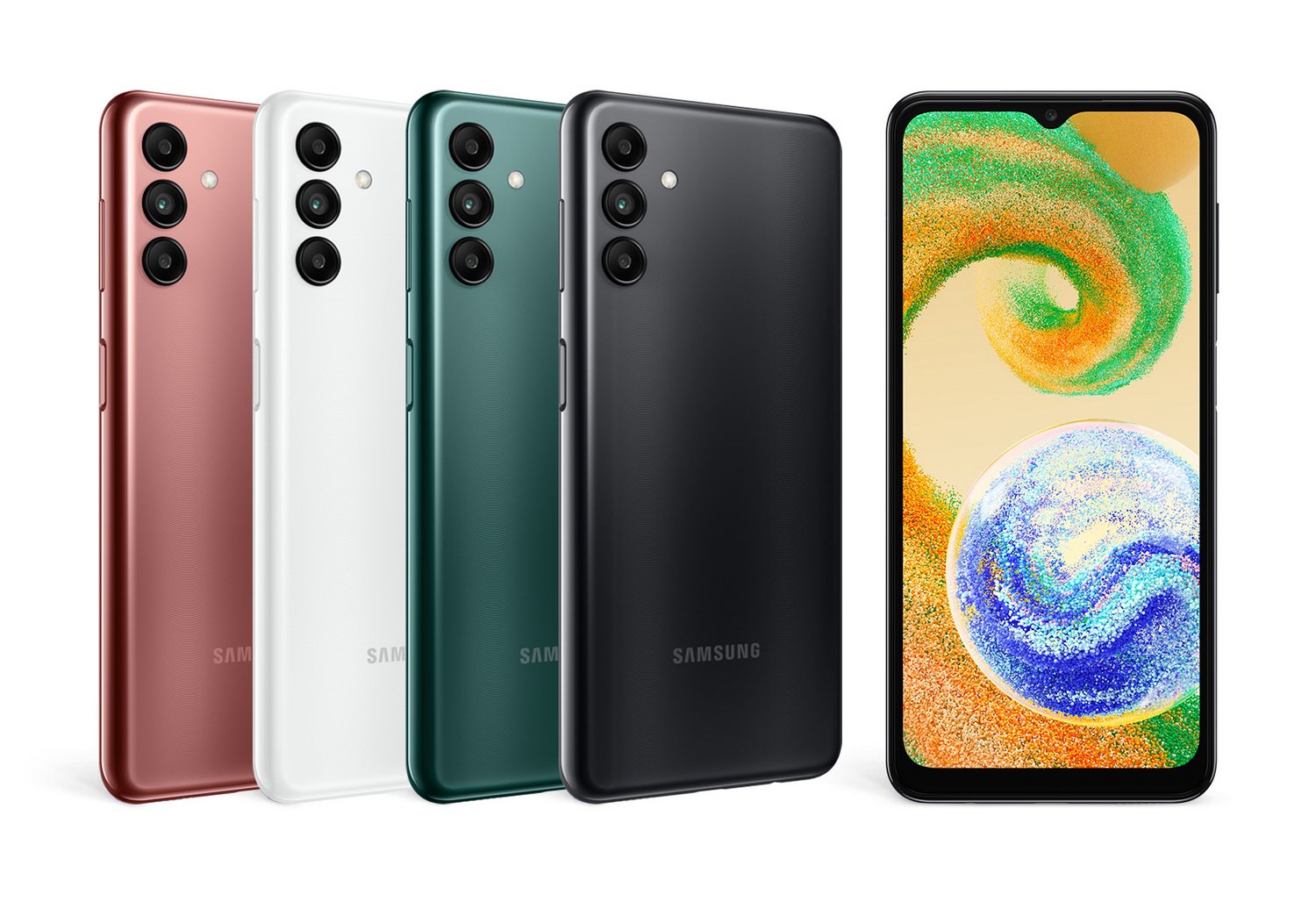
When a Galaxy phone freezes, a smart TV refuses to connect to Wi-Fi, or an appliance throws an error code, you need a fix fast. Getting help through official channels shouldn't feel like a puzzle. Whether you're dealing with a cracked screen, a software glitch, or a warranty claim, navigating the support ecosystem effectively saves you hours of frustration.
Samsung provides multiple tiers of assistance, ranging from automated self-service databases to direct human support via phone, live chat, and authorized service centers. Knowing which channel to use for your specific problem cuts your wait time down significantly and gets your hardware back up and running.
Navigating the Self-Service Knowledge Base
Before picking up the phone or waiting in a chat queue, you can solve most common software and configuration issues using Samsung's digital self-help tools.
The official Samsung Support portal hosts an extensive database of manuals, software updates, and step-by-step troubleshooting articles tailored to specific model numbers.
To make the most of online resources, follow this approach:
- Locate your exact model code in your device settings or on the physical back label. Generic searches yield generic answers.
- Type specific symptoms into the search bar, such as "battery draining fast after update" rather than just "battery issue."
- Check the device-specific community forums for peer-verified workarounds if official guides fall short.
Self-help works best for software settings, pairing accessories, network configurations, and basic app crashes. If your hardware is physically damaged, automated troubleshooting won't help, and you'll need to escalate.
Direct Contact Channels: Phone, Chat, and Text
When self-service isn't enough, you need to talk to a human. Samsung operates several direct communication lines, though availability and response speeds vary depending on the time of day and device type.
- Phone Support: You can call the main customer service line at 1-800-726-7864 in North America. This line operates around the clock, but calling during off-peak hours—like Tuesday or Wednesday evenings—results in shorter hold times.
- Live Chat: Accessible directly through the support website, chat connects you with a digital assistant that can transition you to a live agent. Chat is ideal for multitasking or handling account-specific queries like Samsung Cloud or store orders.
- Text Support: Texting options are available for quick, text-based troubleshooting without needing to stay tethered to a browser window.
When you connect with an agent, bypass the runaround by having your details ready. Always have your serial number or IMEI number, proof of purchase, and a brief written summary of the problem and troubleshooting steps you've already tried.
Managing Repairs and Warranty Claims
If your device requires physical repair, you have a few pathways depending on your warranty status and location.
For devices under standard warranty or covered by Samsung Care+, you can schedule a mail-in repair or check if an authorized walk-in service center is near you. Major cities often feature Samsung Experience Stores or authorized repair partners that can fix mobile screens and batteries within a few hours.
If your device is out of warranty, repair costs come out of pocket. Always check screen replacement pricing and out-of-warranty repair estimates on the official Samsung Repair Service page before mailing your device in, as repair fees occasionally approach the current market value of older hardware.
Common Mistakes to Avoid When Seeking Help
People often waste hours dealing with support because of a few avoidable missteps. Keep these pitfalls in mind to streamline your experience:
- Skipping basic troubleshooting before contacting support. Agents will always ask if you've restarted the device or checked for updates. Do this first so you can skip the script.
- Forgetting to back up your data. If you send a phone or tablet in for repair, technicians often perform a factory reset. Always back up your files to cloud storage or a PC beforehand.
- Using general residential support lines for enterprise or business-tier displays. If you manage corporate hardware, use dedicated business channels to reach specialized technicians immediately.
- Trusting unofficial third-party repair forums blindly. Modifying system files based on unverified advice can permanently brick your device and void remaining warranties.
Frequently Asked Questions
What should I have ready before contacting Samsung support?
Have your device's exact model number, serial number (or IMEI for phones), proof of purchase, and a clear description of the issue. Having these ready prevents delays during verification.
How do I bypass the automated phone tree to reach a human?
When the automated voice prompt answers, clearly state your issue, or repeatedly say "representative" or "agent" until the system routes your call to a human support specialist.
Are software updates covered under warranty?
Yes. Software troubleshooting, firmware updates, and factory defects are covered under the standard manufacturer warranty during its active period. Physical damage and liquid damage are excluded unless you have accidental coverage like Samsung Care+.
Can I track the status of my repair online?
Yes. Once you submit a repair request or mail your device into an authorized center, you receive a case ID. You can plug this tracking number into the repair portal on the official support site to monitor progress in real time.



