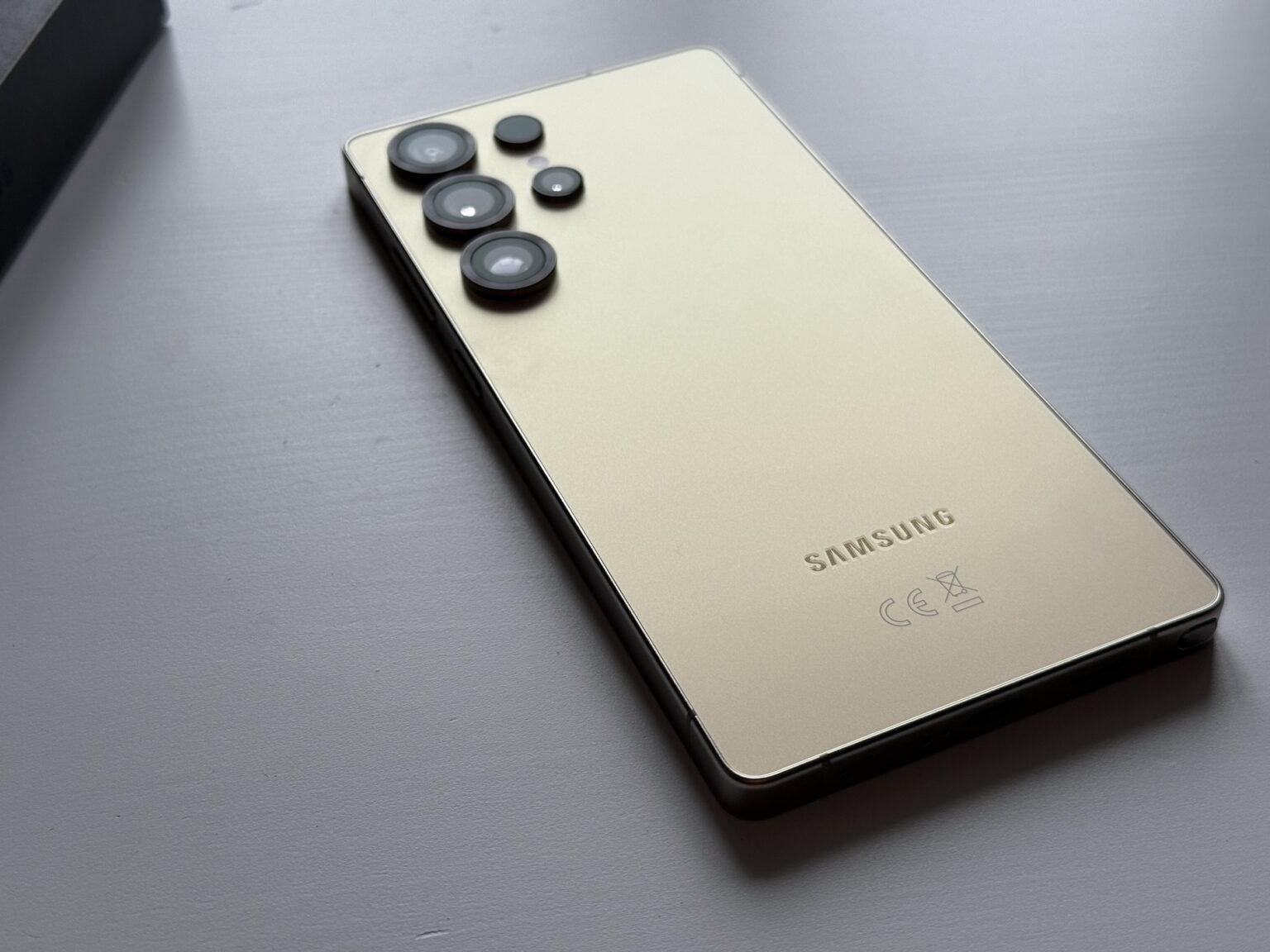
When your Samsung Galaxy S10 goes completely black after an impact, panic usually sets in immediately. You might hear notifications chime or feel the phone vibrate, proving the internal operating system is active, yet the display remains lifeless. This frustrating malfunction typically stems from a loose display ribbon cable, a severe firmware crash triggered by the physical shock, or internal AMOLED panel destruction.
Diagnosing the issue requires separating superficial software freezes from physical hardware failures. If the phone's logic board and internal connections survived the fall, targeted troubleshooting can bring the display back or at least let you extract your data safely.
Diagnosing the Drop Impact
Before attempting any repairs, evaluate the physical state of your device. A black screen isn't always uniform; its origin dictates whether you can fix it at home or if you need a professional hardware replacement.
External Glass vs. Internal AMOLED Damage
The Galaxy S10 uses a flexible Dynamic AMOLED display fused directly with the touch digitizer. Unlike older LCD screens that might show cracks while keeping the backlight functional, AMOLED panels react differently to blunt force.
- The Ink-Splatter Effect: If you see purple or black bleeding patches under the glass before the screen goes entirely dark, the organic light-emitting diodes have ruptured. No software reset will fix this; the panel is dead.
- Pristine Glass, Black Display: If the outer Gorilla Glass looks entirely unblemished but the screen won't turn on, the drop likely shock-disconnected the internal display ribbon cable from the motherboard.
- The Ghost Phone Syndrome: If the LED notification light pulses, alarms go off, or your computer recognizes the device via USB, your core processor and battery are fine. The display pipeline is simply broken.
Immediate Software and Power Resets
Physical shocks frequently trigger sudden kernel panics or power management IC freezes. Before assuming the worst, force the device to reboot its hardware states.
Executing a Hard Reset
A standard restart requires touching the screen, which is impossible here. You need a button combination to cut power directly.
- Locate the Power button and the Volume Down button on the sides of your Galaxy S10.
- Press and hold both buttons simultaneously for at least 15 to 20 seconds.
- Keep holding until you feel a sudden vibration or see the Samsung Galaxy logo appear.
- If the phone boots up normally, the drop caused a temporary firmware lockup.
Clearing Static Charge and Battery Drain
Sometimes a drop causes a partial short circuit, forcing the phone into a protective shutdown loop.
- Plug the phone into an official Samsung wall charger for at least 30 minutes. Let it sit undisturbed, as a dead battery combined with a crash will refuse to show the charging animation.
- If the phone becomes unusually hot near the camera module while plugged in, unplug it immediately. This indicates a shorted internal component, which requires professional inspection.
Advanced Data Recovery and Workarounds
If the screen remains black permanently due to hardware failure, you likely want to back up your photos, contacts, and messages before recycling or repairing the phone.
Accessing Your Phone via OTG and a Computer
You can bypass a non-functional touch display by connecting external peripherals using an On-The-Go (OTG) adapter.
- Connect a USB-C OTG adapter to your Galaxy S10.
- Plug a standard USB keyboard into the adapter.
- Press the power button once, wait five seconds, and type your lock screen PIN followed by Enter.
- Use keyboard shortcuts or projection settings to mirror your display to a nearby Windows PC or TV screen via Smart View or a direct USB connection.
For official guidance on handling blank displays, consult the Samsung Support Troubleshooting Hub.
When to Seek Professional Repair
If hard resets fail and external displays yield no signal, you are facing a hardware failure.
Weighing Repair Costs
Replacing an AMOLED display assembly on an older flagship like the S10 often costs upwards of $200. Because market values fluctuate, check local repair pricing against the cost of a replacement device. If only the display cable popped loose, a local technician can often snap it back into place for a minimal labor fee.
To find authorized repair channels and drop-off points, check the Samsung Service Locator.
Frequently Asked Questions
Can a dropped S10 turn on if the screen is completely black?
Yes. The display assembly, battery, and motherboard operate on separate circuits. A severed display connection or broken panel will leave the phone running blindly while the screen stays dark.
Will a hard reset erase my personal data?
No. A forced restart simply cuts power to clear RAM and reboot the operating system. It does not touch your stored files, photos, or apps.
How can I stop alarms if my screen is black and unresponsive?
Press and hold the Power and Volume Down buttons together for 15 seconds to force the phone to shut down completely, silencing active alarms instantly.
Is it safe to keep using a phone with an internal black screen?
Only if you back up your data and plan to replace it. If the drop caused internal battery punctures or severe short circuits, leaving the phone powered on can cause dangerous overheating.


