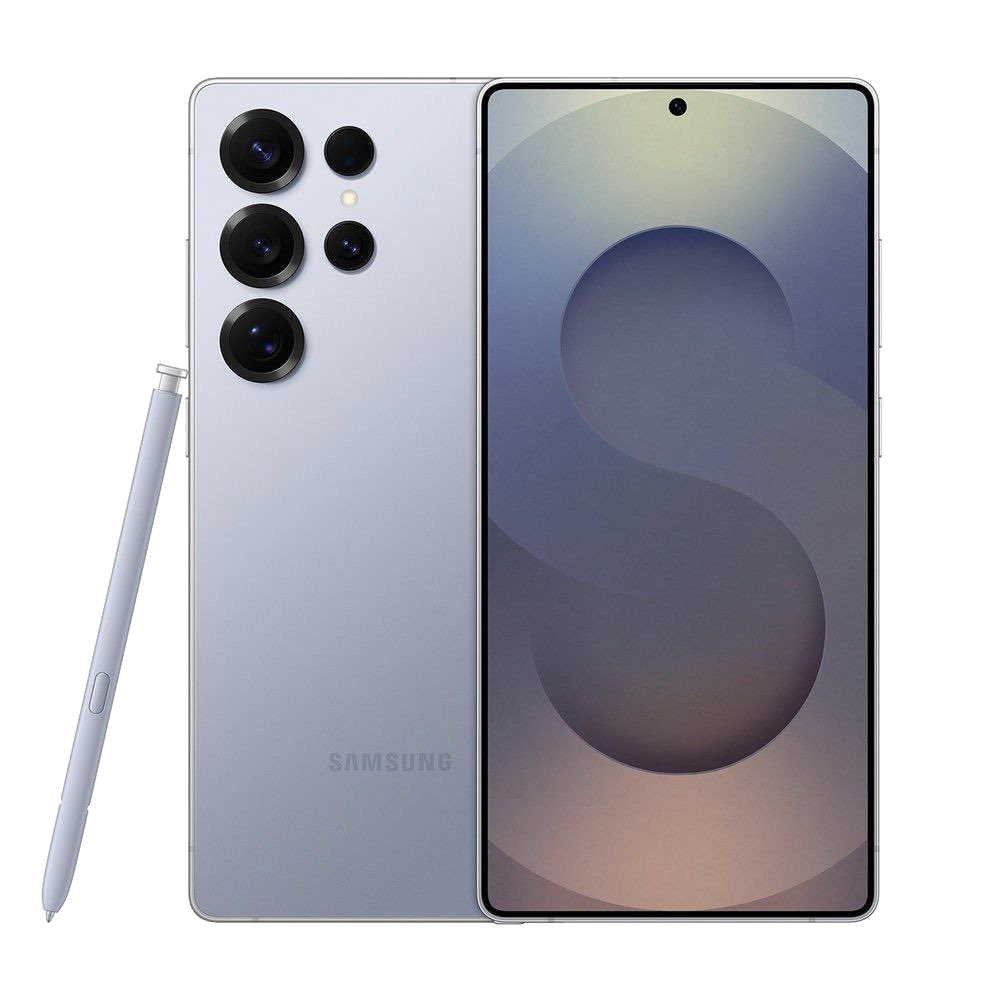
Getting the clean aesthetic and signature features of Samsung's interface on a non-Samsung phone sounds ideal. Many search for a direct way to install the official Samsung One UI Home launcher onto devices like a Google Pixel, Motorola, or OnePlus phone. The short reality is that you can't install the native system launcher directly on other hardware because it relies deeply on Samsung's proprietary system frameworks and UI libraries. However, you can closely replicate the look, feel, and navigation style using third-party customization tools and icon packs without needing root access.
Why the Official One UI Launcher Stays Exclusive
Samsung designs its One UI Home app to work exclusively within its ecosystem. The launcher depends on specific application programming interfaces built into Samsung's firmware. When you try to sideload the official APK file on a non-Samsung device, it typically crashes instantly or refuses to install because the underlying system hooks are missing.
Beyond just the home screen grid, One UI ties deeply into system animations, the recent apps menu, and hardware-level toggles. Samsung isn't alone in this approach; manufacturers like Xiaomi and OnePlus similarly lock their native launchers to their respective hardware. Trying to force the native package onto an incompatible system creates performance stutter and broken layout elements.
Replicating the One UI Experience on Any Phone
If you want the visual style of Samsung's interface on a different Android device, you have to build a custom setup using flexible third-party launchers. Nova Launcher or Lawnchair provide the heavy lifting needed to mimic the layout.
Start by configuring your grid size to match Samsung's default layout, typically a 4x5 or 5x5 desktop grid. Samsung's design language favors clean, rounded square app icons with generous spacing. You can download a dedicated icon pack from the Google Play Store, such as One UI Dark - Icon Pack or similar themes, to update your app drawer visuals.
Next, address the app drawer. By default, Samsung uses a horizontal scrolling app drawer page layout, whereas stock Android relies on a vertical scroll. Advanced third-party launchers let you toggle between horizontal and vertical app drawer styles so your muscle memory matches the One UI layout.
Adding Samsung-Style Widgets and Navigation
A massive part of the One UI identity comes from its stacked widgets and clean clock placements. While you won't get native Samsung smart widgets out of the box, apps like KWGT Kustom Widget Maker feature community-made widget presets that clone the exact weather cards, battery rings, and calendar displays found on Galaxy devices.
For gesture navigation, stick with your phone's native gesture engine rather than third-party gesture apps. Modern versions of Android on Pixel and Motorola devices offer smooth full-screen gestures that feel just as fluid as Samsung's navigation handles.
Limitations of Custom Launchers
Emulating an interface through third-party tools has clear boundaries. While your home screen and app drawer will look remarkably close to a Galaxy device, your notification shade, quick settings panel, and system settings menu will retain your phone's native design.
Apps like One Shade can alter notification panels, but they often require intrusive accessibility permissions that can drain your battery or slow down background processes. Accepting these minor visual mismatches is usually the best trade-off for maintaining a stable, fast phone.
Frequently Asked Questions
Can I install One UI using a modified APK?
Some modified APKs circulate online claiming to bring One UI Home to all devices, but they almost always result in bootloops, constant force closes, or security risks. Stick to verified customization apps from the Google Play Store.
Do third-party launchers slow down my phone?
Modern launchers are lightweight and heavily optimized. On any mid-range or flagship Android phone running recent software versions, a custom launcher won't impact daily performance.
How do I get Samsung's vertical app drawer on another launcher?
Launchers like Nova Prime let you change the app drawer style from vertical scrolling to page-based horizontal swiping, which directly mimics Samsung's default setup.
Are One UI icon packs free?
Most icon packs on the Play Store offer free versions with dozens or hundreds of icons, while comprehensive packs covering thousands of apps often require a small one-time purchase.



