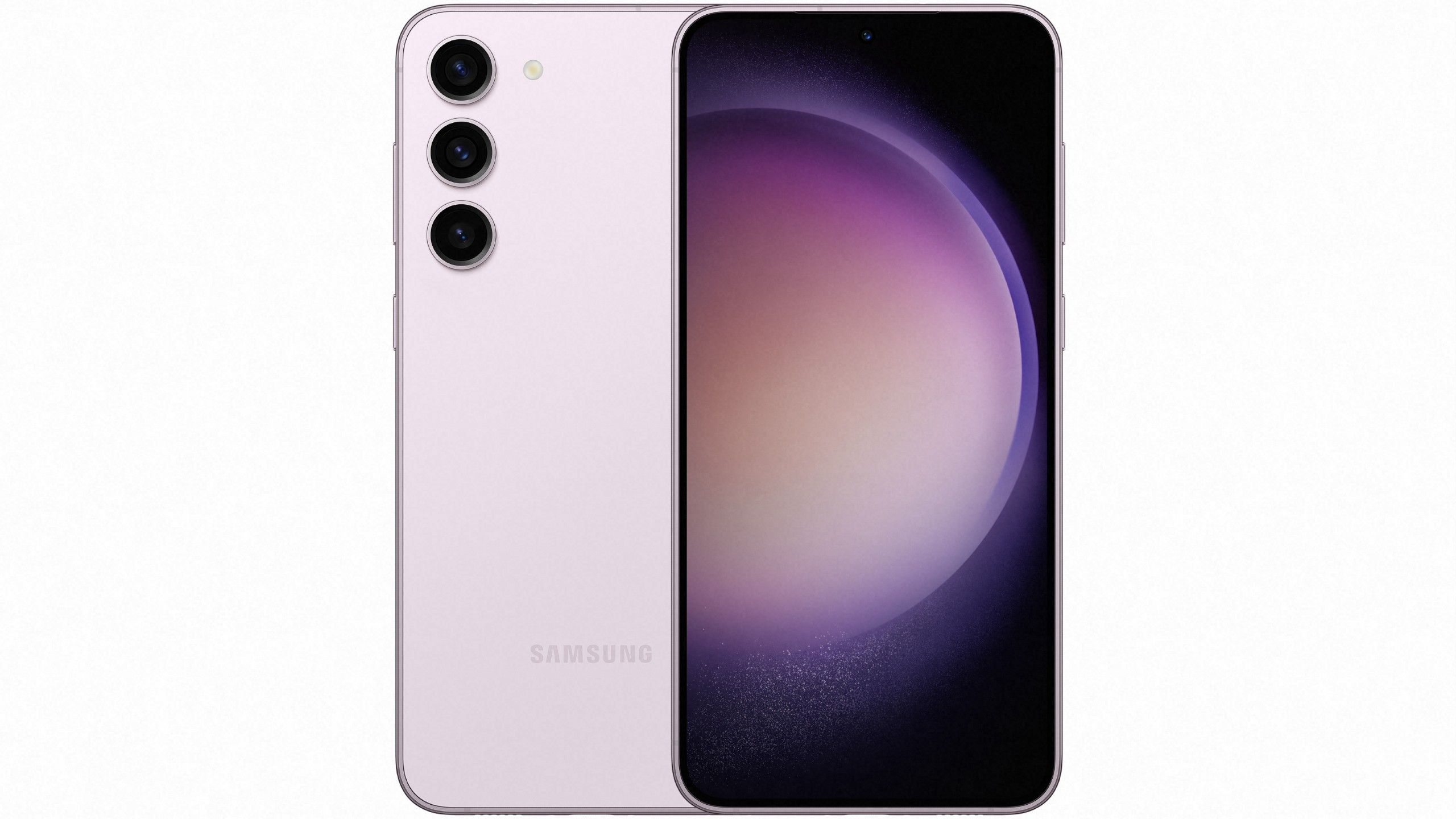
Samsung's One UI 7 built on top of Android 15 brings a sweeping visual overhaul and deeper on-device processing capabilities to Galaxy smartphones and tablets. Starting with devices like the Galaxy S24 series, this software update modernizes interface layouts, introduces refined icon geometry, and reshapes how quick settings and notifications function on daily devices. Users notice a distinct shift toward smoother animations, transparent blur hierarchies, and functional lock screen widgets designed to streamline daily navigation.
If you're wondering how this release changes your day-to-day experience, the platform focuses heavily on reducing interface friction. Samsung split the quick settings and notification panels, introduced the interactive Now Bar for glanceable updates, and integrated advanced writing and editing tools across core applications.
Visual Redesign and Interface Layouts
The most immediate change you'll spot after installing the software is the revised visual language. Samsung rebuilt its app icons and restructured system windows to emphasize clarity and depth.
- Refined Iconography: App icons feature softer, circular styling with balanced outlines that make standard home screens look cleaner.
- Split Quick Panel: Swiping down from the top right reveals your quick settings, while pulling down from the left exposes notifications. This separation cuts down on clutter and speeds up common tasks.
- Layered Blur Effects: Translucent elements and subtle color gradients create a sense of depth when opening app drawers or floating notification cards.
Smarter Lock Screen and Now Bar Integration
Your lock screen receives structural upgrades that turn it into an active control center rather than a static display. The standout addition is the Now Bar, which anchors live activities to the bottom of your screen.
- Live Activity Tracking: You can monitor ongoing timers, music playback, or fitness sessions without unlocking your device.
- Personalized Briefings: Morning summaries compile local weather, calendar events, and daily reminders so you can check your schedule at a glance.
- Widget Flexibility: Interactive widgets allow you to toggle smart home appliances or adjust audio settings directly from the lock screen.
Galaxy AI and Productivity Enhancements
On-device intelligence plays a central role in this version of the software, expanding what you can accomplish within native apps like Samsung Notes and Messages.
- Advanced Writing Assist: The system can rewrite text in different tones, correct grammatical errors, or summarize long articles into concise bullet points.
- AI Sticker Generation: You can type descriptive prompts straight into the keyboard toolbar to generate custom stickers for text conversations.
- Data Privacy Controls: A dedicated toggle under settings lets you force all AI calculations to process entirely on your device rather than the cloud.
Camera and Gallery Upgrades
Photography tools receive both ergonomic tweaks and algorithmic boosts. Samsung rearranged shutter controls to make one-handed shooting easier while improving zoom transition smoothness.
- Streamlined UI: Flash, timer, and aspect ratio controls sit closer to the main shutter button for quick thumb access.
- Generative Editing: The gallery app incorporates advanced editing tools to remove background objects, clean up video frames, or generate short highlight clips automatically.
Rollout Schedule and Device Eligibility
The stable version of One UI 7 began rolling out globally on April 7, 2025, initially targeting flagship models like the Galaxy S24 series, Z Fold6, and Z Flip6. Older flagships, mid-range Galaxy A devices, and compatible tablets receive the update in sequential waves depending on regional carrier approvals.
To check if your device is ready, navigate to Settings, scroll down to Software update, and tap Download and install. For official deployment timelines, consult the Samsung Newsroom.
Frequently Asked Questions
Can I revert to the old notification panel layout if I don't like the split view?
Yes. You can merge the quick settings and notification panels back together by going to your panel settings and selecting the combined view option.
Does One UI 7 affect battery life on older devices?
Initial user reports indicate that optimized background processing helps maintain steady battery performance, though heavy use of new on-device AI features can cause slight spikes in power consumption.
Will my third-party icon packs still work?
Most third-party launchers and icon packs continue to function, but Samsung's native system themes now offer deeper color customizability through expanded Material You integration.
How do I access the new user manual after updating?
You can open the built-in device tips through your settings menu to view a dedicated walkthrough of all new features and interface controls.


