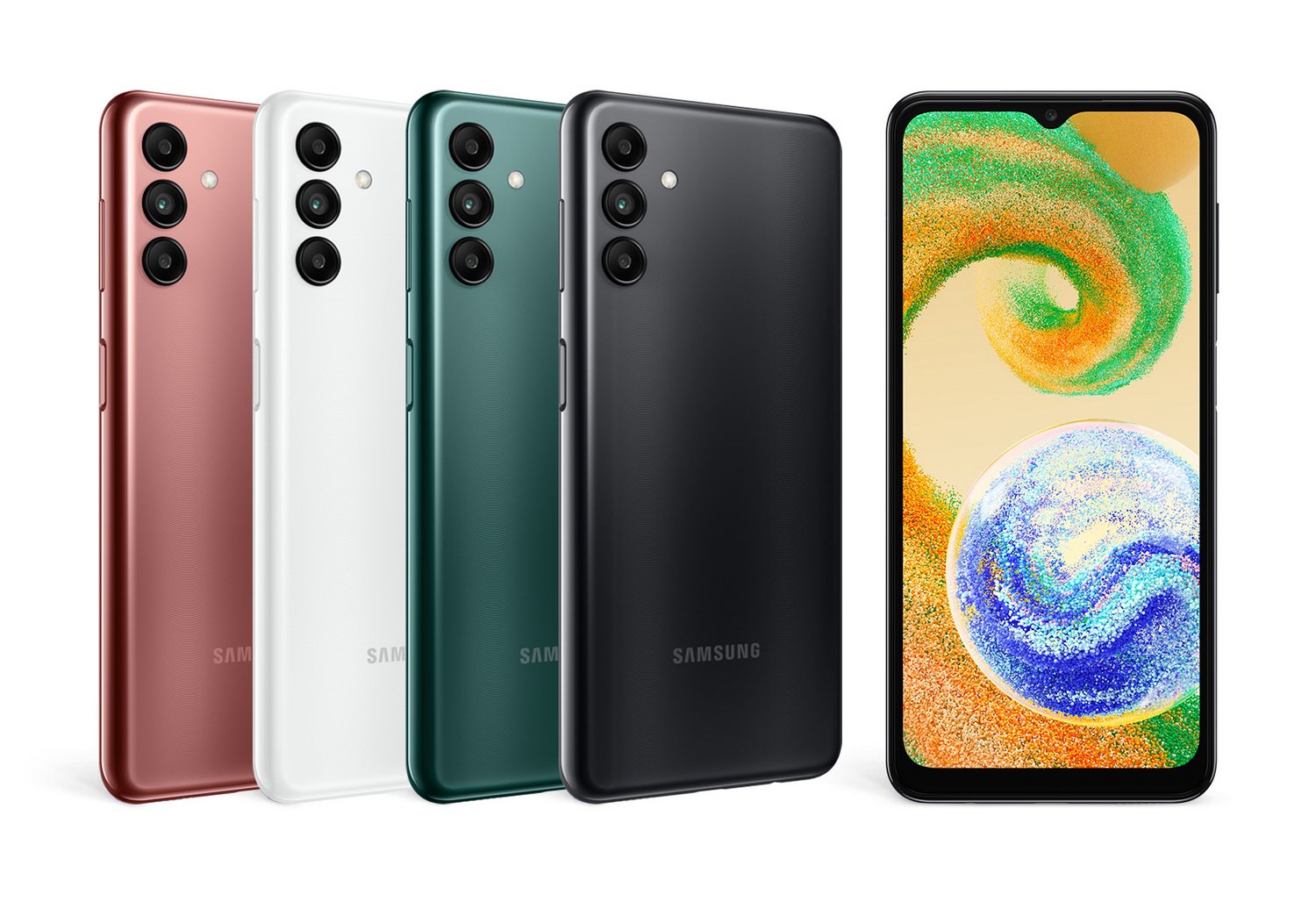
Samsung Knox is an enterprise-grade security and device management platform built directly into the hardware and software of Galaxy smartphones, tablets, and smartwatches. Unlike standard mobile security systems that rely entirely on operating system applications or third-party wrappers, Knox anchors its protection inside the physical chipset. It operates across the entire lifecycle of a device—from the moment of manufacture to boot-up and everyday runtime operations—making enterprise data isolation reliable for corporate IT administrators.
Organizations deploy Knox to secure corporate data on employee-owned or company-issued hardware without compromising user privacy. The platform relies on isolated processing environments, real-time kernel checks, and strict data encryption to prevent unauthorized access, malware execution, and firmware tampering.
Hardware Root of Trust and Boot-Time Protection
Security for Samsung devices begins before the operating system ever loads. During the manufacturing process, a unique hardware key is burned directly into the device chipset. This creates a permanent Hardware Root of Trust that software alone cannot modify or duplicate.
When a user powers on a Knox-enabled device, the boot sequence follows a strict chain of trust:
- Boot ROM Execution: The primary bootloader runs from read-only memory, initiating hardware integrity checks.
- Secure Boot Validation: Each subsequent stage of the bootloader uses cryptographic keys stored in one-time programmable hardware fuses to verify the digital signature of the next component.
- Kernel Loading: If an unauthorized or modified operating system image is detected, the boot sequence halts or records the breach via the Knox Warranty Bit (a physical fuse that trips permanently if system integrity is compromised).
This hardware-level enforcement ensures that flashed custom ROMs, unverified software, or jailbreaking attempts are neutralized before they can expose corporate assets. You can review official hardware deployment standards directly on the Samsung Knox Platform Documentation.
Runtime Defense and Kernel Protection
Once the operating system boots, ongoing monitoring takes over to block threats that emerge during regular use. Traditional mobile defenses depend on periodic virus definitions, which often leave windows open for zero-day exploits. Knox uses active behavioral controls instead.
- Real-time Kernel Protection (RKP): Continuously monitors the core operating system kernel, preventing unauthorized modifications to system memory and blocking privilege escalation attacks.
- ARM TrustZone Isolation: Creates a secure, isolated execution environment separate from the standard Android operating system, running sensitive security tasks away from potential malware.
- SE for Android: Enforces mandatory access control policies that restrict applications and system services to only the specific resources and data files they are authorized to touch.
Data Isolation and Encryption
Enterprise trust requires absolute separation between personal data and corporate assets. Knox addresses this through containerization and advanced encryption models.
The Knox Workspace container creates an encrypted, isolated environment on the device where corporate emails, applications, and documents reside. Files inside this container are protected by DualDAR architecture, which applies two layers of encryption even when the device is unlocked and powered on.
Sensitive credentials, biometric hashes, and cryptographic keys are stored separately inside Knox Vault, a tamper-resistant hardware subsystem featuring its own independent processor and physical environmental sensors. If physical tampering or voltage manipulation is detected, Knox Vault immediately destroys the stored keys, locking down the data permanently.
Centralized IT Management and EMM Integration
For IT administrators, securing endpoints is only half the mandate; scalability and remote oversight are equally vital. Knox integrates with major Enterprise Mobility Management (EMM) solutions to provide granular control over large fleets of devices.
Admins can configure policies across a fleet without requiring physical access:
- Knox Mobile Enrollment: Automates bulk device enrollment into an organization's EMM console straight out of the box.
- Granular Network Controls: Enforces non-bypassable enterprise VPNs, HTTP proxies over VPN, and per-app routing rules to keep office traffic secure.
- Peripheral Restrictions: Remotely disables hardware components such as cameras, microphones, or USB data transfer ports to meet compliance standards in sensitive environments.
- Remote Health Attestation: Performs routine security audits and health checks to flag compromised or out-of-compliance hardware instantly.
Discover more about enterprise deployment configurations through the Android Enterprise Solutions Overview.
Common Implementation Mistakes
Organizations adopting enterprise mobility platforms frequently encounter operational friction due to misconfigured policies. Avoiding these pitfalls ensures smoother rollouts:
- Over-restricting personal profiles: Heavy-handed IT policies that monitor personal usage on employee-owned devices (BYOD) drive low adoption rates. Separate the corporate container strictly from personal spaces to maintain user trust.
- Ignoring firmware rollback prevention: Failing to configure rollback protection can leave older, vulnerable software versions open to downgrade attacks by sophisticated actors.
- Neglecting EMM synchronization schedules: Failing to establish automated patch verification loops leaves devices exposed between manual update cycles.
Frequently Asked Questions
What happens if a device running Samsung Knox is rooted?
If a user attempts to root the device or flash an unverified custom operating system, the physical Knox Warranty Bit blows permanently. This irreversible hardware state disables security-dependent services like container workspaces and corporate credential storage to prevent data leakage.
Does Samsung Knox require an active internet connection to function?
No. Core security mechanics—such as the Hardware Root of Trust, ARM TrustZone isolation, and Real-time Kernel Protection—operate locally on the device hardware and processor. An internet connection is only required for remote EMM policy updates, cloud enrollment, and remote wipe commands.
How does Knox differ from standard Android Enterprise?
While Android Enterprise provides baseline management and work profile features for all compatible operating system devices, Knox layers proprietary, hardware-backed security modules and granular hardware controls directly into Galaxy chipsets. This offers deeper configuration capabilities beyond standard Android limits.
Can IT administrators view personal data inside a Knox-managed device?
No. EMM and Knox container policies are restricted to managing and wiping corporate applications and enterprise data within the secure workspace. Personal photos, text messages, and third-party personal apps remain completely private.



