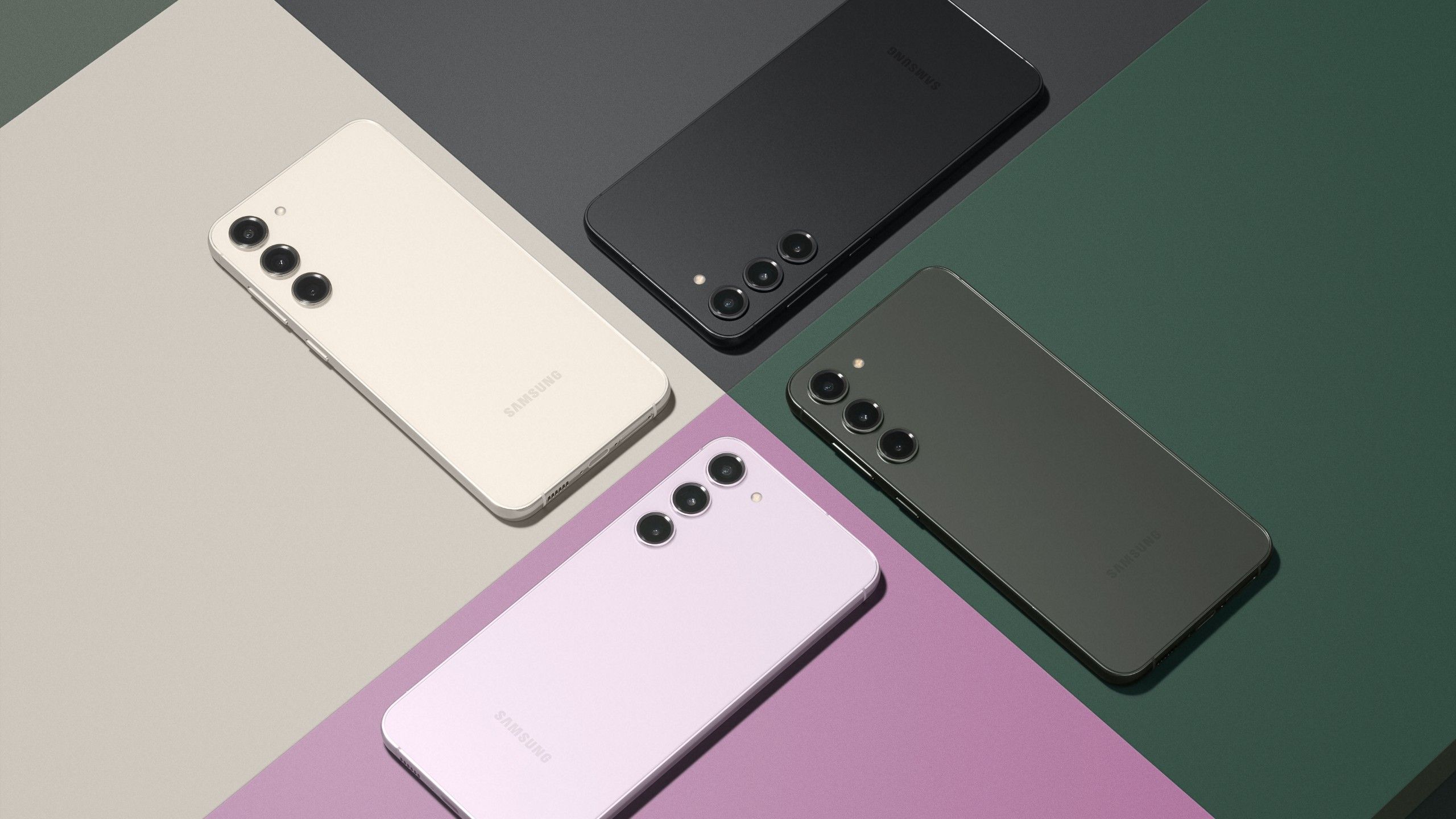
Samsung Knox isn't just an app you can uninstall from your app drawer. It's a defense-grade security architecture built directly into the hardware and software of modern Galaxy smartphones and tablets. If you're trying to figure out whether Samsung Knox removal is possible, the short answer depends entirely on whether your device is bound to a corporate enterprise network or restricted by consumer security flags.
Trying to strip Knox out completely on a stock consumer phone breaks core system functions, while removing it from an enterprise-managed device requires administrative authorization through official channels like the Samsung Knox Suite. Let's examine what Knox actually does, why deleting it is heavily restricted, and what options exist if you're stuck with enrollment or security hurdles.
What is Samsung Knox and Why Can't You Just Delete It?
Knox operates across multiple layers, starting right at the hardware level during the manufacturing process. A unique security key called the Electronic Fuse (e-FUSE) is burned into the processor. The moment a device detects unauthorized firmware modifications, custom bootloaders, or attempts to tamper with secure partitions, that physical fuse blows permanently.
That blown fuse acts as an irreversible permanent marker. Once tripped, certain secure services—like Samsung Pay, Secure Folder, and specific corporate authentication tools—stop working forever, even if you reinstall stock software later. Because Knox is tied so deeply to the Android OS kernel and hardware roots, standard package disablers or basic third-party removal apps cannot wipe it out without breaking the operating system entirely.
Enterprise Management and Knox Restrictions
Most users hunting for removal instructions are actually dealing with an enterprise enrollment lock, such as Knox Mobile Enrollment (KME) or a corporate Mobile Device Management (MDM) profile. When a company or school purchases bulk devices, they often pre-register the device serial numbers with Samsung's cloud deployment servers.
- Automatic Enrollment: Every time the device factory resets and connects to the internet, it pings Samsung servers, recognizes the corporate profile, and locks down.
- Restricted Controls: The IT administrator blocks factory resets, USB debugging, and custom installations to protect company data.
- The Bypass Illusion: Tools or videos claiming you can bypass corporate Knox enrollment with a simple APK file are usually ineffective or malicious. If a device is actively managed by an organization, only the system administrator can unenroll it from their remote console.
If you bought a second-hand phone that turns out to be Knox-locked by a previous owner's corporate network, no local software trick will permanently free it. The hardware identifier remains bound to that organization's enterprise tenant ID until they release it from their dashboard.
Consumer Devices: Disabling vs. Removing
If you own a standard retail consumer phone and want to reduce battery consumption or background activity linked to security packages, you'll find that Android treats these components as essential system packages.
You can't delete them normally, but advanced users utilize tools like Android Debug Bridge (ADB) commands to freeze or hide specific packages—such as com.sec.enterprise.knox.cloudmdm.smdms or individual attestation agents. However, doing this on a daily driver often triggers instability, causes boot loops, or prevents regular Over-The-Air (OTA) system updates from installing correctly.
If you are a developer or advanced enthusiast trying to flash custom ROMs, unlocking your bootloader through developer options is the only official gateway. Just remember that toggling OEM unlocking on newer One UI versions triggers security flags that permanently alter your device's warranty status and trust state.
Common Mistakes When Dealing With Knox
People often lose money or brick their phones by falling for common traps. Avoiding these mistakes saves you from permanent hardware damage:
- Trusting "Free Knox Remover" APKs: Downloading random executables from sketchy forums usually installs malware or adware onto your computer and phone.
- Expecting a Factory Reset to Clear MDM:* Wiping your phone data via recovery mode does not clear a corporate Knox Mobile Enrollment lock. The moment the setup wizard hits Wi-Fi, the lock reappears.
- Ignoring the e-FUSE Consequence: Attempting root exploits without understanding hardware fuses will permanently disable secure payment features.
Frequently Asked Questions
Can I completely delete Samsung Knox from my phone?
No. Because core security files and hardware keys are integrated into the device firmware and processor, complete deletion is impossible without rendering the operating system unstable.
Does a standard factory reset remove Knox management?
No. If the device's serial number is registered in Knox Mobile Enrollment, the management profile downloads and activates automatically upon reconnecting to the internet.
Why does my used phone have a Knox lock?
The device likely originated from a corporate fleet, school district, or insurance replacement program (such as Knox Guard) and was resold before being properly released by the original organization.
Can IT administrators unenroll a device remotely?
Yes. Enterprise IT teams can log into their console, execute an unenrollment command, and release the device license seat, which clears the restriction once the device syncs online.



