A Samsung IMEI check is the single most reliable method to verify a Galaxy smartphone's authenticity, warranty standing, and network status before buying or trading used hardware. Every mobile device carries a unique 15-digit International Mobile Equipment Identity number that acts as its digital fingerprint. When you're looking at a second-hand Galaxy S or A series phone, running this check reveals whether the device is blacklisted, tied to unpaid carrier financing, or restricted by enterprise security locks.
You don't need expensive tools or technical expertise to start tracking a device's background. By pulling up the hardware identifier and matching it against official carrier databases, you protect yourself from scams, cloned hardware, and paperweights. Here's how to run a proper verification process and understand every detail the report uncovers.
How to Find Your Samsung IMEI Number
Before checking a device's status, you need to extract the correct identifier. Samsung phones feature multiple ways to display this information, depending on whether the phone turns on or remains sealed in its retail packaging.
- The keypad shortcut: Open the native phone app, type
*#06#, and the 15-digit code appears on screen instantly. This method works on virtually all cellular-enabled Galaxy models. - System settings: Navigate to Settings, scroll down to About Phone, and locate the serial and IMEI information listed near the top. Dual-SIM models display both IMEI1 and IMEI2.
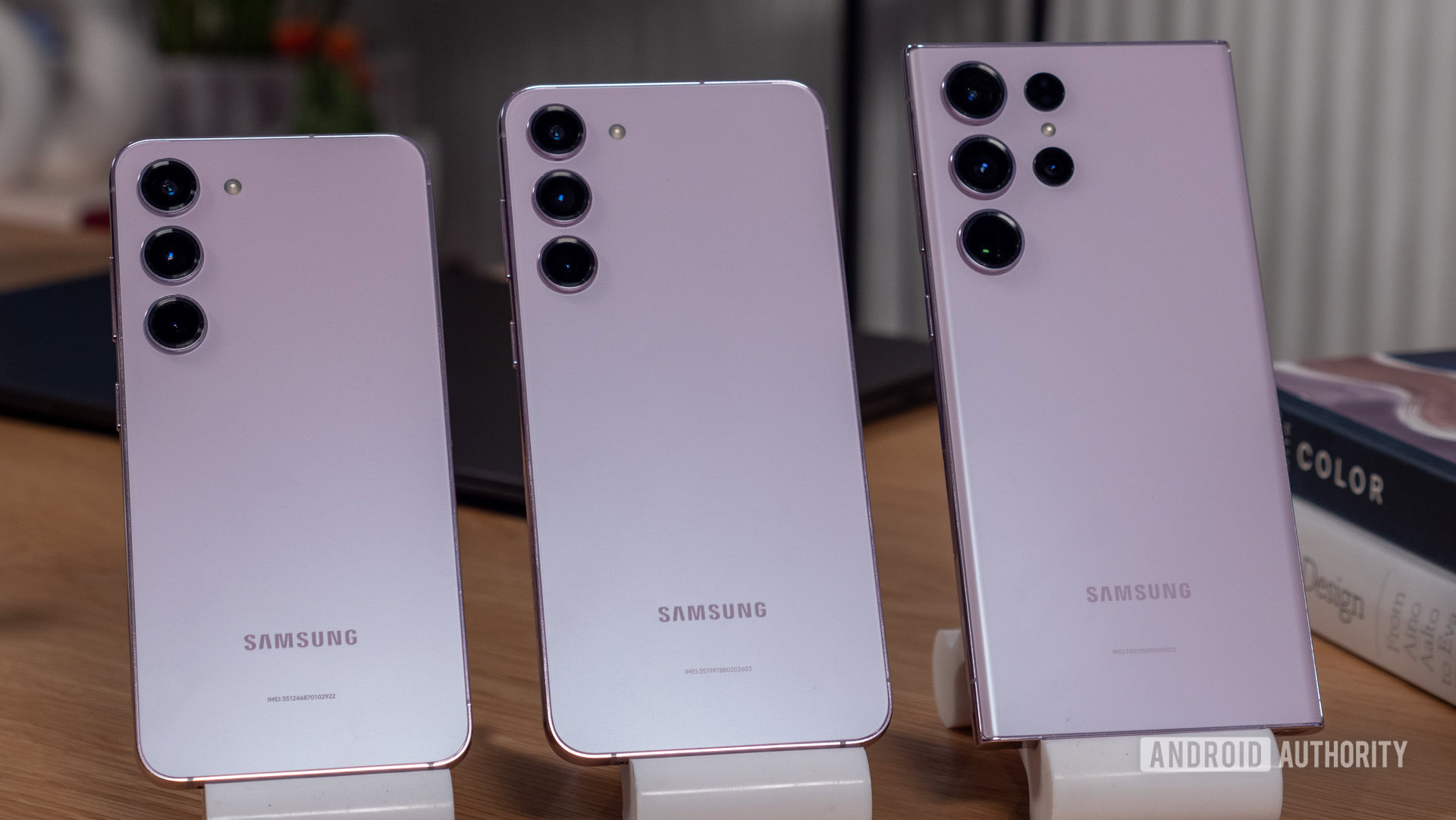
- Hardware engravings: On many modern Galaxy devices, the IMEI is laser-etched in tiny text onto the lower section of the rear glass panel or printed on a sticker affixed to the original retail box.
- SIM tray inspection: Pull out the physical SIM card slot using an ejector tool. The primary identification number is often stamped directly onto the metal or plastic tray lip.
If you're buying a used phone online, always ask the seller to provide a clear photo of the screen showing the IMEI via the *#06# prompt rather than relying solely on a text message. Scammers frequently reuse clean numbers from different devices.
What a Samsung IMEI Check Reveals
Entering that 15-digit sequence into a verification platform yields a detailed hardware profile. Basic database lookups confirm the exact model name, storage configuration, color, and manufacturing factory code. This ensures a seller hasn't swapped internal motherboards or misrepresented a base model as a higher-tier variant.
Advanced reporting digs deeper into operational restrictions. A comprehensive lookup surfaces three critical pieces of data that dictate whether the phone is usable:
- Carrier lock status: This reveals if the device is legally bound to a specific network operator, such as AT&T or Vodafone, or if it's factory unlocked for global use.
- Global blacklist tracking: If a phone is reported lost, stolen, or involved in insurance fraud, carriers add it to the GSMA blacklist. A blacklisted handset cannot make cellular calls or connect to mobile data towers, turning an expensive smartphone into a Wi-Fi-only tablet.
- Knox Guard and MDM enrollment: Samsung enterprise tools allow corporations or financing providers to remotely lock devices. If a previous owner defaults on a device payment plan, the finance lock activates automatically, rendering the phone unusable even after a factory reset.
For official support guidelines, you can consult the Samsung Support Center to understand regional warranty parameters.
Evaluating Warranty and Originality
Beyond security flags, an IMEI report provides a clear window into the device's age and repair history. Samsung structures its warranty coverage around initial activation and manufacturing dates. Checking these logs helps verify if a phone is genuinely "brand new in box" or an older refurbished unit repackaged for resale.
Counterfeit hardware remains a persistent issue in peer-to-peer marketplaces. Cloned devices often display fake software interfaces built on cheap chipsets. Because clone manufacturers cannot duplicate genuine hardware identifiers, running an IMEI check will either return an error, point to a completely different phone model, or fail to match Samsung's production database.
You can cross-reference general consumer rights and device authenticity standards through the Federal Communications Commission equipment authorization database when evaluating imported hardware.
Common Mistakes When Checking Used Samsung Phones
Buyers frequently make critical errors during the pre-purchase inspection phase, leaving themselves vulnerable to hidden software locks. Avoiding these pitfalls ensures a smooth transaction.
- Checking IMEI2 instead of IMEI1: Dual-SIM Galaxy models have two separate IMEI numbers. Sellers occasionally provide the secondary IMEI, which may show a clean status even when the primary SIM slot is blacklisted due to unpaid bills. Always verify IMEI1.
- Failing to test network connectivity: A phone might appear unlocked on a digital report, but if it has a lingering carrier billing block, local network registration will fail the moment you insert your personal SIM card.
- Ignoring Factory Reset Protection (FRP): Checking the IMEI doesn't clear Google's security layer. If the previous owner fails to remove their Google account before wiping the phone, you'll hit an activation lock screen during setup. Always have the seller sign out of their accounts in person before exchanging cash.
Frequently Asked Questions
Can a blacklisted Samsung IMEI be changed?
Modifying or cloning an IMEI number is illegal in most jurisdictions. Modern Samsung hardware uses cryptographically secured partitions that prevent standard software modifications, meaning a blacklisted device cannot be legally or easily cleaned.
Why does my phone show two different IMEI numbers?
Dual-SIM Galaxy models use two distinct radio modules, each requiring its own unique identifier. IMEI1 handles the primary slot, while IMEI2 manages the secondary physical SIM or electronic eSIM profile. Both numbers link to the same physical motherboard.
Does a factory reset clear a Knox Guard lock?
No. Knox Guard, enterprise mobile device management (MDM), and carrier finance locks are hard-coded into the device's firmware security architecture. Wiping the phone or flashing custom software will not bypass these restrictions once the device reconnects to the internet.
How can I check if my Samsung phone is fully paid off?
Standard carrier databases flag unpaid device installment plans under financial status or carrier remarks. If a phone is still tied to an active financing contract with a carrier, the original owner can technically report it lost or stop payments, triggering a network block later.



