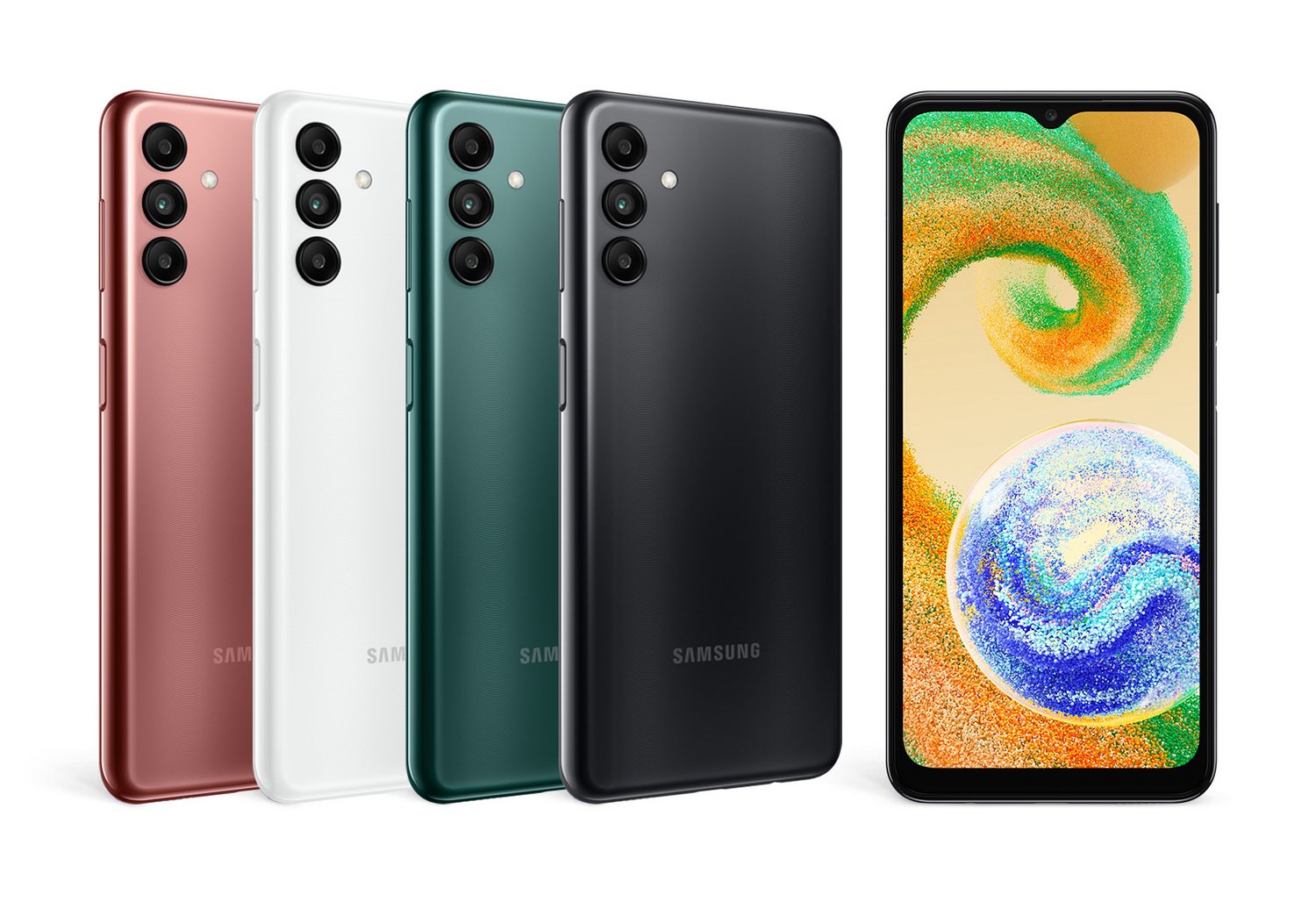
If you own a Samsung Galaxy Tab A7 and you are wondering whether it will run Android 15, let's clear up the confusion immediately. The Samsung Galaxy Tab A7 (originally released in 2020) does not support Android 15 and will never receive an official upgrade to it. Its software lifecycle officially peaked at Android 12 (One UI 4). Any claims floating around the web suggesting otherwise are factually incorrect or confuse the hardware line with newer models.
Navigating end-of-life device cycles can feel frustrating, especially when your hardware still turns on and runs basic apps. Let's look at why this limitation exists, what your device's actual update ceiling is, and how you can handle app compatibility and security moving forward without wasting money on a blind upgrade.
The Reality of Galaxy Tab A7 Software Support
Every manufacturer sets a strict support window for its mobile hardware. Samsung launched the original Galaxy Tab A7 in September 2020 running Android 10. During its commercial life, it received two major Android OS upgrades, ending its journey on Android 12.
Because Samsung's mid-range and budget tablets from that era only qualified for two to three years of software maintenance, support wound down years ago. Android 15 (paired with One UI 7) requires hardware capabilities, security architecture, and memory thresholds that exceed what the Snapdragon 662 processor and 3GB or 4GB of RAM inside the Tab A7 can handle efficiently.
Official Support Timeline Breakdown
- Launch OS: Android 10
- Final Official OS: Android 12 (One UI 4)
- Security Patch Status: Discontinued (critical updates have ceased)
- Android 15 / One UI 7 Eligibility: Ineligible
Why Web Rumors Get the Tab A7 and Android 15 Mixed Up
A common SEO trap involves content aggregators spinning up automated pages that blindly swap out device names next to new software versions like Android 15. These pages create false hope for owners of older hardware.
Brands like Samsung restrict modern operating systems to devices within their active support window. Current software demands robust neural processing units, stricter kernel requirements, and advanced graphics APIs that older chipsets lack. Trying to force Android 15 onto a Tab A7 would cause severe performance stuttering, memory exhaustion, and immediate battery drain.
What Happens When Your Tablet Stops Getting Updates?
Running an older operating system doesn't mean your device stops working overnight. Your tablet will still browse the web, play offline media, and run most installed applications for a transitional period. However, you will encounter specific limitations as time goes on.
- App Incompatibility: Modern app developers drop support for older Android SDKs. Over time, banking apps, streaming services, and productivity tools will require Android 13 or newer to download updates from the Google Play Store.
- Security Vulnerabilities: Without regular security patches, your device becomes vulnerable to newly discovered exploits. You should avoid entering sensitive personal data, logging into primary financial accounts, or making online purchases on an unpatched operating system.
- Web Certificate Errors: Outdated system web views can eventually fail to load modern HTTPS security certificates, causing standard websites to display connection warnings.
Practical Alternatives for Tab A7 Owners
If your workflow depends on newer software features or your critical apps refuse to open on Android 12, you have a few realistic paths forward.
1. Upgrade to a Supported Device
If you want modern Android features, split-screen multitasking enhancements, and years of guaranteed security patches, look toward current-generation hardware. Samsung's newer budget and mid-range slates—such as the Galaxy Tab A9 series or newer Tab S FE models—provide extended support windows that stretch years into the future.
2. Optimize Your Existing Tablet for Basic Tasks
If your Tab A7 still handles streaming video, e-reading, or casual web browsing just fine, you don't need to throw it away. Repurpose it as a dedicated media player, a kitchen recipe display, or a smart home control panel. Disabling automatic updates for apps that still work can freeze a stable environment in place.
3. Clear System Bloat to Recapture Speed
Older operating systems slow down when internal storage fills up with cached data. Free up space by moving media files to a microSD card, uninstalling unused applications, and clearing browser caches. A factory reset can also breathe a surprising amount of temporary life back into aging hardware.
Frequently Asked Questions
Can I manually install a custom ROM to get Android 15 on my Tab A7?
While advanced hobbyists sometimes build custom AOSP-based firmware for older devices, it's rarely practical for daily use. Custom ROMs on the Tab A7 often break core hardware features like the camera, hardware-accelerated video decoding, or Wi-Fi stability, creating more problems than they solve.
Will my banking apps stop working on Android 12?
Not immediately, but financial institutions tighten security requirements every year. Eventually, banks require newer Android security baselines to prevent fraud, which means older operating systems lose app compatibility first.
How can I check my current Android version?
Open your tablet's Settings app, scroll to the bottom, tap About tablet, and select Software information. You will see your exact Android version and One UI version listed there.
Are security patches still arriving for the Galaxy Tab A7?
No. Samsung has concluded all scheduled firmware and security updates for this model. The device remains safe for low-risk tasks, but it lacks defense against modern security threats.