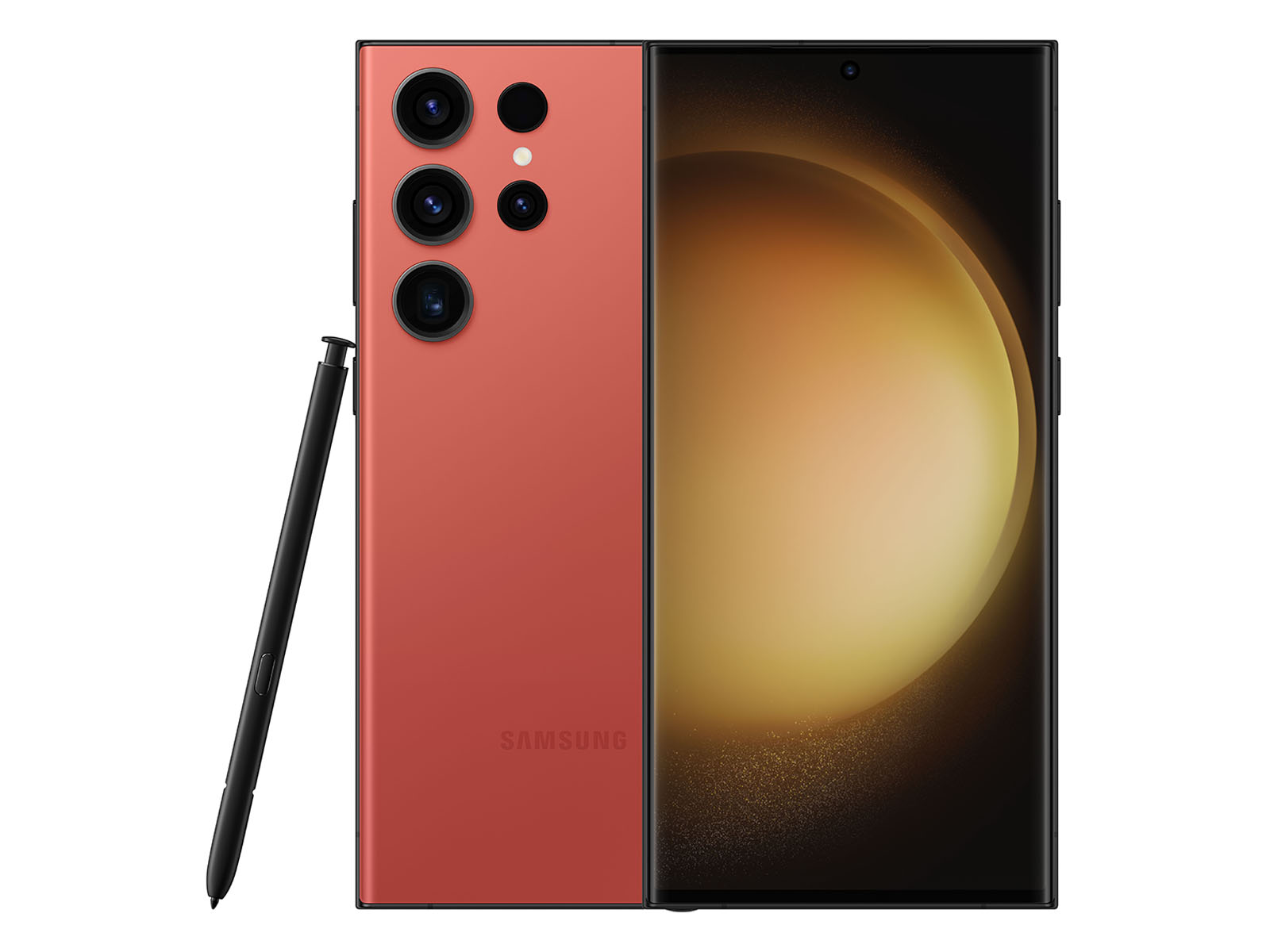
Fixing a broken phone doesn't have to mean buying a new one or paying high shop fees. The Samsung Galaxy S21 FE 5G remains a popular device, but its plastic back panel, glass display, and 4500 mAh battery face standard wear over time. Whether you're dealing with a shattered OLED panel, rapid battery drain, or unresponsive touch inputs, this guide walks you through realistic troubleshooting, parts replacement preparation, and proper hardware care to bring your device back to life.
Understanding your phone's architecture helps avoid costly errors. The S21 FE combines a rigid aluminum frame with a plastic rear cover and a 6.4-inch Dynamic AMOLED 2X display. Because Samsung uses strong industrial adhesives to seal the chassis against water and dust (IP68 rating), you'll need a controlled heat source, proper prying picks, and patience to open the phone safely without tearing internal flex cables.
Diagnosing Common Hardware and Software Faults
Before you grab a screwdriver or order replacement components, verify whether your issue stems from physical hardware failure or a software glitch. Many perceived hardware problems clear up with targeted troubleshooting.
- Sudden Battery Drain: If your charge drops by more than ten percent per hour on standby, check your app power management. Rogue background services, poor cellular reception, and high refresh rate settings often drain power faster than a degraded chemical cell.
- Unresponsive Touch Regions: Intermittent touch rejection can happen if a screen protector is too thick or if moisture entered the digitizer layer. Test multi-touch capabilities by dialing
*#0*#in your phone app to open Samsung's hardware diagnostic menu. - Charging Failures: Clean out the USB-C port using a non-conductive wooden toothpick before assuming the charging board is dead. Pocket lint often compacts inside the port, preventing the cable from seating fully.
If diagnostics point to broken glass or a dead power cell, you'll need to prepare your workspace for a physical teardown. Keep track of every screw, as Samsung uses different lengths across the upper motherboard shield and the lower loudspeaker assembly.
Replacing the Screen Assembly
A cracked display compromises both touch functionality and the phone's water resistance. When replacing the screen on a Samsung Galaxy S21 FE 5G, buying a full display assembly that includes the frame saves you from transferring delicate components from old glass to new glass.
- Power down the phone completely and remove the SIM card tray from the bottom edge.
- Apply gentle heat around the perimeter of the plastic back cover using a heat gun or hairdryer for two to three minutes to soften the internal adhesive.
- Insert a suction cup near the charging port and lift slightly to create a small gap, then slide a plastic opening pick into the seam.
- Carefully slice the adhesive around all four sides, swinging the back cover open like a book once loose.
- Unscrew the Phillips screws securing the upper motherboard cover and disconnect the battery flex cable immediately to prevent short circuits.
- Disconnect the main interconnect cable, display flex cable, and loudspeaker module before heating the front glass to remove the old display assembly from the chassis.
Test your new screen by plugging it into the motherboard before applying fresh adhesive tape. Power the device on and verify touch accuracy across all corners of the display.
Managing and Replacing the Battery
Battery degradation is inevitable after hundreds of charge cycles. If your S21 FE shuts down unexpectedly when opening camera apps or demanding games, the power cell can no longer sustain peak voltage draws.
To swap the battery, follow the initial disassembly steps above to access the internal chassis. The battery is secured with strong adhesive strips rather than screws. Apply isopropyl alcohol around the edges of the cell or use gentle heat on the back of the display frame to loosen the glue. Never puncture or bend the lithium-ion pouch, as piercing it creates a serious fire hazard.
Once the old cell is out, clean any residual adhesive from the metal tray, drop the replacement battery into position, and connect it only after securing all other internal ribbon cables. For official safety guidelines on handling lithium-ion hardware, review the Consumer Product Safety Commission safety portal.
Frequently Asked Questions
Is the Samsung Galaxy S21 FE 5G waterproof after a DIY repair?
No. Once you break the factory adhesive seal, the IP68 water and dust resistance rating is compromised. You can restore partial protection by applying a fresh pre-cut adhesive gasket during reassembly, but you should avoid exposing the phone to liquids.
Why does my phone say moisture detected in the charging port?
This warning triggers when the moisture sensor inside the USB-C port detects microscopic water droplets or debris bridging the connector pins. Clean the port with isopropyl alcohol on a soft brush and let it dry completely before plugging in a charger.
Do I need special tools to fix my S21 FE?
Yes. Standard household tools are too bulky and risk stripping screws or puncturing the battery. Essential items include a precision screwdriver set (specifically PH00 bits), plastic spudgers, opening picks, fine tweezers, and a reliable heat source. You can explore detailed component overviews on iFixit for additional reference photos.
How can I calibrate a new battery after installation?
Lithium-ion cells don't require traditional manual calibration cycles, but letting the phone charge uninterrupted to one hundred percent, then draining it until it shuts down naturally once, helps the Android operating system map the new capacity percentages accurately.



