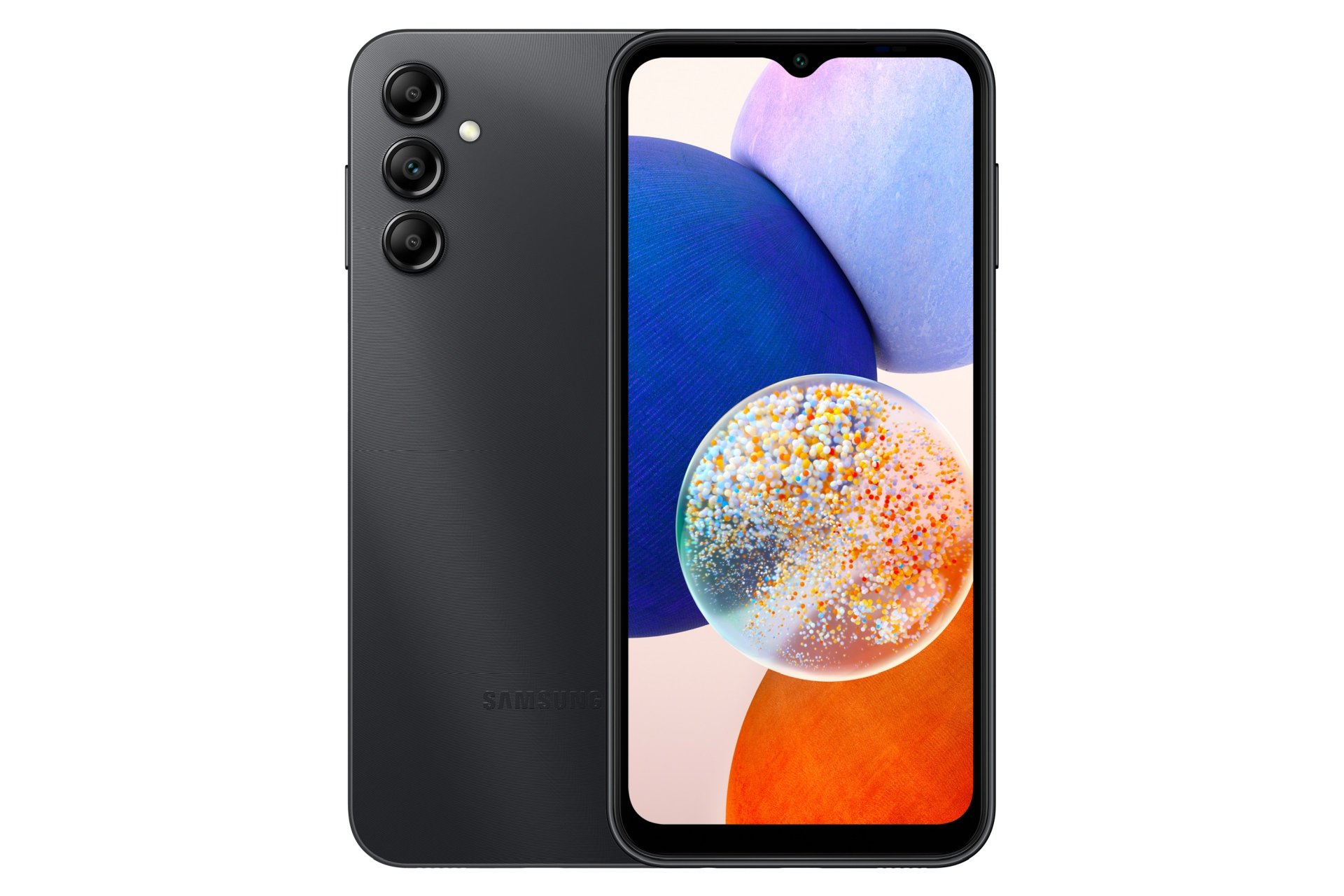
Encountering the Factory Reset Protection (FRP) screen after wiping a device can bring your workflow to a sudden halt. When you're locked out of a Samsung phone running Android 15 because you forgot your login credentials, standard workarounds from older OS versions stop working. Google locked down previous vulnerabilities in One UI 7 and Android 15, meaning old browser exploits, hidden settings shortcuts, and random APK installations no longer bypass the security check.
Bypassing FRP on Android 15 requires understanding which specialized desktop utilities or legitimate recovery paths actually function. This guide breaks down what works, what fails, and how to regain access to your device safely.
Understanding Android 15 FRP Security on Samsung Devices
Google and Samsung tightened security architectures significantly for Android 15. Previous methods relied heavily on flaws within the initial setup wizard, allowing users to trigger notification panels, open web browsers via TalkBack shortcuts, or sideload helper apps.
On Android 15, those vectors are heavily patched: To see the bigger picture, check out the detailed analysis by The New York Times.
- The setup wizard restricts access to background menus and notification trays.
- Sideloading helper APKs is blocked until initial device ownership verification clears.
- Factory resets triggered via hardware buttons prompt immediate verification of the exact Google account previously synced to the hardware.
Because manual tricks fail on current firmware patches, users rely on dedicated computer-based utility suites or official recovery routes.
Method 1: Official Google Account Recovery
Before turning to third-party software or risky web downloads, look at the most reliable path: recovering the original Google account. If you owned the device or have communication lines open with the previous owner, this avoids compatibility issues or risk of bricking.
- Navigate to the official Google Account Recovery Page using a computer or secondary phone.
- Input the email address tied to the locked Samsung device and click next.
- Select Try another way if you don't remember the current password.
- Follow the SMS or recovery email prompts to confirm your identity.
- Create a new password and wait up to twenty-four to seventy-two hours for Google's servers to sync the credential change globally. Once synced, log in directly on the locked phone.
Method 2: Using Desktop Utility Suites for Android 15 FRP
When account recovery isn't an option and you hold legitimate ownership of the hardware, desktop software tools designed for Android 15 offer a structured workaround. Applications like Tenorshare 4uKey for Android and iToolab UnlockGo Android interface directly with the phone via USB to clear the persistent token.
Preparing Your Workspace
- A Windows or Mac computer with a stable internet connection.
- An original or high-quality data USB cable.
- The specific Samsung model number and carrier details handy.
Execution Steps
- Download and launch your chosen unlocking software on your computer.
- Connect your Samsung phone to the computer via the USB cable.
- Select the option labeled Remove Google Lock (FRP) or Bypass Samsung FRP from the primary dashboard.
- Choose your exact device brand and operating system version parameters. For Snapdragon or MediaTek variations, select the matching chipset configuration if prompted.
- Follow the live on-screen instructions to place the phone into download mode or Emergency Download (EDL) mode.
- Let the application clear the partition blocks. The device will restart automatically several times. Complete the setup wizard fresh without encountering the Google verification block.
Common Mistakes to Avoid
Trying to force an unlock without preparation often leads to boot loops or wasted hours. Keep these pitfalls in mind:
- Downloading random APKs from unverified forums: Many web files claiming to offer free one-click Android 15 APK bypasses contain malicious payloads or outdated scripts that trigger a hard brick on One UI 7.
- Using faulty cables: Data transfer failures interrupt communication during the precise window utility software writes to device partitions. Always use certified cables plugged into rear motherboard USB ports on a PC.
- Ignoring battery levels: Ensure your Samsung phone sits above 60% charge before initiating any computer-linked flashing or lock removal procedure.
Frequently Asked Questions
Can I bypass Android 15 FRP without a computer?
Most direct no-PC methods, such as old SIM card PIN tricks or emergency dialer menus, are blocked on Android 15. Executing a reliable unlock generally requires connecting the hardware to a Windows or Mac computer.
Will bypassing FRP erase my personal data?
The device data is already wiped clean because an FRP lock only triggers after a complete factory data reset or hard recovery wipe. The bypass process itself restores the phone to a clean initial state.
Does Samsung Knox security block these tools?
Samsung Knox active routines monitor unauthorized partition modifications. Specialized desktop tools utilize specific device boot rom exploits or authorized service protocols to bypass these routines safely during the active window.
What should I do if the software fails to detect my phone?
Make sure you have current Samsung USB drivers installed on your computer. Switch your USB port from a hub to a direct connection, or restart both your PC and your phone before retrying.



