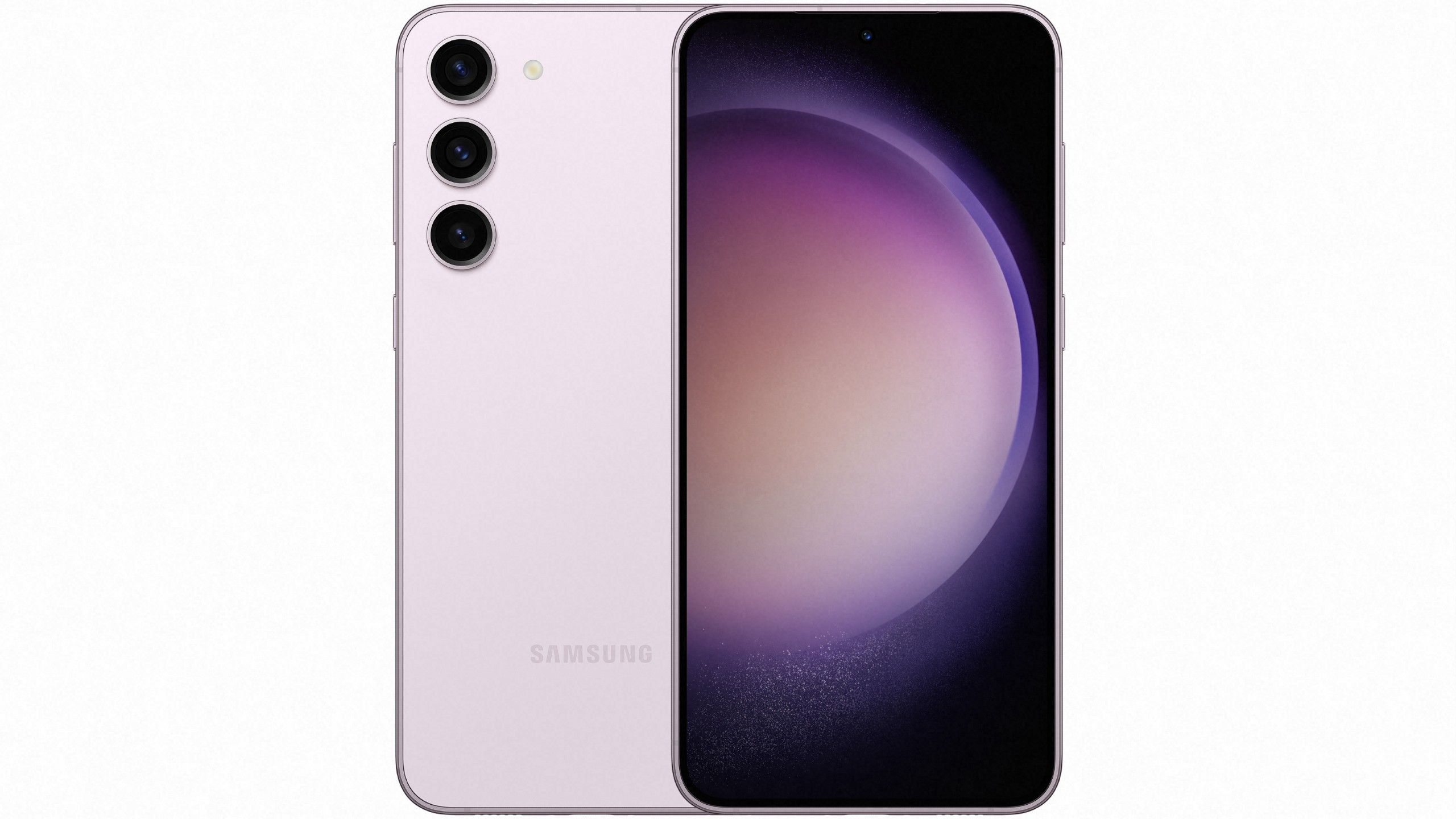
When you open your phone app on a Samsung device, the underlying package handling the screen interface is known as TelephonyUI. You might spot this system package (com.samsung.android.app.telephonyui) running in your background application list or battery usage stats, prompting questions about its safety and core function.
TelephonyUI is an official, pre-installed Samsung system application responsible for managing the user interface during incoming, outgoing, and active phone calls. It works alongside related background packages like InCallUI to display caller IDs, accept or decline buttons, hold options, and audio routing controls. It isn't malware, and it doesn't track your personal data maliciously; it's a core component of the One UI operating system required to make standard cellular calls work.
What TelephonyUI Does on Your Galaxy Phone
Every time your phone rings or you dial a number, this interface renders the visual elements on your screen. Without it, the hardware would still process the cellular signal, but you wouldn't see the interactive buttons needed to manage the connection.
- Incoming Call Handling: Displays the caller ID graphic, slide-to-answer gestures, decline shortcuts, and quick-message reply options.
- Active Call Controls: Manages buttons for muting your microphone, switching to speakerphone, placing callers on hold, and merging conference calls.
- Network Integration: Interfaces with carrier settings, handling VoLTE status, 5G data handoffs, and roaming indicators.
- SIM Management: Links directly with dual-SIM routing rules and local carrier configuration files.
Why You Might See TelephonyUI in Your Battery or App List
Most users only notice TelephonyUI when scrolling through an advanced battery stats menu, a third-party app manager, or a crash report log. Because it operates continuously to monitor network states and readiness for incoming calls, it registers minimal background battery consumption.
If you see a crash notification related to com.samsung.android.app.telephonyui, it's usually due to a temporary glitch during a network switch—such as moving from Wi-Fi calling to a weak cellular tower. A standard device restart clears these temporary glitches instantly. You can check official updates via the Samsung Support Center for patch notes regarding One UI stability.
Can You Remove or Disable TelephonyUI?
You cannot safely remove or disable TelephonyUI through standard settings because it's a core dependency for basic device functionality.
- No Direct Uninstall: Standard Android menus grey out the uninstall option for system-level packages.
- Risks of Forced Removal: Using adb commands to force-uninstall TelephonyUI will break your phone's ability to place or receive standard voice calls.
- Safe Alternatives: If you experience visual bugs on your call screen, clear the cache of the primary Phone app rather than tampering with system packages.
Managing Call Settings and Personalization
Samsung groups various telephony preferences, block lists, and call backgrounds into companion packages that update regularly through official channels like APKMirror. You can customize how your phone handles calls without touching system code:
- Open the native Phone application on your Galaxy device.
- Tap the three-dot menu icon in the top right corner and select Settings.
- Adjust options such as block numbers, call backgrounds, or real-time text call transcriptions.
- Check for system software updates in Settings > Software update to ensure all underlying telephony packages remain stable.
Frequently Asked Questions
Is TelephonyUI a virus or spyware?
No. TelephonyUI is a legitimate, digitally signed system package developed by Samsung Electronics for Galaxy devices. It only appears in security audits because security scanners flag all installed package names, including core system files.
Why does TelephonyUI drain battery on rare occasions?
If your phone struggles to maintain a stable cellular signal, TelephonyUI works overtime alongside modem firmware to poll network states, which causes a temporary spike in battery usage. Moving to an area with better reception resolves the issue.
Can I hide TelephonyUI from my app list?
Standard user interfaces hide system applications by default. If you are using a third-party application manager that displays system processes, TelephonyUI will show up, but you should leave it active to keep your phone functional.
What should I do if my call screen keeps freezing?
Clear the cache and data for the main Phone application via Settings > Apps > Phone > Storage, then restart your device. This resets the visual rendering layer without affecting your saved contacts or message history.



