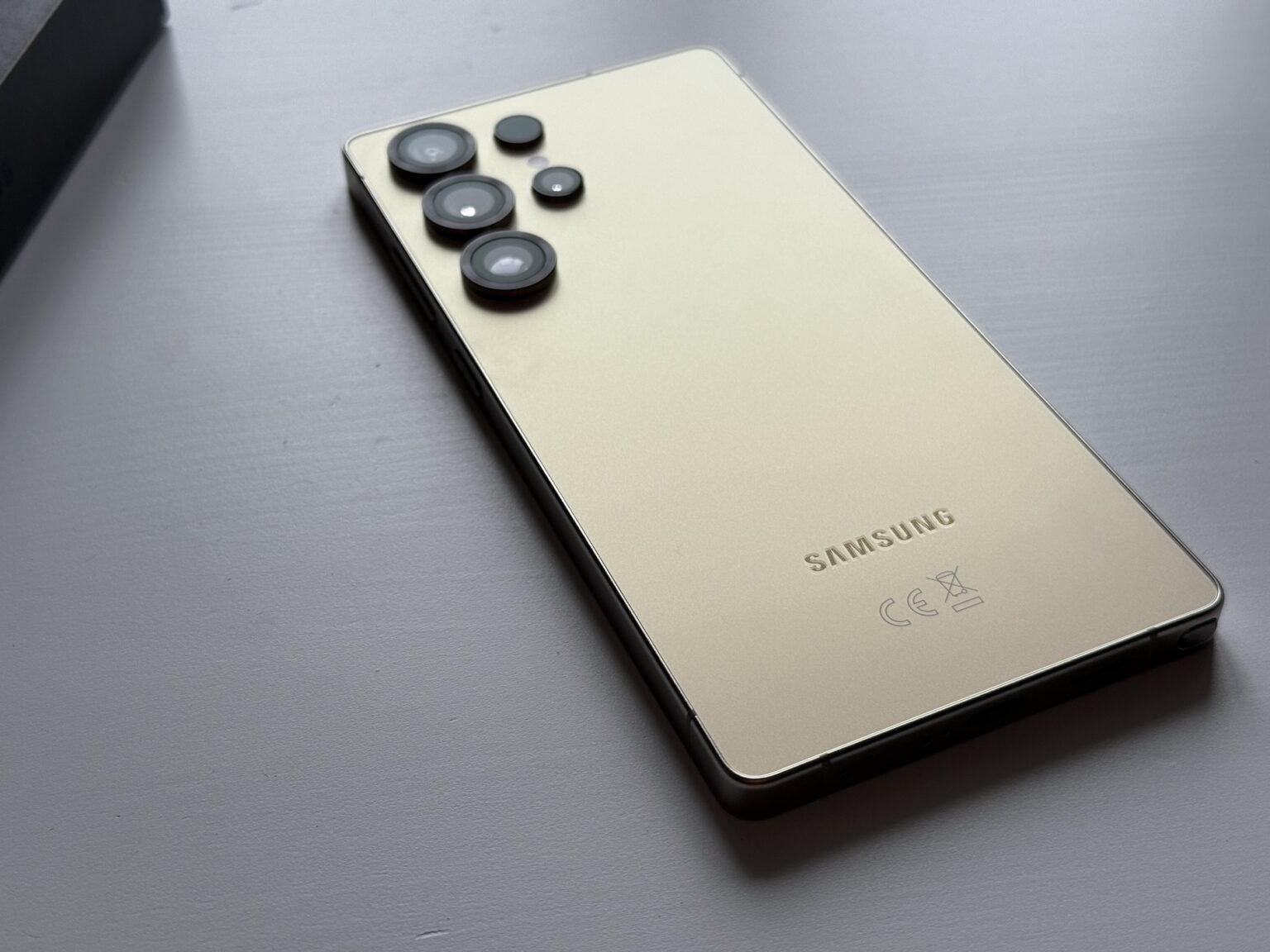
If you're locked out of a Samsung Galaxy A30 because of Factory Reset Protection (FRP), getting past the Google verification screen requires specific software workarounds or trusted official recovery steps. FRP is a security feature built into Android devices running version 5.1 and higher, designed to prevent unauthorized access if a phone is wiped or lost. When you factory reset the device without first logging out of the primary Google account, the phone triggers a security lock that asks for those exact credentials during initial setup.
Bypassing FRP on a Samsung Galaxy A30 typically involves exploiting vulnerabilities in the device's setup wizard, using specialized PC toolkit software, or utilizing technician-grade flashing tools. Because security patches change frequently, older tricks like the emergency call dialer or Bluetooth headset workarounds often stop working after major system updates. Understanding the legitimate ownership recovery process, alternative tool options, and potential risks helps you navigate the bypass securely without bricking your device.
What is Samsung FRP and Why Does it Lock Your Phone?
Factory Reset Protection activates automatically the moment you add a Google account to your Samsung A30. If someone performs a hard reset using the recovery menu (holding Volume Up and Power while booting), the phone demands the original credentials before letting anyone use the device. This stops thieves from profiting off stolen hardware, but it creates headaches for legitimate owners who bought a used phone online or forgot their login details after an extended break.
Bypassing this lock isn't an official feature; it's a bypass procedure that exploits entry points in the Android operating system's setup process. When you attempt a bypass, you're essentially finding a way to open a browser, install a shortcut application, or connect a PC utility to force the system to accept a new Google account sign-in. Knowing how these methods operate is essential for troubleshooting lockouts safely.
Method 1: Using Professional FRP Bypass PC Software
For most users facing a stubborn lockout on One UI versions running on the Galaxy A30, PC-based desktop utilities offer the highest success rate. Tools like DroidKit or specialized Odin flashing utilities interact directly with the device's download mode to remove the persistent security partition.
To use a PC software utility, you need a Windows computer, a stable USB-C data cable, and a reliable internet connection. Follow these exact steps to complete the process:
- Download and install a reputable Android FRP removal tool onto your Windows PC.
- Launch the application and select the FRP Bypass module from the main dashboard.
- Connect your Samsung Galaxy A30 to the computer using your USB cable.
- Put your phone into Download Mode by turning it off, then holding both Volume Down and Volume Up buttons while plugging in the cable.
- Follow the onscreen prompts in the software to select your correct Android OS version (Android 9, 10, or 11 depending on your A30 firmware).
- Allow the program to clear the FRP lock partition. The phone will automatically restart once the process finishes.
This method minimizes manual trial-and-error, though free tools often require caution to avoid downloading malicious adware disguised as utility software.
Method 2: The APK Sideloading and Browser Method (No PC)
If you don't have access to a computer, you can bypass the FRP lock directly on the device by tricking the setup wizard into opening a web browser. This technique requires an active Wi-Fi connection and a secondary device or Bluetooth accessory in some cases.
The procedure relies on opening the Galaxy's help menus, accessing the browser via accessibility shortcuts, and downloading utility APKs like Apex Launcher or FRP Bypass APK. Here is how technicians execute this manual workaround:
- Power on your factory-reset Samsung A30 and connect to a stable Wi-Fi network.
- Navigate back to the welcome screen and tap the Home button rapidly three times to enable TalkBack mode (on older security patches).
- Draw an "L" shape on the screen to open the global context menu, then select TalkBack Settings.
- Go to Help and Feedback, search for voice access or switch access options, and open the YouTube video link embedded in the help articles.
- Tap the user icon in YouTube to open browser settings, which lets you access the open internet and download a trusted bypass APK package.
- Install the downloaded launcher APK to access the device settings menu directly, allowing you to add a brand-new Google account.
Keep in mind that Samsung patches these browser entry points frequently through monthly security updates. If your A30 runs a recent patch level, these manual menu exploits will likely fail.
Common Mistakes and Security Risks to Avoid
Attempting unauthorized software bypasses carries real risks for your hardware and data privacy. Making critical mistakes can permanently disable device features or compromise your personal information.
- Flashing incorrect firmware regions: Using an Odin ROM file meant for a different regional variant (such as flashing European firmware onto an Asian model) can corrupt your baseband and break cellular connectivity permanently.
- Downloading unverified APK files: Manual browser bypasses often require downloading utility APKs from mirror sites hosting modified files loaded with adware or spyware. Always stick to trusted developer communities like XDA-Developers for tool references.
- Ignoring battery levels: Never run an FRP bypass or Odin flash procedure with a battery level below 50 percent. A sudden shutdown mid-flash turns your phone into an expensive paperweight.
Frequently Asked Questions
Can I bypass FRP on my Samsung A30 without losing my personal data?
No. Factory Reset Protection only activates after a complete data wipe or factory reset. Because the device's user partition is already cleared, a bypass only restores access to the interface—it cannot recover previously stored photos, messages, or app data.
Does updating my software fix or prevent FRP locks?
Updating your software installs the latest security patches, which frequently close the loopholes used by manual browser bypass methods. However, updating does not remove an active FRP lock if you reset the phone afterward without removing your Google account first.
What should I do if my computer doesn't recognize my Galaxy A30 in Download Mode?
If your PC fails to detect the phone during a tool-based bypass, you likely need to install the official Samsung USB Drivers for Windows. Additionally, make sure you are using a genuine data transfer cable rather than a charge-only cable.
Is FRP bypass legal?
Bypassing FRP on a device you legally own, purchased second-hand, or inherited is legal for personal use. However, bypassing FRP on locked devices obtained without authorization violates anti-theft laws and device trafficking regulations.


