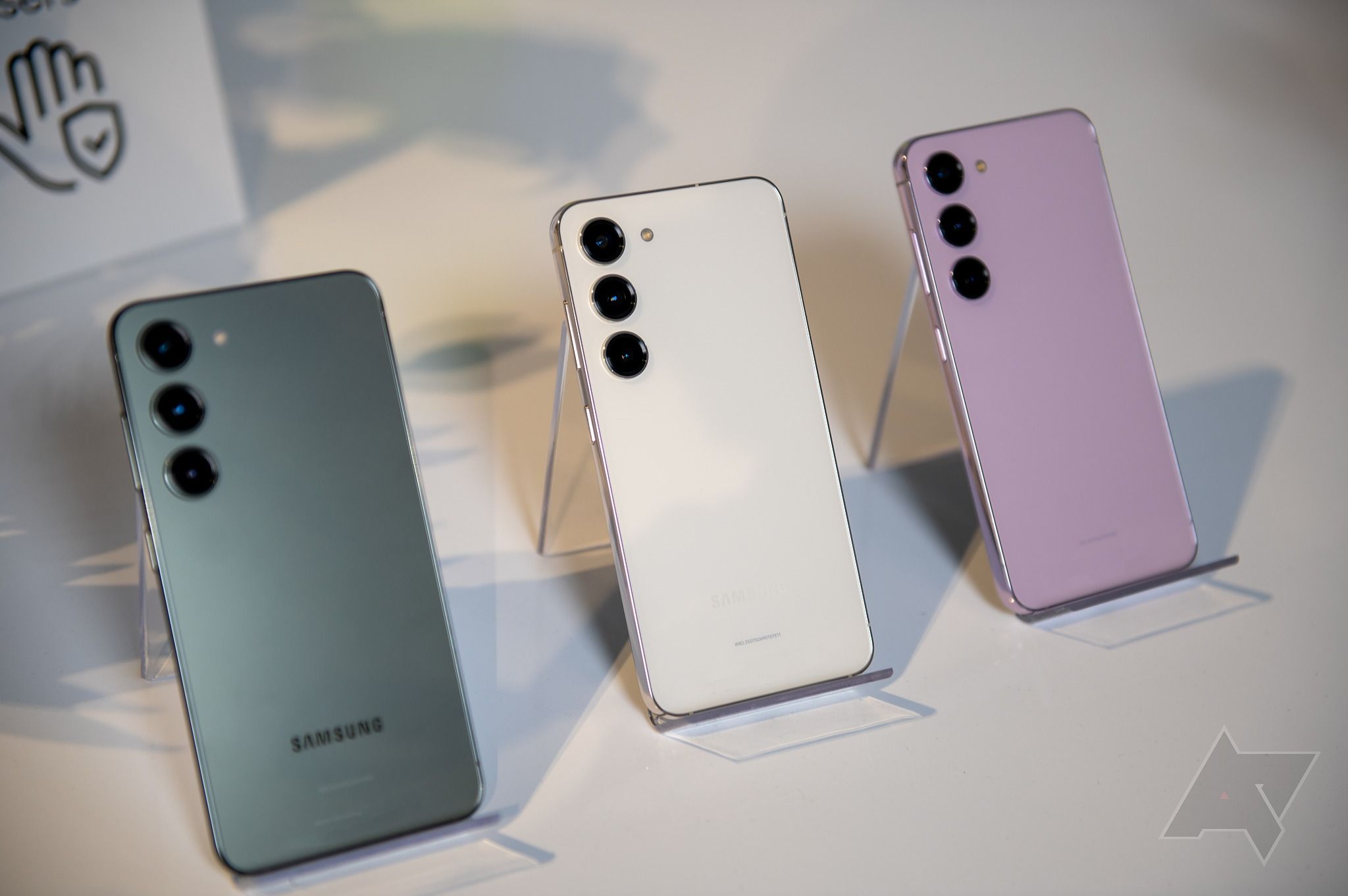
Getting locked out of your phone after a factory reset is frustrating, especially if you forgot the credentials to the original Google account synced to the hardware. Factory Reset Protection (FRP) acts as a digital tripwire designed to block unauthorized users, but it frequently locks out legitimate owners who bought a secondhand unit or simply reset an old device. If you're stuck staring at the verification screen on your device, here is a practical, straightforward method to bypass the lock and regain normal operation.
What You Need Before Starting
Before diving into the procedure, you'll need to set up a few essential tools. Preparation prevents mid-process errors that can leave your handset temporarily unresponsive.
- A Windows PC with a stable internet connection.
- A high-quality USB data cable (charging-only cables will fail to establish communication).
- Official Samsung USB drivers installed on your PC.
- A reputable utility application like the SamFW tool or Odin downloaded to your desktop.
Make sure your phone battery is charged to at least fifty percent. Power fluctuations or sudden shutdowns during a security handshake can corrupt the partition table.
Method: Using PC Utility Software
Using a specialized computer utility is the fastest route for the Samsung A22 4G. It automates the ADB (Android Debug Bridge) command sequence that forces the system to drop the security flag. Further information into this topic are covered by Associated Press.
- Turn off your phone completely.
- Launch the SamFW tool or your preferred FRP utility on your Windows PC.
- Install the specific Samsung USB drivers, then restart your computer to ensure proper driver registration.
- Open the application interface and select the designated model option for the Samsung A22 4G.
- Connect your phone to the PC via the USB cable while it remains powered off or at the initial welcome screen depending on the software prompt.
- Click on the "Remove FRP" or "Bypass FRP" button inside the program interface.
- Watch your phone screen for an authorization prompt asking to allow USB debugging. Tap Allow.
- The utility will execute the routine automatically, clear the security token, and trigger a reboot.
Once the phone boots back up, you'll skip past the Google sign-in wall. You can then log in with your current, active Google credentials or skip that step to set it up later.
Common Mistakes and Troubleshooting
Even with clear instructions, hardware quirks and outdated software can stall the process. Watch out for these frequent pitfalls.
- Driver Conflicts: If the computer fails to recognize your device, Windows Update has likely overwritten your manual drivers with generic ones. You may need to disable driver signature enforcement in Windows advanced startup settings before installing the proper packages.
- Bad Cables: Many users try to use random charging cords pulled from a drawer. Always use a dedicated data-transfer cable. If the software hangs on "Waiting for device," swap the cable or try a different USB port on your computer.
- Patch Level Mismatch: Google regularly pushes security patches that close bypass exploits. If a tool fails on an updated device, check for software updates from the tool developer rather than forcing an older script that could trigger a bootloop.
Frequently Asked Questions
Will this process erase my personal data?
An FRP bypass itself doesn't factory reset your phone again, but the device was already wiped when the security lock was triggered. Any local photos, messages, or apps not backed up to cloud storage are already gone.
Is using an FRP tool legal?
Yes, as long as you own the device or have explicit permission from the original owner to recover it. These utilities are built for repair technicians and legitimate owners locked out of their own hardware.
Why won't my computer detect the Samsung A22 4G?
Detection failures almost always stem from missing or corrupted USB drivers. Uninstall any generic Android drivers, install the official Samsung package, and reboot your machine before trying again.
Can I complete this process without a computer?
While some older Android versions allowed manual browser workarounds via TalkBack gestures and Wi-Fi networks, modern security patches have largely closed those loopholes. Using a PC tool is significantly more reliable and less prone to crashing.



