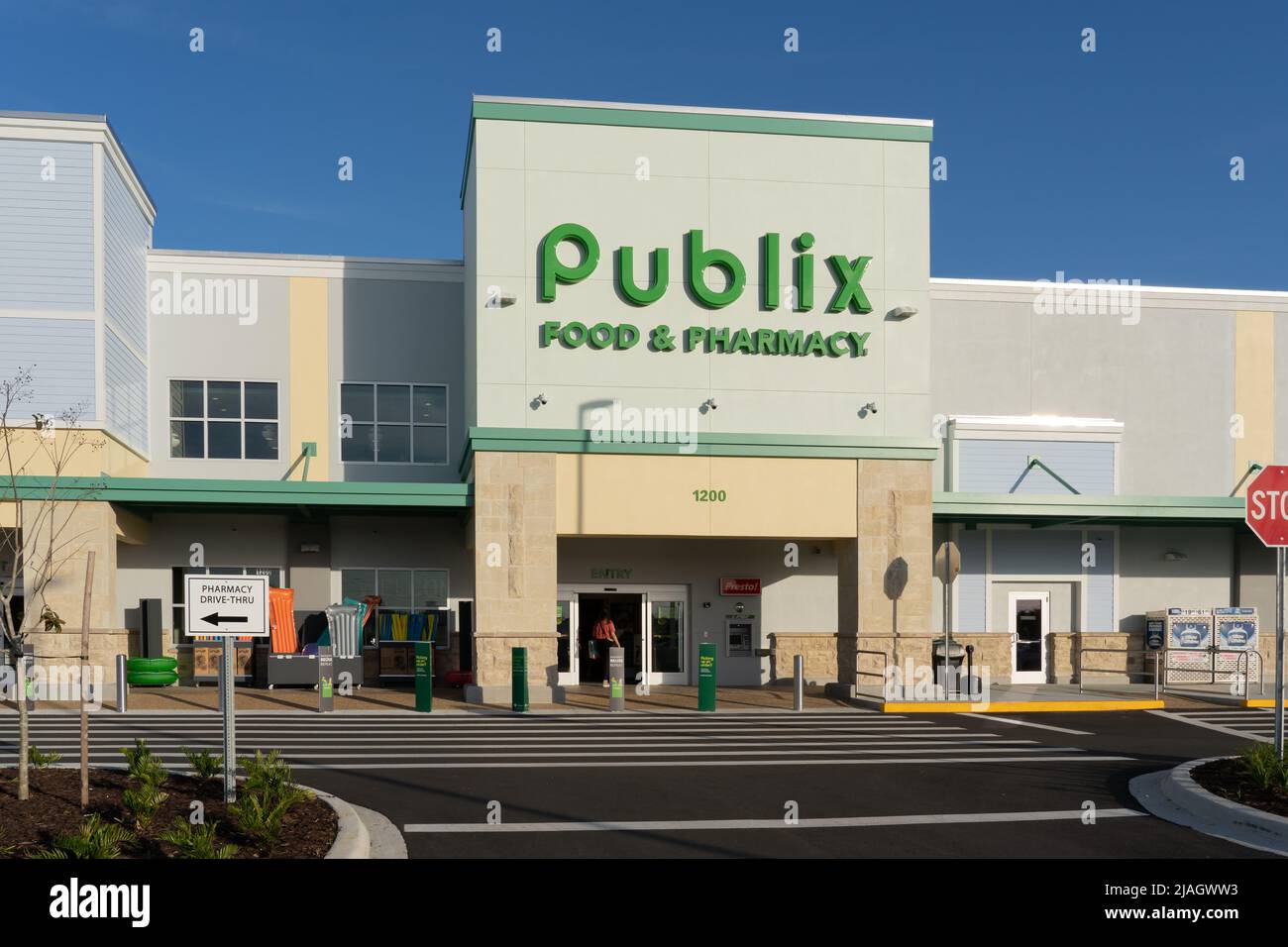
Navigating grocery bills doesn't have to feel like a guessing game. If you shop at Publix, using their official mobile app transforms how you handle weekly ads, digital coupons, and in-store navigation. Instead of clipping paper flyers or missing out on automated discounts, you can manage your entire shopping trip straight from your smartphone.
The primary purpose of the Publix application is to connect shoppers directly with current weekly circulars, paperless manufacturer discounts, and customized list-building features. By linking your app profile to a Club Publix account, you unlock a streamlined way to track local store inventory, clip digital savings, and pre-order deli favorites without standing in long lines.
Getting Started With Club Publix and the App
Before you access the full suite of money-saving tools, you need to set up your profile correctly. Downloading the application is free on both iOS and Android platforms via the Apple App Store or Google Play Store.
Once installed, registering for a Club Publix account acts as the foundation for your savings strategy. Experts at Bloomberg have provided expertise on this trend.
- Open the app and select the profile icon to begin registration.
- Enter a valid email address and create a secure password.
- Provide your primary 10-digit phone number, which serves as your digital identifier at checkout.
- Verify your account through the confirmation prompt sent to your email.
Having your phone number linked is critical because checkout registers use it to automatically apply any digital coupons you've clipped ahead of time. You won't need to scan barcodes from your phone screen or present paper slips to the cashier.
Maximizing Weekly Ads and Digital Coupons
The fastest way to burn through grocery money is shopping without a plan. The app addresses this by hosting the weekly circular digitally, allowing you to filter deals by category or search for specific ingredients before you leave home.
When you browse the weekly ad inside the application, you'll immediately spot Buy-One-Get-One (BOGO) items. Tapping the plus icon next to any product adds it directly to your digital shopping list or clips the associated manufacturer offer.
- Clipping coupons strategically: Sort your coupon view by "Newest" or "Expiring Soon" to catch limited-time price drops.
- Stacking rules: Publix permits the use of one manufacturer coupon and one store coupon per item, but you cannot combine a digital manufacturer coupon with a physical paper manufacturer coupon for the exact same product.
- Automatic redemption: Once items are in your cart, simply type your 10-digit phone number into the pin pad when prompted during payment, and the system deducts your clipped savings.
Building Smarter Shopping Lists
A disorganized grocery trip leads to impulse purchases and forgotten items. The application features an intelligent list builder that organizes your chosen items by store aisle layout based on your preferred location.
As you add items from the weekly ad, recipe section, or your personal purchase history, the list automatically groups them. If you walk down aisle four for cereal, related items you flagged nearby appear together. You can also use the built-in barcode scanner while at home to scan items in your pantry that you're running low on, instantly adding them or similar store alternatives to your active list.
Ordering Ahead and Time-Saving Perks
Saving money is only half the battle; saving time matters just as much on busy weeknights. The application includes a dedicated ordering portal for the deli and bakery departments.
- Custom subs: Customize bread, meats, cheeses, toppings, and sauces down to the exact preference, then select an in-store pickup time to skip the physical deli counter queue.
- Bakery orders: Order birthday cakes, specialty platters, or sliced meats hours ahead of time.
- Delivery and pickup: The app integrates with third-party fulfillment services like Instacart if you prefer curbside pickup or home delivery, though keep in mind that delivery prices can run higher than in-store shelf prices.
Common Mistakes to Avoid
Even seasoned shoppers run into minor roadblocks when using digital grocery tools. Keep these pitfalls in mind to ensure your trips go smoothly:
- Failing to verify the store location: Inventory and specific sales can vary by region. Always set your home store in the app before building your list.
- Ignoring coupon fine print: Tap on individual digital coupons to check size restrictions, multi-buy requirements, or expiration dates before relying on them at checkout.
- Typing the wrong phone number: If your clips don't come off at the register, check your account settings to ensure your current 10-digit mobile number is entered correctly.
Frequently Asked Questions
Do I need to pay a subscription fee to use the Publix app?
No, downloading and using the application, as well as maintaining a Club Publix account, is entirely free.
Can multiple family members use the same account?
While each Club Publix account permits only one registered profile owner, your entire household can use your savings by entering your shared 10-digit phone number at the register pin pad during checkout.
How do I check my past receipts?
If you opt into e-receipts through your account settings on the app or website, your transaction history is stored digitally, making it easy to track spending or reorder past favorite items.
Why didn't my digital coupon deduct at the register?
Verify that your purchase matches all item specifications listed in the coupon details and ensure you entered the exact phone number linked to your active profile.



