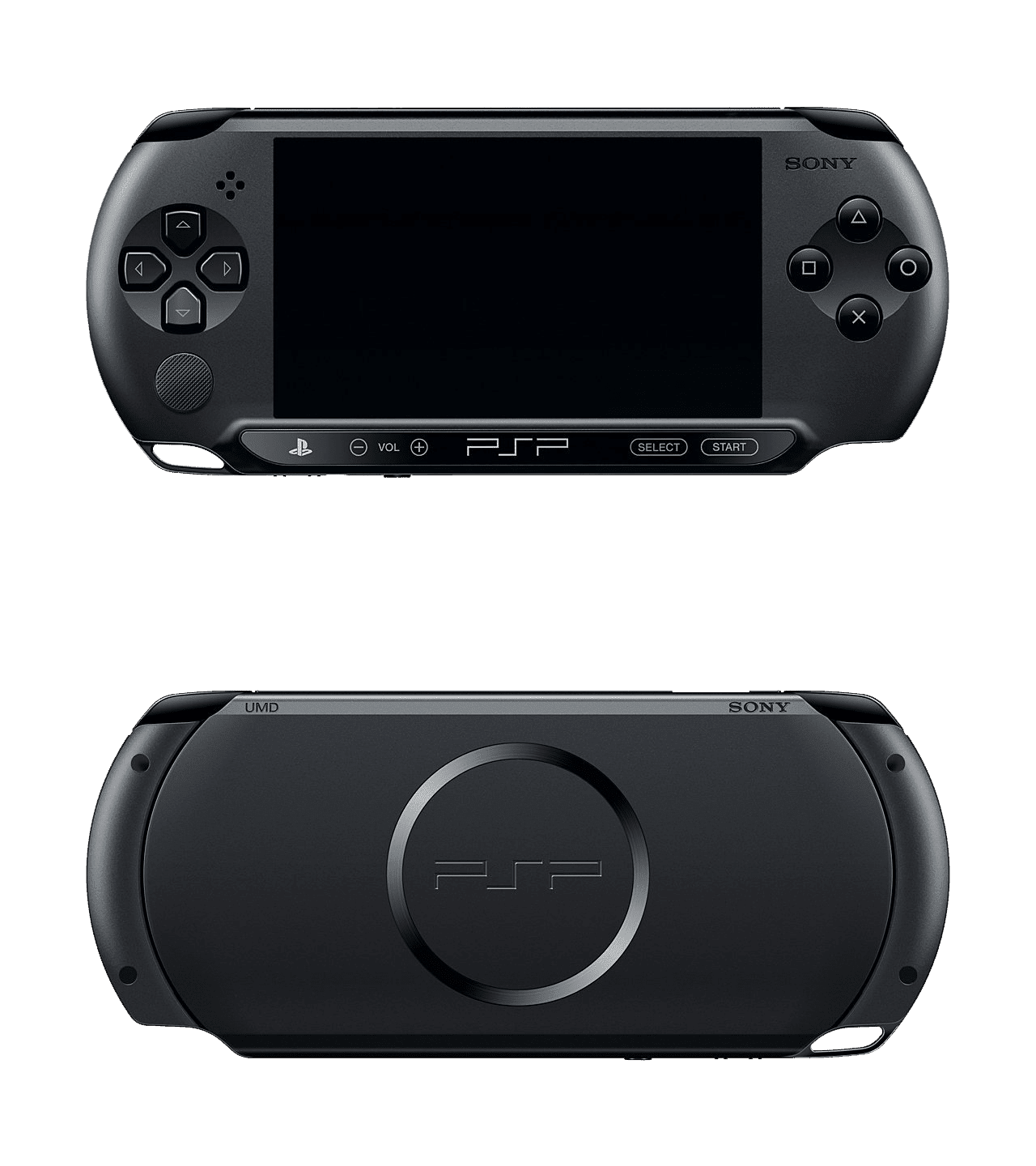
Keeping a vintage handheld alive requires understanding its power draw and treating its chemical components with care. The PlayStation Portable Slim model remains a staple for retro enthusiasts, but finding reliable power cells for aging hardware is a constant challenge.
If you want your console to survive long play sessions without sudden shutdowns, you have to manage power profiles, replace degraded cells safely, and modify your loading habits. Hardware degradation is inevitable with lithium-ion units built nearly two decades ago, but smart operational tweaks keep your console running efficiently.
Understanding PSP 2000 Power Specs and Aging Hardware
The original stock battery for the Slim model, known by part number PSP-S110, features a standard rating of 3.6V and 1200mAh. Third-party replacements often advertise inflated capacities like 2400mAh or higher, but many of these labels are misleading. Unbranded replacement cells frequently contain low-grade internal components that fail to hold a stable charge under heavy processor loads.
Lithium-ion degradation happens naturally over time through chemical aging, regardless of use. The electrolyte inside the cell breaks down slowly, increasing internal resistance. When you fire up a demanding title, the voltage drops sharply, triggering the system's low-power cutoff. Recognizing these hardware limits helps you avoid dangerous bloated cells and unsafe charging accessories.
Practical Settings Tweaks to Maximize Playtime
You can squeeze hours of extra runtime out of a single charge by modifying built-in firmware settings. Hardware components draw varying amounts of current depending on how aggressively the system uses them.
- Lower screen brightness: The backlight is the single largest power consumer on the device. Drop the brightness setting to its lowest comfortable level through the hardware shortcut or settings menu.
- Disable WLAN when offline: The Wi-Fi radio constantly searches for signals unless explicitly turned off. Switch the physical wireless switch on the side of the console to the off position.
- Enable power save features: Navigate to system settings and activate WLAN power save, auto-sleep timers, and backlight auto-off functions to cut down idle drain.
- Reduce UMD spinning: Optical discs require mechanical motor movement that drains power rapidly. Running ISO backups from a Memory Stick reduces physical disk spins and saves substantial energy.
Safe Charging and Long-Term Storage Habits
Improper storage destroys lithium cells faster than regular use. If you plan to leave your console untouched for several months, don't store it with a fully depleted cell or at maximum capacity.
Charge or discharge the hardware to roughly 50 to 80 percent capacity, then remove the battery entirely from the compartment. Leaving a battery inside a stored console results in parasitic drain from the motherboard, which can drop voltage below the safe recovery threshold and permanently brick the unit.
Avoid charging your console overnight or using cheap, uncertified USB adapters that push erratic voltages. Stick to official chargers or reputable USB-to-barrel cables matching the required 5V input specifications. For further guidance on hardware longevity, check out iFixit for safe repair teardowns and PlayStation Support for legacy product maintenance history.
Common Mistakes That Kill Vintage Batteries
Many retro gamers unknowingly accelerate the death of their hardware accessories through poor maintenance routines.
- Exposing the device to high temperatures: Leaving your console in a hot vehicle causes internal chemical reactions that warp the chassis and trigger dangerous swelling.
- Using bloated cells: If your battery cover bulges or the unit wobbles on a flat surface, stop using it immediately. Swollen cells pose fire risks and can damage the internal plastic casing.
- Deep discharging constantly: Letting the device die completely every single session strains the chemical structure. Top up your charge whenever possible rather than waiting for absolute zero.
Frequently Asked Questions
Can I use a PSP 1000 battery in a PSP 2000?
The thicker battery from the original "Fat" model physically does not fit inside the slimmer battery bay unless you use an expanded third-party battery cover. Standard Slim doors will not close over the larger cell.
How do I know if my replacement battery is counterfeit?
If a replacement battery feels remarkably lightweight compared to an original Sony cell or drains from full to empty in under an hour of menu navigation, it likely uses a lower-capacity cell inside an oversized plastic shell.
Is it safe to leave the PSP plugged in while playing?
Yes, the internal charging circuit safely routes power to the system while bypassing the cell once full, but it generates excess heat. Removing the battery during long plugged-in desk sessions prevents unnecessary thermal wear.