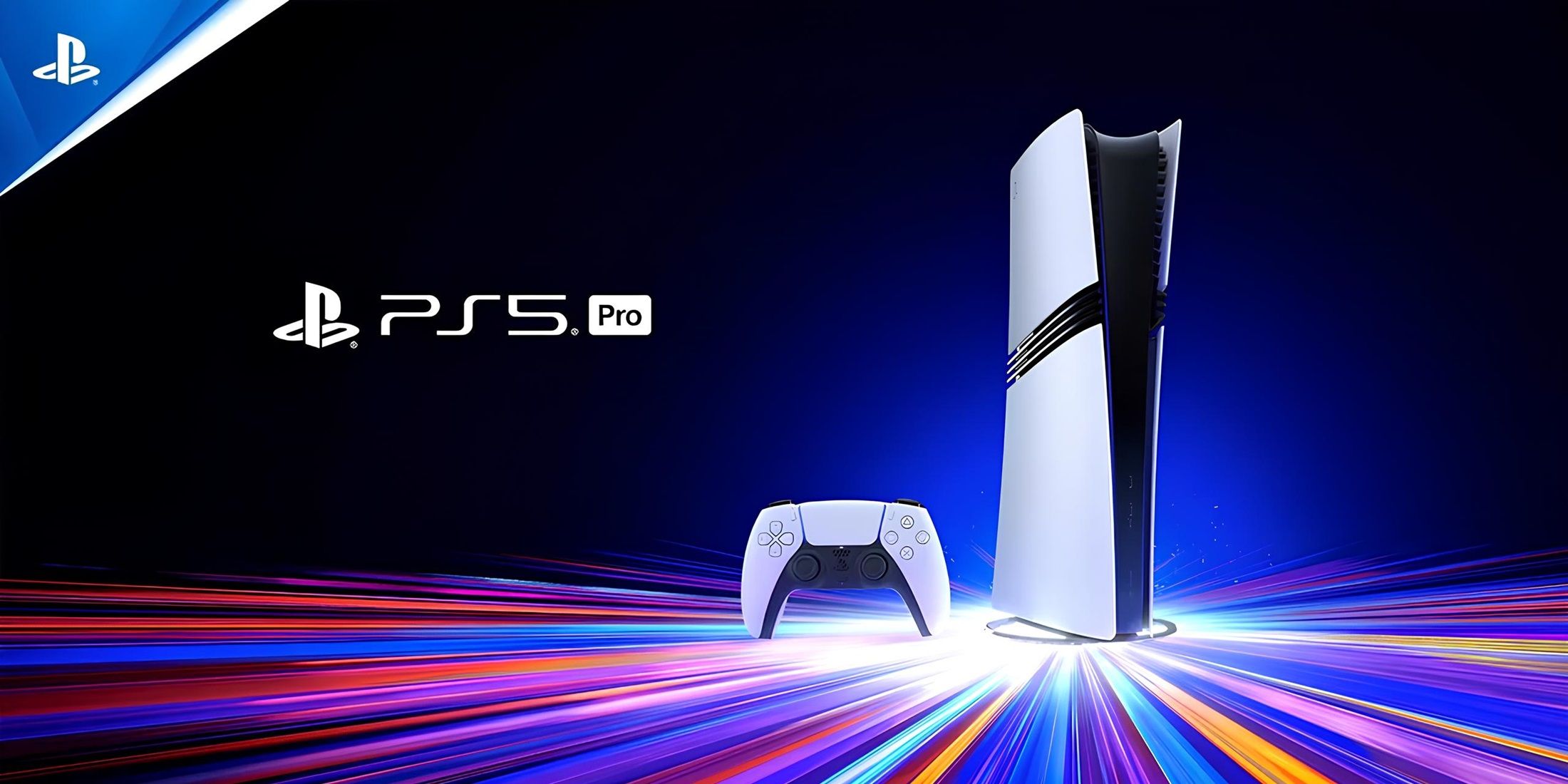
When your PlayStation 5 shows zero signs of life—no light, no beep, and no fan spin—it feels like an absolute disaster. A completely silent brick usually points to an interruption in the electrical chain, ranging from a tripped power strip to a fried internal component. You don't need to panic or immediately buy a replacement system. Most power failures can be diagnosed systematically right at home by isolating external variables before looking at internal hardware.
This guide walks you through the exact diagnostic steps to isolate the issue, clear residual faults, and safely restore power to your console.
Check the Obvious Culprits First
Most "dead" consoles aren't actually broken; they're just not receiving stable electricity. Start with the wall source. Unplug the console and plug a lamp or phone charger into the exact same wall outlet to verify that it delivers active power. If you use a surge protector or multi-plug extension cord, check its master reset switch or indicator light. Power surges often trip internal circuit breakers inside extension blocks, rendering individual outlets dead while the rest of the room stays lit.
Next, inspect the physical power cord. The PS5 uses a standard IEC C7 figure-8 power cable. Pull it out from both the wall and the back of the console. Look closely at the plastic ends and metal prongs for any signs of soot, warping, or loosening. A loose connection at the console port is remarkably common because the rear socket sits deep within the chassis casing. Push the cable firmly until it seats completely with a distinct snap. If you have a spare figure-8 cable from an old PlayStation 4 or a household audio device, swap it in to rule out a broken internal wire. To explore the full picture, check out the recent analysis by The New York Times.
Perform a Full Hard Power Reset
If external power checks out, your console might be locked in a frozen rest state or suffering from a static buildup on the motherboard. Modern electronics contain capacitors that store residual voltage long after you pull the plug, which can trick the system into rejecting subsequent boot commands.
Clear that residual charge with a proper power cycle:
- Unplug the AC power cord from the back of your PS5.
- Disconnect all external peripherals, including the HDMI cable, external hard drives, and USB charging docks.
- Leave the console completely unpowered for at least sixty seconds to allow the internal capacitors to drain entirely.
- Press and hold the physical power button on the console for roughly fifteen seconds while it remains completely unplugged.
- Wait another thirty seconds, plug the power cable directly into a reliable wall outlet, and attempt to turn it on normally.
If the console was simply stuck in a corrupt rest mode loop, this procedure clears the cache and allows the motherboard to reboot cleanly.
Isolate Peripherals and Stuck Media
Sometimes a connected accessory or a mechanical obstruction blocks the startup sequence. External storage drives formatted incorrectly or failing USB components can short-circuit the data lanes, causing the motherboard to abort startup to protect itself.
Strip your setup down to the absolute bare minimum. Unplug every single USB device, remove any external SSDs, and ensure no game disc is jammed halfway inside the optical drive. Try booting the console with only the power cable attached. If the system springs back to life, plug your accessories back in one by one to identify the faulty hardware piece.
You should also check the physical surroundings of the console. Excessive dust buildup around the rear exhaust ports can trap heat, while a sudden power cut during an automated update can corrupt the system firmware.
Assess the Internal Power Supply Unit
If you've tested multiple outlets, swapped cables, drained static, and stripped away all peripherals with zero results—no beep, no flash of light, and no fan twitch—the issue likely lies inside the machine.
The PlayStation 5 features an internal Power Supply Unit (PSU) designed to convert high-voltage alternating current from your wall into the low-voltage direct current required by the motherboard. When a severe power surge or lightning strike hits your home, the PSU acts as the first line of defense. It often sacrifices itself by blowing an internal fuse or frying a metal-oxide-semiconductor field-effect transistor (MOSFET) to protect the expensive main processor and solid-state storage.
If you smell a faint acrid odor of burnt electronics near the bottom vents, or if the console died right after a local thunderstorm, your internal power supply is likely bricked.
When to Seek Professional Repair
Opening a PS5 console requires specialized tools, including precision security screwdrivers and thermal paste management if you need to dismantle deeper layers. While replacement power supply units can be purchased online, installing them requires careful handling of internal ribbon cables and AC pin connectors.
If your console remains completely unresponsive after completing all external troubleshooting steps, visit the official PlayStation Repairs portal to book an authorized diagnostic assessment. Professional technicians can safely test the internal rails with a multimeter and replace a fried power board without risking permanent damage to your motherboard.
Frequently Asked Questions
Why did my PS5 die after a power outage?
Power outages are frequently followed by sudden voltage spikes when the grid reconnects. This surge travels through your wall wiring and overwhelms the internal power supply, blowing its safety fuse or damaging input components. Always use a high-joule surge protector or an uninterruptible power supply to safeguard sensitive gaming hardware.
Can a corrupted hard drive keep the PS5 from turning on?
Storage corruption usually lets the console turn on and display an error screen or get stuck on the PlayStation logo. However, a severely short-circuited M.2 NVMe expansion drive can prevent the motherboard from initializing entirely, which mimics a dead power supply.
What do different startup beep patterns mean?
A single normal beep indicates the system is attempting to boot. If you hear three rapid beeps and the console shuts down immediately, it usually signifies a power irregularity or a hardware short circuit detected by the system safety sensors. Complete silence with zero beeps points directly to an absence of electrical continuity in the power chain.
Is it safe to replace the PS5 power supply myself?
Replacing the PSU is possible if you have experience with electronics repair, as the unit is modular in later console revisions. However, mishandling internal components or touching high-capacitance areas can cause injury or ruin the motherboard. If your console is under warranty, always let manufacturer-certified technicians handle the internal hardware.



