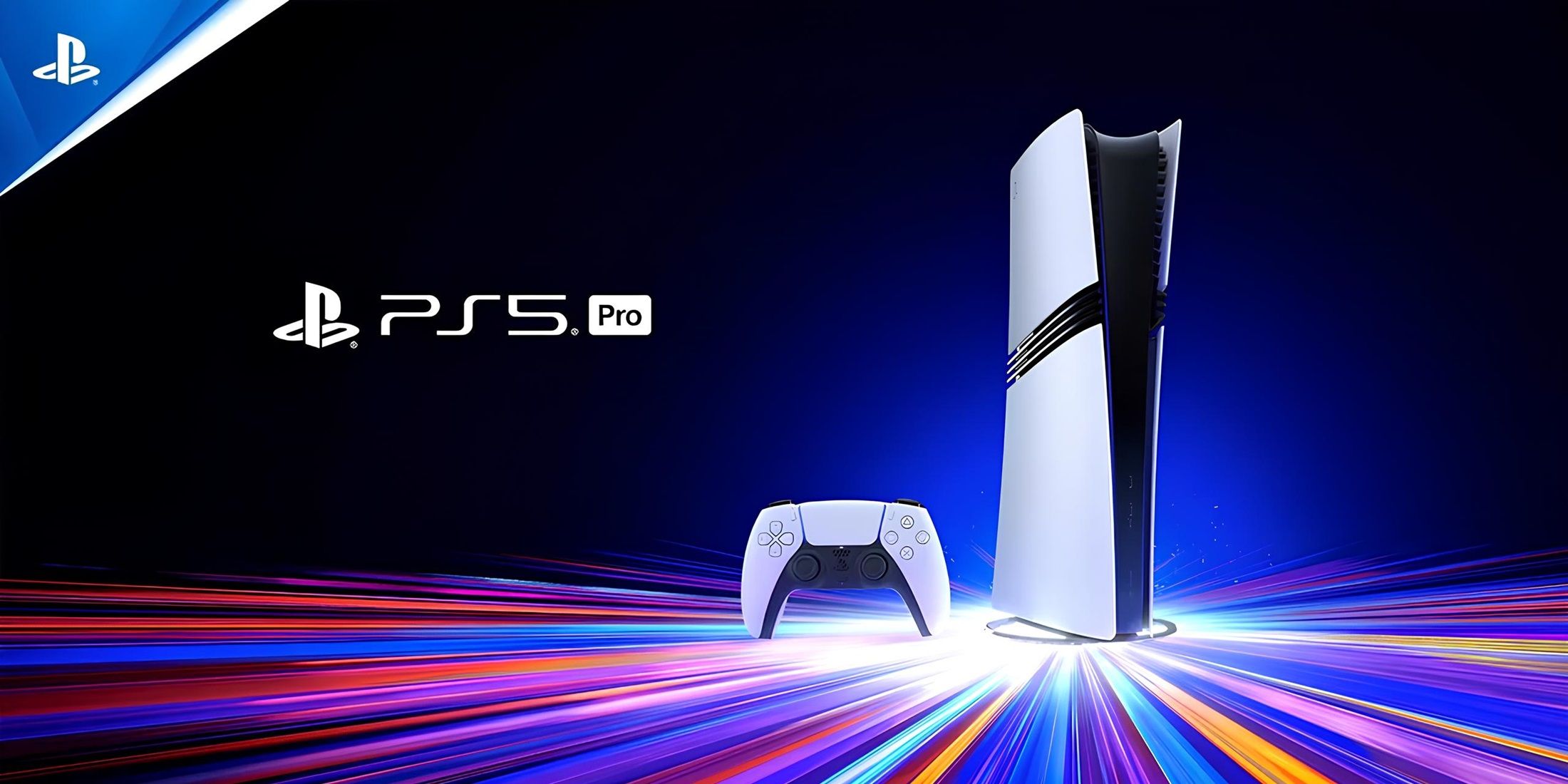
Deciding whether to place your PlayStation 5 horizontally or vertically isn't just about desk space or aesthetics. It affects how the console manages heat, handles vibration, and distributes its physical weight.
You can use your PS5 in either position safely, provided you follow Sony's official guidelines and use the included stand. Neither orientation inherently damages the console on its own, but each setup interacts differently with your room's dust levels, furniture clearance, and airflow dynamics. Let's break down how horizontal and vertical configurations compare in real-world use.
The Horizontal Setup: Maximum Stability and Simplicity
Lying the PS5 flat is the default method for traditional entertainment centers. It mimics how most home audio and video equipment has been housed for decades.
When you place the console horizontally, it rests on two plastic support feet that clip onto the side panels. This lowers the center of gravity significantly, making it almost impossible to knock over accidentally. If you have pets, kids, or a busy entertainment hub where people frequently walk past, this position offers peace of mind.
Airflow works differently in this position. Cool air enters through the front and side intake vents, and the internal fan pushes heated air out of the exhaust ports in the back. Because the console sits flat, it relies on having adequate clearance above it. If you slide a horizontal PS5 into a tight, enclosed media cabinet, hot air gets trapped, circles back into the intakes, and causes thermal throttling.
To keep a horizontal PS5 running quietly:
- Leave at least six inches of open space above the console.
- Ensure the back of your TV stand or cabinet is open so hot air can escape into the room.
- Keep the console away from soft surfaces like carpets or thick rugs that block bottom ventilation.
The Vertical Setup: Saving Space with Strict Rules
Standing the PS5 upright creates a smaller physical footprint, freeing up space on your desk or TV stand. It also showcases the console's distinct curves and lighting design. However, vertical placement requires much more attention to detail during installation.
You must use the included circular stand. Trying to balance the console vertically without it will block airflow at the bottom, scratch the outer panels, and likely cause the console to tip over. The stand twists and locks into place depending on whether you have the original PS5 model or the newer Slim version.
While the vertical configuration doesn't inherently harm hardware, it changes how dust and gravity affect the internal components. In an upright position, the unit acts slightly like a chimney, pulling dust up from the surrounding floor or desktop surfaces into the lower intake vents. Owners who stand their consoles vertically often need to clean out dust buildup more frequently.
If you prefer the vertical look, keep these rules in mind:
- Never place the console directly on a carpeted floor where dust and fibers easily enter the bottom intake.
- Ensure you have several inches of clearance on both the left and right sides so air can flow freely across the outer grilles.
- Check that the stand is screwed or locked in tightly so a minor bump to the desk won't send the console crashing down.
Addressing the Liquid Metal Controversy
A recurring concern online involves the liquid metal thermal compound Sony uses between the console's APU and heatsink. Early in the console's lifecycle, rumors spread that standing a PS5 vertically would cause the liquid metal to pool, pool unevenly, or leak, leading to catastrophic overheating.
Hardware engineers and teardown specialists have repeatedly tested these claims and found them unfounded. The liquid metal is held in place by a tight seal, a specialized foam barrier, and surface tension. Sony designed the console explicitly to function in both orientations. Whether you stand it up or lay it flat, the thermal compound remains stable under normal gaming conditions.
If you want to read more about how Sony designs its hardware and manages thermal performance, you can check official updates on the PlayStation Support site.
Common Mistakes to Avoid
No matter which orientation you choose, a few common setup errors can hurt your console's performance:
- Pushing it too close to a wall: Pushing the back exhaust ports flush against a living room wall traps hot air immediately behind the unit. Give the rear exhaust at least four to six inches of breathing room.
- Stacking other devices: Never place a cable box, router, or another console on top of your PS5. Doing so blocks the exhaust vents and creates an insulating blanket of heat.
- Ignoring dust accumulation: Check the dust catcher holes on your PS5 every few months. You can pop off the outer faceplates easily to vacuum out trapped dust without voiding your warranty.
Frequently Asked Questions
Does the PS5 run hotter in one orientation than the other?
In properly ventilated rooms with adequate clearance, testing shows virtually no difference in operating temperatures between horizontal and vertical positions. Temperature spikes usually come from blocked vents or confined cabinets rather than orientation.
Do I need to buy a third-party cooling stand?
Most third-party cooling stands and clip-on USB fans are unnecessary. The PS5 has an internal fan curve engineered to handle its own cooling. Some cheap third-party fans can even disrupt internal airflow or draw power away from the console's USB ports. Stick to the official stand included in the box.
Can I place my PS5 on its side without the plastic feet?
No. If you place the console horizontally without the support feet attached, it will wobble, scratch the side panels, and potentially block airflow underneath the chassis. Always attach the provided horizontal clips or use the vertical stand.
How often should I clean dust out of my PS5?
Aim to check the console every three to six months. If you have pets or live in a dusty environment, you might need to clean the intake paths more often to keep the internal fan from ramping up to maximum speed.



