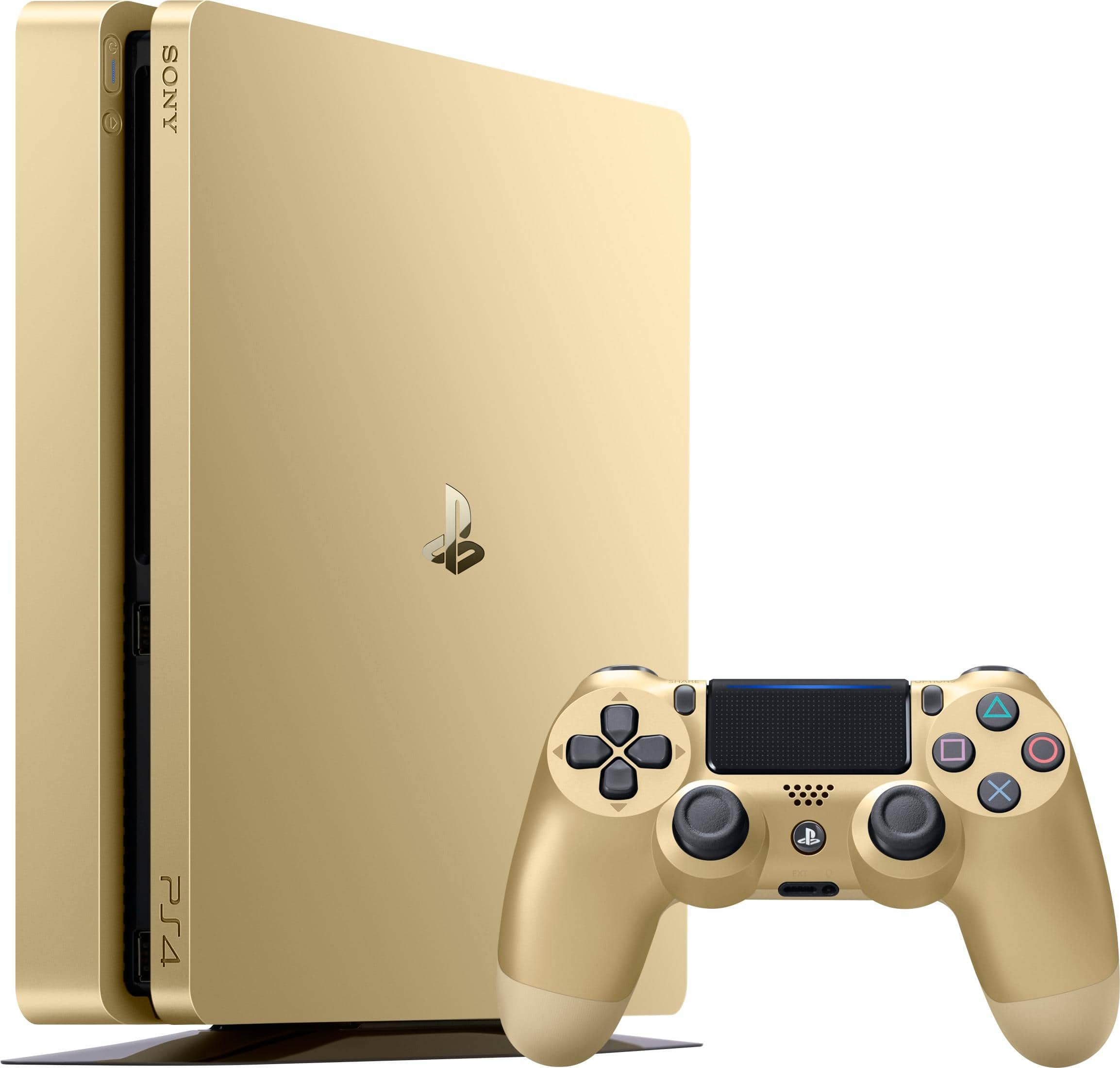
Choosing between the PlayStation 4 Pro and the PlayStation 4 Slim comes down to matching your display hardware, budget, and performance expectations. If you own a 4K television and want sharper graphics or higher framerates in supported titles, the PS4 Pro is the right choice. If you play on a standard 1080p screen, prioritize quiet operation, or want a compact system that fits easily into tight entertainment centers, the PS4 Slim delivers better everyday value.
Both consoles run the exact same library of games. You won't find any exclusives locked behind the Pro hardware, but titles enhanced for the Pro take advantage of extra graphical headroom. Let's break down how these two systems differ under the hood and what those differences mean for your living room.
Core Hardware and Performance Differences
The primary gap between these two systems lives inside their graphics processing units. While both consoles share an eight-core AMD Jaguar architecture and 8GB of GDDR5 memory, their graphics power differs significantly.
- PS4 Slim: Features a GPU rated at 1.84 teraflops. It is designed to run games at native 1080p resolution while maintaining low power consumption and minimal heat output.
- PS4 Pro: Features an upgraded GPU rated at 4.2 teraflops, alongside a slightly faster CPU clock speed. This extra power enables checkerboard rendering, dynamic resolution scaling, and native 4K output for select games.
Performance gains on the Pro depend entirely on whether the game developer released a specific patch. Unpatched older games run identically on both machines, though the Pro includes a system-level Boost Mode that forces unpatched titles to utilize its faster hardware clocks. This feature helps reduce micro-stutters and stabilizes framerates in demanding games that lack official Pro support.
Display Compatibility and Visual Output
Your television dictates how much benefit you'll actually see from the Pro's extra hardware.
If you connect either console to a standard 1080p Full HD TV, the image quality, loading times, and overall visual clarity will look virtually identical. The Pro can supersample its higher-resolution image down to 1080p, resulting in slightly smoother edges and reduced shimmering, but the difference is subtle from a normal viewing distance.
If you game on a 4K HDR display, the Pro shines. Many major titles offer options to choose between "Resolution Mode" (sharper 4K visuals) and "Performance Mode" (smoother 60 frames per second). The Slim maxes out at 1080p output for games, though both consoles support HDR10 color reproduction on compatible screens. For official technical standards on high-definition media interfaces, check out the HDMI Forum.
Physical Design, Power, and Acoustics
Living with a console means dealing with its physical footprint, noise levels, and power draw.
- Size and Weight: The Slim measures roughly 265 × 190 × 39 mm and weighs 2.1 kg, making it noticeably smaller and lighter than the Pro, which measures 295 × 170 × 55 mm and weighs 3.3 kg. If space is tight in your media cabinet, the Slim slips into compact spaces much more easily.
- Noise and Heat: The Slim runs cooler and quieter. Its single-fan layout generates a low, steady hum that rarely disturbs quiet rooms. The Pro uses a larger power supply and a dual-fan setup to manage its higher thermal output. Under heavy load in graphically intense games, the Pro's fans can ramp up significantly, sounding like light office chatter.
- Power Draw: Independent hardware tests show the Slim draws around 78 watts during active gameplay, compared to roughly 115 watts for the Pro. Over hundreds of hours of gaming, the Slim will save a modest amount on your electricity bill.
Connectivity and Peripheral Options
Port availability and audio outputs vary slightly between the two revisions, which can impact your home theater setup.
- USB Ports: The PS4 Pro features three USB 3.1 ports (two on the front, one in the back), while the Slim features two front-facing USB 3.1 ports. An extra port on the Pro is helpful if you keep an external hard drive plugged in permanently while also charging multiple controllers or connecting virtual reality hardware.
- Optical Audio: The PS4 Pro includes a dedicated optical audio output (S/PDIF) on the back. Sony removed this port from the PS4 Slim. If you rely on an older high-end AV receiver or surround sound headset that lacks HDMI passthrough and requires an optical cable, the Pro accommodates that legacy hardware directly.
Making Your Final Choice
To decide which console fits your routine, weigh your core priorities against your current hardware setup.
- Check your screen: If you game on a 1080p monitor or television, buy the Slim and save your money. You won't unlock the Pro's graphical advantages without a 4K display.
- Evaluate your noise tolerance: If your console sits close to you in a quiet bedroom or dorm room, the Slim's quieter fan profile offers a more pleasant day-to-day experience.
- Assess the library you want to play: Remember that the game library is identical. Every blockbuster, indie title, and exclusive works on both machines.
For deeper insights into consumer electronics standards, you can review guidelines provided by the Consumer Technology Association.
Frequently Asked Questions
Can the PS4 Slim play 4K Blu-ray discs?
No. Neither the PS4 Slim nor the PS4 Pro features a 4K UHD Blu-ray disc drive. Both consoles stream 4K video through apps like Netflix and YouTube, but physical movie discs max out at standard 1080p Blu-ray playback.
Do I need a PS4 Pro for PlayStation VR?
Both consoles are fully compatible with the original PlayStation VR headset. However, the Pro provides higher rendering resolutions and more stable framerates in select virtual reality titles, reducing motion blur in demanding games.
Does Boost Mode make all games run at 60 FPS?
No. Boost Mode increases the core clock speeds of the CPU and GPU to help unpatched games run smoother, but it cannot override developer-locked framerate caps. A game locked at 30 FPS by its creators will remain at 30 FPS, though stuttering during heavy action sequences will decrease.
Is it worth buying a used PS4 Pro over a new or refurbished Slim?
If you own a 4K TV and find a used Pro at a price close to a Slim, the graphical bump makes it worthwhile. Always inspect the console's condition, test the disc drive, and check fan noise levels before purchasing second-hand hardware.



