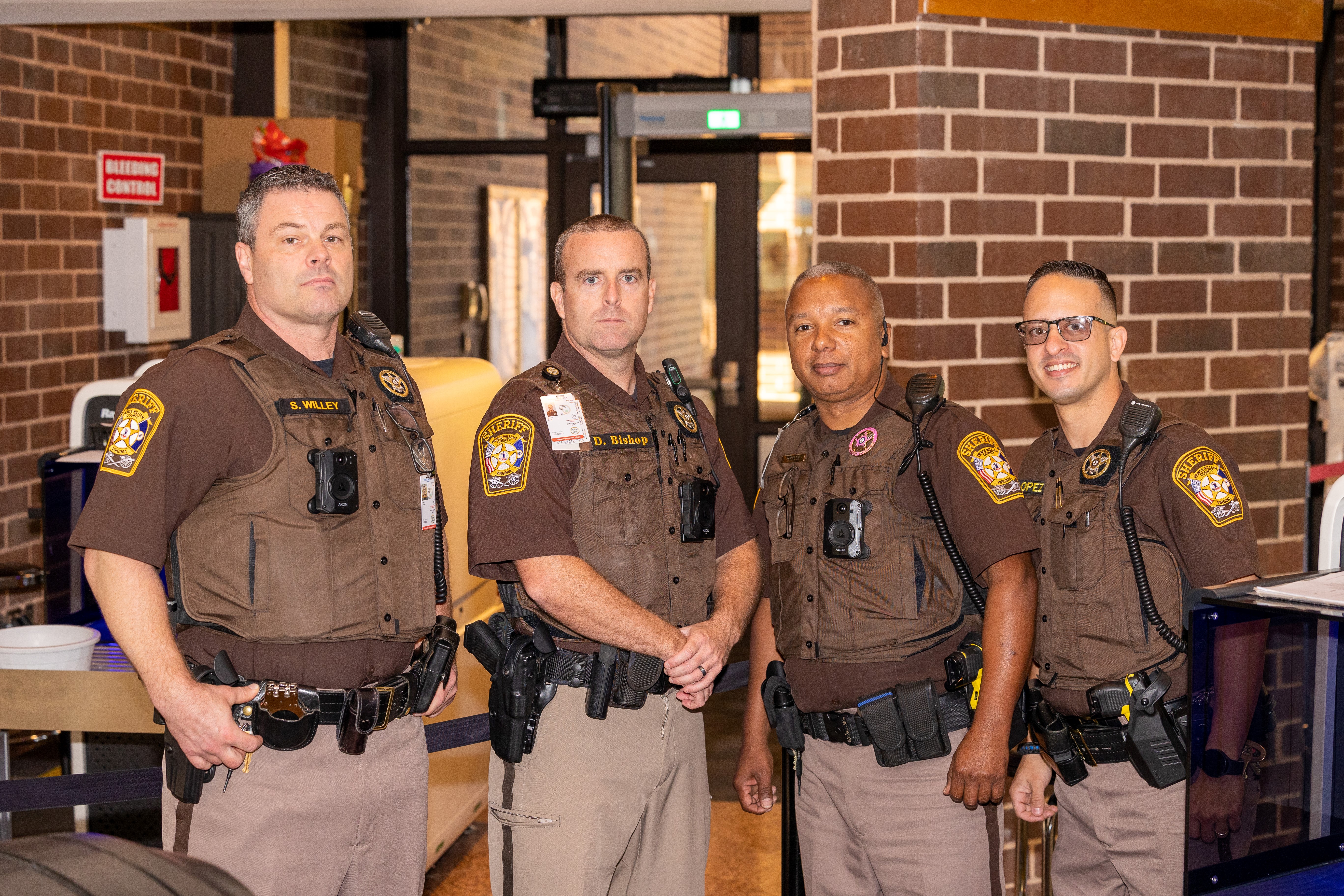
Spotting a line of cruiser lights or hearing sirens down your street triggers an immediate need to know what's happening. When you live in Florida's densely populated Tampa Bay region, staying informed about public safety relies on transparency tools provided by local law enforcement. The Pinellas County Sheriff's Office maintains a live public dispatch feed that translates emergency scanner traffic into actionable data.
Accessing the official Pinellas County Sheriff's Office Active Calls page lets anyone monitor public safety incidents, check dispatch codes, and understand local law enforcement responses in real-time. Knowing how to read these logs helps residents separate minor neighborhood disturbances from critical community events without relying on rumor-filled social media groups.
How the Pinellas County Active Calls Feed Works
Public safety agencies use Computer-Aided Dispatch systems to log calls for service, track deputy locations, and document field actions. In Pinellas County, a public-facing subset of this CAD data feeds directly into a live web table. This feed updates constantly throughout the day, providing an unfiltered look at active law enforcement, fire, and emergency medical service deployments.
The public log isn't a static news article; it's a live data stream. Every entry corresponds to a specific dispatch event handled by deputies or partner municipal agencies within the county. Understanding how these records are structured allows you to parse the data accurately the moment you notice unusual activity outside your window.
Key Data Columns in the Dispatch Log
When you open the active calls portal, you'll see a structured table containing several distinct data points. Each column serves a specific purpose in tracking the lifecycle of an emergency response:
- Report Number: A unique tracking identifier assigned to the incident, such as strings starting with agency prefixes like SO (Sheriff's Office) or municipal codes.
- Time Received: The exact timestamp indicating when the call was processed by dispatchers or when deputies initiated the action.
- Problem / Incident Type: The plain-text or coded description of the call, ranging from routine traffic stops to active crimes.
- Location: The block address, intersection, or general geographic zone where units are responding. Precise street numbers are sometimes masked for privacy or safety reasons depending on the incident nature.
- Units Involved: The specific call signs or vehicle designations assigned to handle the call.
Interpreting Incident Types and Dispatch Codes
Not every entry on the active calls list represents a major crime or immediate danger. The feed mixes high-priority emergencies with administrative details, proactive patrols, and minor community complaints. Recognizing the difference prevents unnecessary panic.
High-Priority Emergencies
Calls involving immediate threats to life or property command priority dispatch. You might see entries labeled as domestic disputes in progress, thefts occurring right now, assaults, or major traffic collisions. These events draw immediate units and often feature multiple assigned call signs in the units column.
Proactive and Administrative Calls
A significant portion of the active log consists of proactive police work rather than reactive 911 calls.
- Directed Patrol: Deputies actively monitoring high-traffic areas, school zones, or locations experiencing recent property crime spikes.
- Special Details: Planned presences at community events, construction zones, or specific public spaces.
- Traffic Stops: Routine vehicle pulls initiated by deputies for traffic infractions.
- Civil Matters: Disputes between landlords and tenants, property retrievals, or custody exchanges where deputies stand by to keep the peace.
When to Use the Feed Versus Calling Non-Emergency Lines
The live active calls page serves as an informational tool, but it has distinct limitations. It doesn't provide live commentary, investigative updates, or deep context about closed cases. If you're trying to figure out why your power flickered or why a road is blocked, checking the feed is a smart first step.
However, if you possess information about an ongoing incident or spot something suspicious that hasn't been logged yet, browsing the web isn't enough. For non-urgent inquiries or to report suspicious behavior that doesn't require an immediate 911 response, you should contact the Pinellas County non-emergency dispatch number at 727-582-6200. For any active threat, crime in progress, or medical emergency, dial 911 immediately.
Common Mistakes When Tracking Local Emergencies
Relying solely on digital dispatch feeds or community apps can lead to misunderstandings if you don't keep a few practical realities in mind.
- Expecting Instantaneous Updates: There is a brief operational delay between a call hitting a dispatcher's screen and its appearance on the public web portal. Do not expect real-time second-by-second tracking.
- Reading Too Much Into Location Masks: For sensitive calls, dispatch systems truncate exact addresses down to hundred-blocks or nearby intersections to protect victim privacy. Don't assume an incident is happening directly at your immediate doorstep if the block number is generalized.
- Confusing Routine Checks with Crisis: Seeing a cluster of units in a shopping center parking lot often turns out to be a business check or a minor civil dispute rather than a violent crime. Always check the problem description column first.
- Ignoring Municipal Boundaries: Pinellas County includes multiple independent cities like St. Petersburg, Clearwater, and Largo, each operating their own police departments alongside the Sheriff's Office. Make sure you're viewing the correct jurisdictional feed for your specific neighborhood.
You can cross-reference regional emergency logistics and disaster management resources directly through the Pinellas County Government Safety Portal.
Frequently Asked Questions
Why does an active call suddenly disappear from the list?
Entries drop off the public active list once the primary units clear the scene, wrap up their reports, or close the CAD event. The public feed only displays ongoing, active service calls.
Are all police departments in Pinellas County shown on the Sheriff's feed?
No. The Sheriff's Office feed primarily covers unincorporated Pinellas County and municipalities that contract policing services through the Sheriff. Independent cities with their own police departments maintain separate dispatch logs.
Can I listen to the audio dispatch alongside the text feed?
Official live audio streams are generally restricted for officer safety and privacy laws. While third-party scanner apps exist, they often feature significant broadcast delays and lack the verified context of the official CAD data table.
Why is an address listed as an intersection instead of a house number?
Dispatchers log calls using the nearest cross streets or generalized block coordinates when callers provide vague location details, or when privacy protocols require masking sensitive residential addresses.



