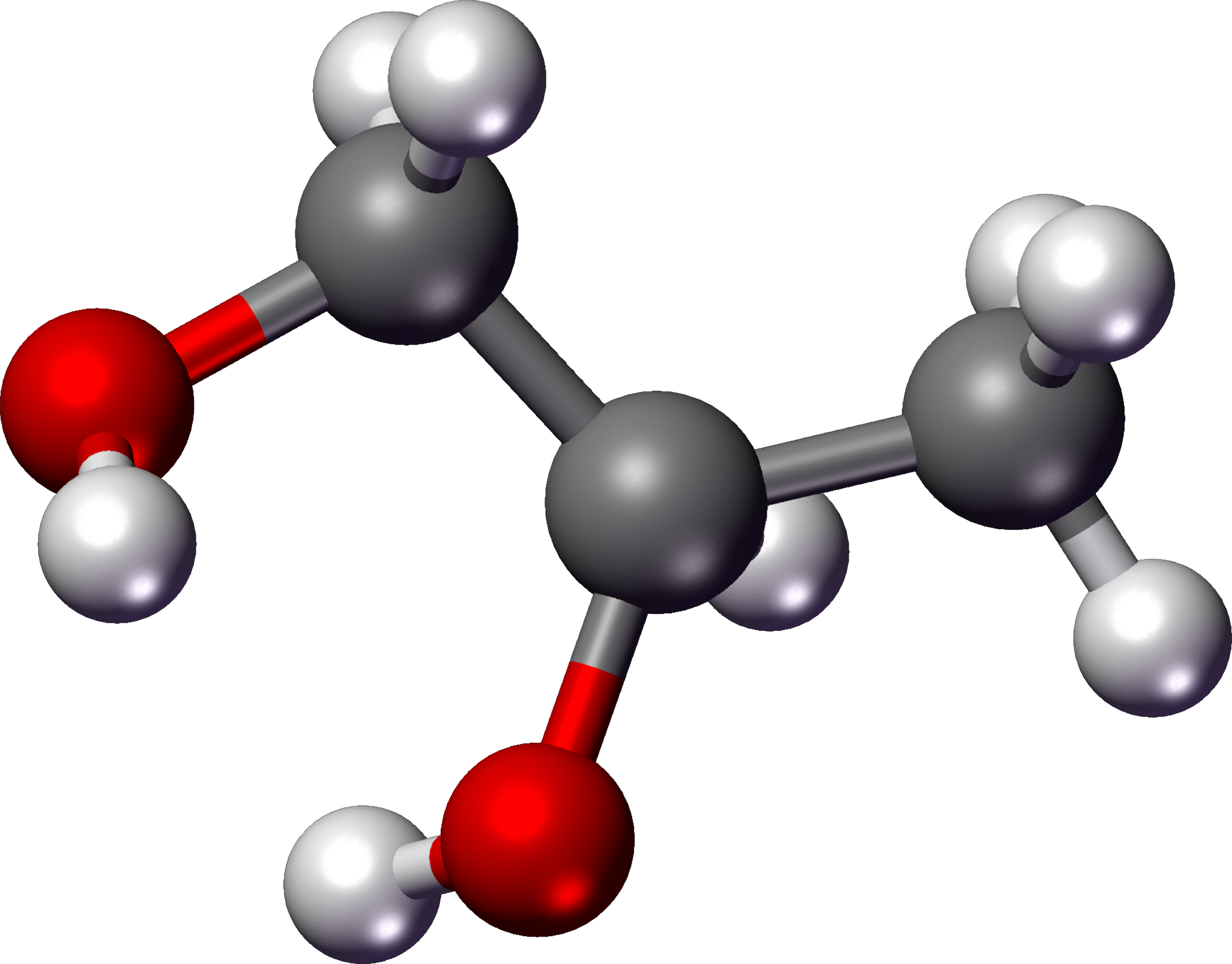
Chemistry instruction often struggles with a fundamental barrier: atoms, electrons, and molecular bonds are completely invisible to the naked eye. When students stare at static textbook diagrams of balancing equations or electron orbitals, they frequently memorize algorithms without grasping the underlying atomic behavior. PhET Interactive Simulations, developed by the University of Colorado Boulder, removes this hurdle by turning abstract chemical concepts into responsive, visual models.
Using these research-backed tools doesn't mean replacing physical laboratory benches entirely. Instead, educators use them to bridge the gap between microscopic phenomena and macroscopic observations, allowing students to test hypotheses safely and instantly see the consequences of changing variables.
Core Mechanics Behind PhET Chemistry Simulations
The design of these digital environments is rooted in cognitive science and inquiry-based learning. Instead of handing students a list of rules, a simulation presents a bounded system with controls—such as sliders, molecular builders, and measurement probes—that react in real-time.
When students open tools like Balancing Chemical Equations or Build an Atom, they enter a game-like environment that encourages trial and error. If a coefficient is incorrect, the visual balance scale tips, or molecules remain unformed. This immediate feedback loop forces learners to adjust their mental models organically.
Furthermore, these environments make the invisible visible. For instance, in gas laws or solution concentrations, students can toggle views to watch individual molecules collide, separate, or dissolve at the particle level. This direct visualization transforms abstract mathematical formulas into tangible mechanical relationships.
High-Impact Chemistry Simulations to Implement
Not all digital tools serve the same pedagogical purpose. Several specific modules target notorious stumbling blocks in general and organic chemistry curricula:
- Molecule Shapes and Polarity: Students construct 3D molecules by adding electron domains and lone pairs, instantly seeing how molecular geometry influences dipole moments and overall molecular polarity.
- Beer's Law Lab: Learners adjust solution concentration and glassware thickness, using a virtual spectrophotometer to measure light absorbance and transmittance without needing physical bench equipment.
- Acid-Base Solutions: Students dip virtual pH paper, probes, and conductivity testers into various solutions, comparing how weak and strong acids dissociate at microscopic levels despite having identical initial concentrations.
- Reactants, Products, and Leftovers: This simulation uses real-world analogies like making sandwiches before transitioning into limiting reactant stoichiometry calculations, grounding math in physical assembly.
Instructional Strategies for Maximum Retention
Dropping a simulation link into a learning management system without guidance usually leads to unfocused clicking. To drive genuine conceptual growth, educators structure activities using intentional pedagogical frameworks.
The Predict-Observe-Explain Cycle
Before letting learners touch the controls, ask them to write down what they think will happen when a variable changes—such as increasing the temperature inside a gas container. They run the simulation, observe the particle velocity and pressure spikes, and then reconcile any discrepancies between their prediction and the simulation output.
Scaffolded Inquiry Worksheets
Replace traditional step-by-step cookbook lab manuals with open-ended challenges. Give students a goal—such as finding the maximum concentration of salt before saturation occurs—and let them design their own procedure using the virtual tools to gather data.
Formative Assessment Games
Many modules feature built-in game levels with multiple difficulty tiers. Teachers can use these challenges at the end of a class period to check individual understanding, letting students earn visual badges as they master balancing equations or isotope identification.
Common Pitfalls in Digital Lab Integration
Even powerful tools can underperform if implemented incorrectly. Avoiding these frequent missteps ensures better student outcomes:
- Treating simulations as mere entertainment: If students view the activity as a video game break rather than a scientific inquiry, they won't connect the mechanics back to chemical theory. Always tie simulation tasks back to core textbook concepts.
- Over-scaffolding: Giving students instructions for every single click strips away the core benefit of exploratory learning. Allow time for unstructured play during the first ten minutes of exposure.
- Neglecting quantitative connections: While qualitative visualization is valuable, students must eventually link particle-level animations back to molar masses, stoichiometric ratios, and mathematical expressions.
Frequently Asked Questions
Are PhET simulations free to use in classrooms?
Yes, all simulations developed by the project are open-source and free to run online or download for offline classroom use across various devices, including tablets and laptops.
Do these digital tools completely replace hands-on wet labs?
No. Virtual environments excel at showing microscopic interactions and hazardous reactions safely, but they complement rather than substitute physical laboratory experiences, which teach essential physical handling skills and equipment safety.
Can these tools accommodate students with accessibility needs?
The platform includes features such as alternative input options, screen reader compatibility, and auditory descriptions to support diverse learners in STEM classrooms.
How do I assess student work during a simulation activity?
Instead of grading final answers alone, use short reflection prompts asking students to describe why a specific molecular bond bent or how changing volume altered pressure at the particle level.