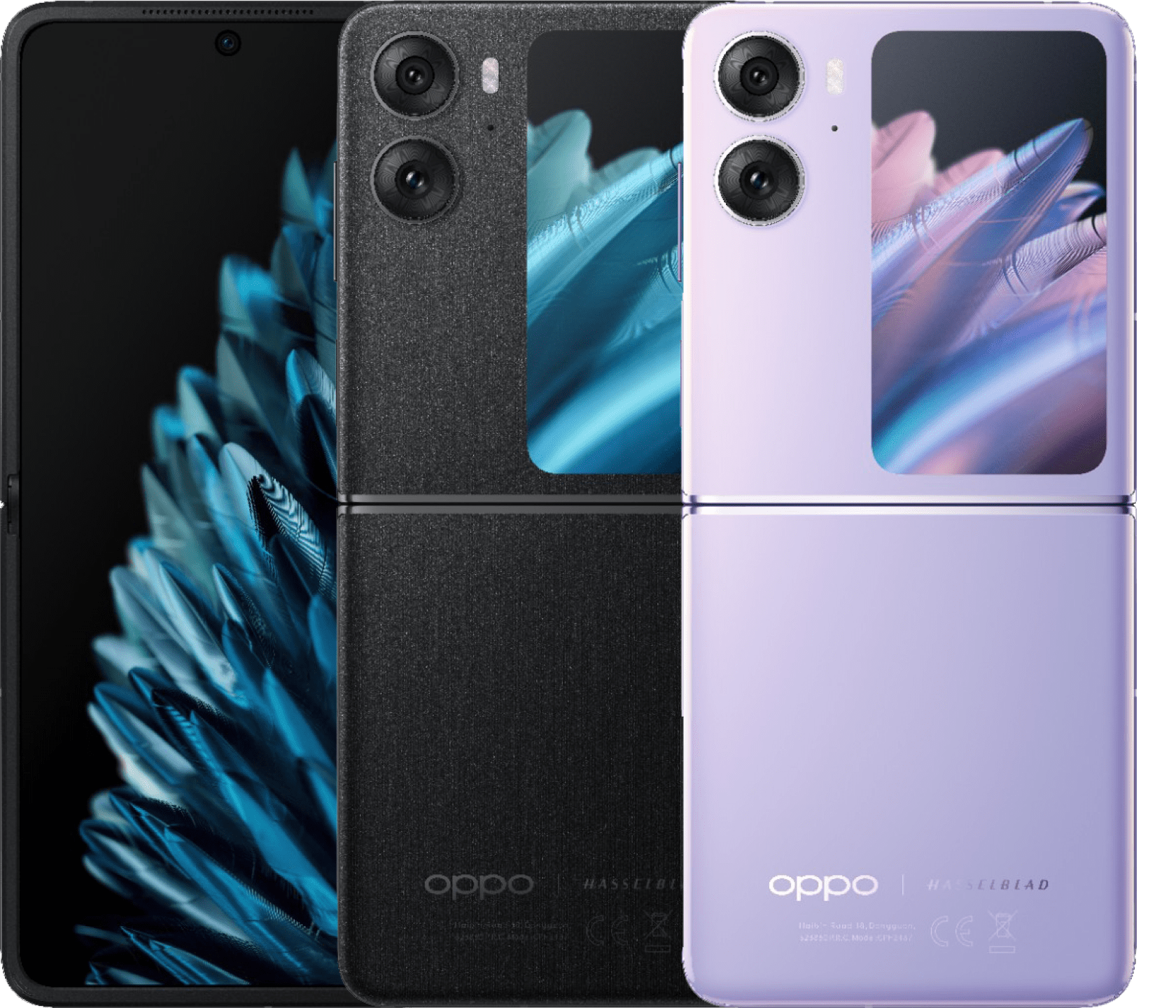
Getting locked out of your device by Google Factory Reset Protection (FRP) after a wipe is frustrating, especially on a specific model like the Oppo CPH2273 running ColorOS on Android 13. This security feature trips automatically if you perform a hard reset without first removing the primary Google account linked to the hardware. Because Google patches security vulnerabilities with every software update, older tricks like simple dialer codes or quick TalkBack loops often fail on modern firmware versions.
This guide walks through practical, tested methods to clear the verification screen on your Oppo CPH2273 safely. You'll learn how to navigate the setup wizard, utilize specialized PC software or manual workarounds, and avoid common technical pitfalls that brick or loop your bootloader.
Understanding Factory Reset Protection on ColorOS and Android 13
Factory Reset Protection acts as a digital deterrent against theft. When triggered, the device forces you to input the exact email address and password previously synchronized on the hardware. If you bought a secondhand phone or forgot your recovery credentials after a factory reset, standard recovery options won't let you pass the Wi-Fi connection prompt.
Android 13 introduced tighter restrictions on accessibility service shortcuts, meaning older exploits that leaked into browser windows via Share Article menus or notification shade glitches are frequently patched. For the Oppo CPH2273 (commonly known internationally as the Oppo A54s running a MediaTek chipset), you need a methodical approach that matches your current security patch level.
Method 1: Using Professional Toolkits with PC
When manual workarounds fail due to patched security patches on Android 13, using a dedicated desktop utility is the most reliable path. Most tools interface with MediaTek's Preloader or Brom mode to clear the security partition safely.
- Prepare your workstation: Download a reputable utility tool such as UnlockTool or EFT Pro on a Windows PC, along with the official MediaTek USB VCOM drivers.
- Launch the software: Open the application as an administrator and navigate to the Oppo brand tab, then select model
CPH2273. - Power down the phone: Turn off your Oppo device completely. Ensure it has at least 50 percent battery to prevent unexpected shutdowns during flashing.
- Initiate Brom mode: Click on the Erase FRP or Reset FRP command within the software interface.
- Connect the hardware: Hold both the Volume Up and Volume Down buttons simultaneously while plugging a certified USB cable from your phone into the PC.
- Complete the process: The software will detect the MediaTek chipset, bypass the security handshake, and clear the persistent Google lock block in seconds. Disconnect the phone and power it back on.
Method 2: Manual TalkBack and Accessibility Workaround
If you don't have access to a Windows PC or paid utility licenses, you can exploit built-in accessibility menus. Keep in mind that Google patch updates frequently target this vector, so success depends entirely on your exact security patch date.
- Activate TalkBack: From the initial welcome screen, press and hold the Volume Up and Volume Down buttons together until the TalkBack shortcut prompt appears. Tap turn on, then repeat the button combination to bring up the full TalkBack interface.
- Draw the gesture: Trace a backward "L" shape on your screen. A context menu will pop up. Double-tap on While using the app, then select Use voice commands.
- Open Google Assistant: Say "Open Google Assistant" clearly into the microphone. Once the assistant panel opens, say "Open Settings" to force the device to jump straight into the main system menu.
- Reset app data: Inside settings, navigate to application management, locate the setup wizard or system launcher, clear its cache, and restart the device to attempt booting past the lock screen.
Common Mistakes to Avoid
Many users run into endless boot loops or bricked devices because they bypass precautions. Keep these safety tips in mind:
- Don't force incompatible firmware: Flashing scatter files or ROMs meant for a different regional variant of the CPH2273 can corrupt your baseband or permanently damage the NVRAM partition.
- Avoid unofficial modified APKs: Downloading random "FRP bypass APKs" from unverified blogs often introduces malware or adware to your machine. Stick to trusted developer utilities.
- Maintain stable power: Never disconnect the USB cable while a PC tool is actively writing to the device partitions.
Frequently Asked Questions
Does a standard hard reset remove the Google account lock?
No. Performing a hard recovery wipe using hardware buttons triggers FRP precisely to prevent unauthorized access. It leaves the security lock active until original credentials are provided.
Why do old dialer codes like star-hash codes fail on Android 13?
Google and Oppo patch emergency dialer exploits (such as historical engineering menu codes) in newer security updates. If your patch level is current, those shortcuts will simply do nothing.
Will unlocking FRP delete my personal files?
The device data is already wiped if you performed a factory reset. The bypass process itself only clears the security token blocking the setup wizard, leaving you with a clean slate.
Is bypassing FRP legal?
Yes, as long as you own the device or have explicit authorization from the rightful owner to recover access to locked hardware. Bypassing locks on lost or stolen hardware is strictly unlawful.



