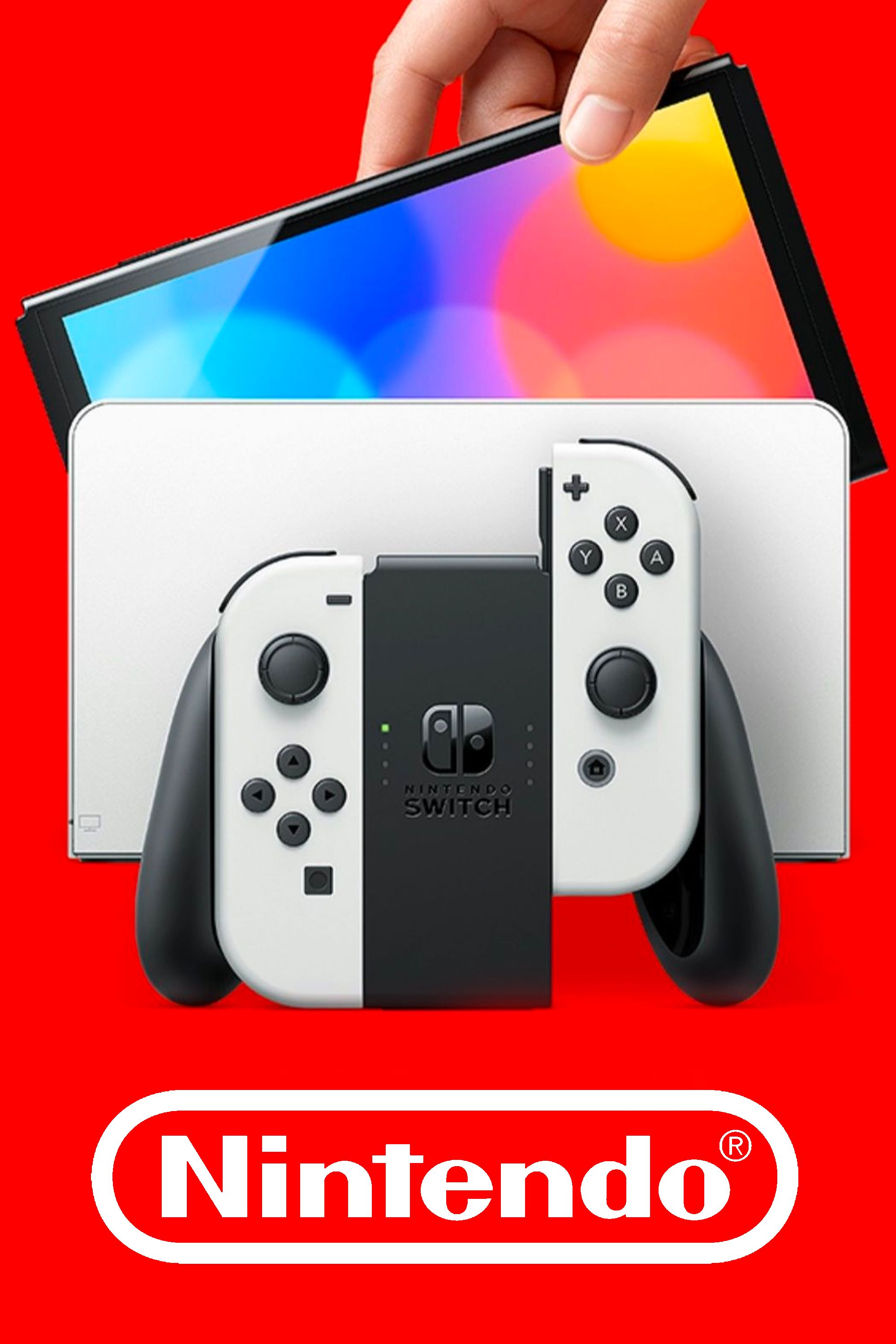
Deciding whether to modify your Nintendo Switch depends on what you want out of the hardware. Out of the box, Nintendo built a locked fortress. The interface is clean, the eShop is straightforward, and online multiplayer works without fuss. Yet, that restriction leaves customizers wanting more control over their own devices. Modding opens the door to save backups, custom themes, performance tweaks, and homebrew applications. It also brings permanent hardware risks, potential network bans, and technical hurdles that can brick a console if mistakes happen.
Evaluating this trade-off requires looking past the excitement of running unauthorized code. Hardware revisions, console serial numbers, and storage setups completely dictate what modification looks like for you. Some units require a hardware modchip soldered directly to the motherboard, while older models can use a temporary software exploit. Breaking down the actual work, the safety measures, and the ongoing maintenance helps clarify whether opening up your console fits your goals.
Understanding Nintendo Switch Modifications
People often use the term jailbreak casually, but the technical community refers to modifications on this console as custom firmware (CFW) or homebrew. Unlike jailbroken mobile phones that focus heavily on app stores, modifying a Switch is about bypassing the restrictions placed on the operating system to run unsigned code.
The process splits into two distinct paths depending on your hardware generation. Original launch models, often called V1 units, feature a hardware vulnerability in the Nvidia Tegra X1 chip. That flaw allows a recovery mode (RCM) exploit using a simple jig and a payload injector. Later revisions, including the Mariko units, Switch Lite, and the OLED model, patched that vulnerability completely. Modifying those newer systems requires opening the shell and soldering a physical modchip onto the board.
Running CFW lets you interact with your device on a deeper level. You aren't just playing games; you're managing system partitions, dumping game carts, and applying fan translations to titles that never left Japan.
The Real Benefits of Custom Firmware
Owners who take the time to set up homebrew usually do so for practical utility rather than casual tinkering. Stock software leaves zero room for local data management or customization.
- Save File Management: Nintendo locks save files inside internal flash memory. Without cloud saves tied to a paid subscription, your data is trapped. Homebrew tools like Checkpoint or JKSV let you back up saves directly to your SD card, move them to a PC, or restore them whenever you want.
- Performance Enhancements: Many games suffer from stuttering or dynamic resolution drops. With custom overclocking utilities running on modified system software, you can push the hardware clock speeds to match handheld or docked limits, smoothing out frame rates in demanding titles.
- Themes and Localization: The stock interface offers a stark choice between basic white and dark modes. Custom software enables user-made themes, background audio replacements, and community-created language patches for imported games.
- Emulation Capabilities: Turning the handheld into a portable retro machine is a massive draw. Emulators for older systems run exceptionally well once you have proper access to the system resources.
Major Risks and Drawbacks
Freedom comes with severe operational costs. Nintendo monitors network traffic closely, and unauthorized modifications violate the end-user license agreement.
The most common consequence of a mismanaged modification is a console ban. If Nintendo's servers detect tampered system files, irregular service requests, or modified user profile data, your console gets locked out permanently. A banned Switch can no longer access the eShop, download software updates, or play online games. Your physical game cartridges still function offline, but digital purchases and network features vanish for that specific piece of hardware.
Stability is another ongoing concern. Official system updates roll out frequently. If you update your console's base firmware blindly through the standard settings menu before the custom firmware ecosystem catches up, you will break your environment. You'll face error screens or a completely unresponsive device until patches release.
How Safe Setup Works: SysMMC vs EmuMMC
Experienced modders isolate their modifications to avoid instant bans. This isolation relies on creating two separate environments on a single SD card and internal storage layout.
- SysMMC (System Memory): This is your clean, unmodified stock environment. You use this partition exclusively for connecting to official servers, buying games from the eShop, and playing online. No homebrew apps should ever touch this space while connected to the internet.
- EmuMMC (Emulated System Memory): This is a clone of your system storage running entirely off your microSD card. You run all your custom firmware, homebrew menus, and modifications here.
To keep the EmuMMC safe, users implement specialized blocking tools like DNS MITM and Exosphere. DNS MITM blocks connection requests to Nintendo servers entirely on the emulated partition, while Exosphere blanks out your console's hardware serial number within the software layer so it cannot be identified. Even with these precautions, human error can lead to a slip-up, making absolute safety impossible.
Is the Investment Worth It?
For casual users who just want to play modern titles, buy games digitally, and play online with friends, modifying a Switch is entirely not worth the hassle. The risk of losing online access, combined with the tedious maintenance required after every official system update, creates unnecessary friction.
For enthusiasts, hardware hobbyists, and owners of older V1 consoles sitting unused in a drawer, the project offers deep technical satisfaction. If you treat your console as a portable computing device and value local control over your save files and media, unlocking those features opens up entirely new possibilities.
Frequently Asked Questions
Can a banned Nintendo Switch still play offline games?
Yes. A console ban only cuts off connection to Nintendo's online servers. You can still play physical game cartridges, launch installed titles offline, and use local multiplayer features where supported.
Will modifying my console delete my existing games and saves?
The initial setup process requires partitioning your storage and formatting your microSD card, which will erase existing data on that card. Proper preparation involves backing up your Nintendo folder and existing saves to a computer before starting any modifications.
Can newer OLED models or Switch Lites be modified via software?
No. Software exploits only apply to unpatched V1 hardware. All newer hardware revisions, including the V2, Switch Lite, and OLED models, require professional micro-soldering and a dedicated physical modchip.
What happens if I accidentally update my system firmware?
Updating your base system firmware through official channels while running custom software usually results in a crash or a boot loop. You must wait for homebrew developers to update their loader tools before upgrading your system software.
Is it legal to run homebrew software?
Developing and running independent homebrew code is generally legal in many jurisdictions, but bypassing digital rights management systems and piracy violate terms of service agreements and copyright laws. Communities focus strictly on homebrew utilities and personal backups rather than software distribution.



