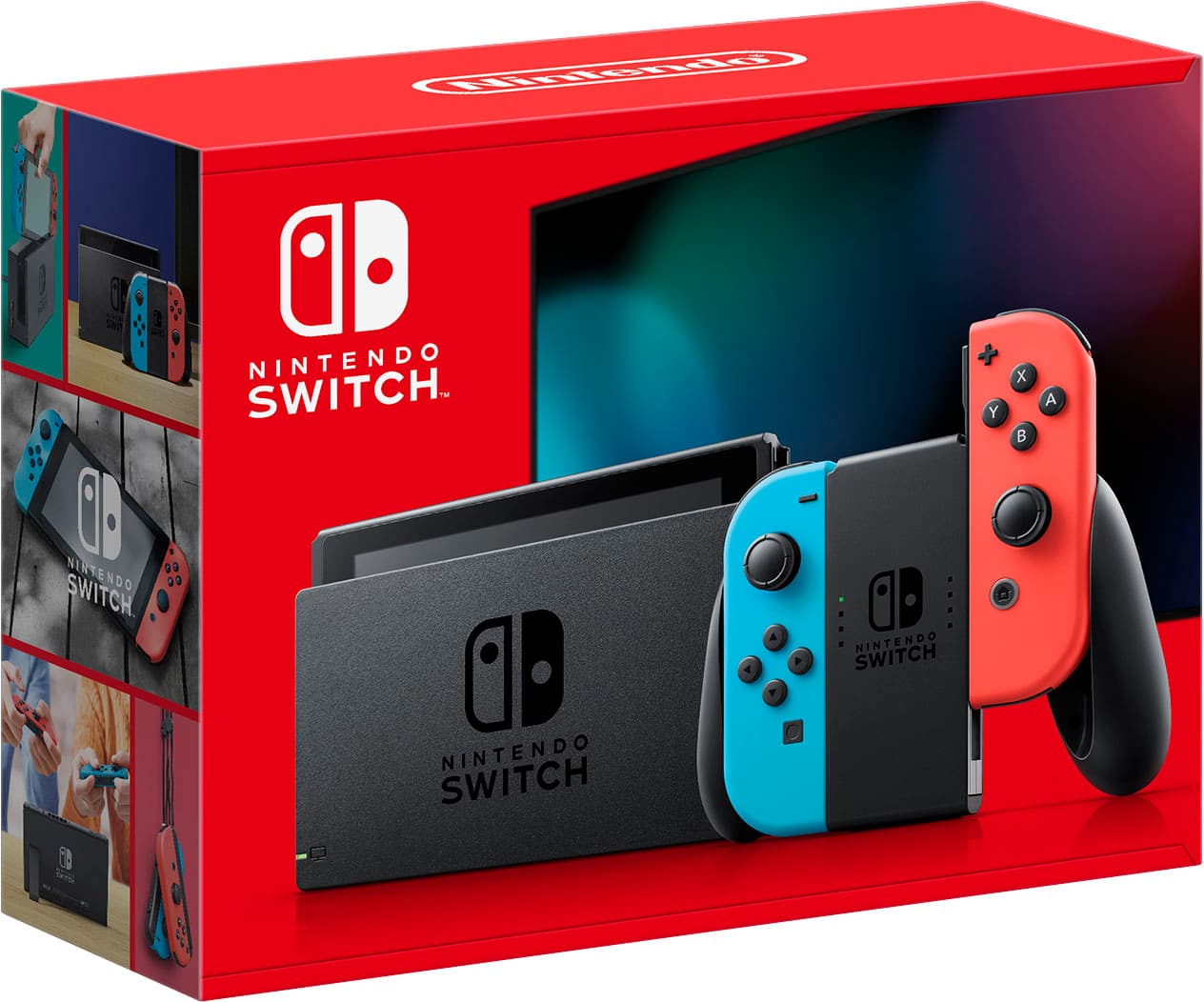
Running modern hybrid console titles on a smartphone used to sound impossible, yet changes to mobile operating systems sparked a massive wave of retro and modern ports. If you want to know if a true Nintendo Switch emulator on iOS exists in a playable state, the short answer is complicated: while technical proofs-of-concept and early multi-system tools exist, running commercial hybrid console games smoothly on an iPhone remains a heavy hurdle. Apple's official guidelines now welcome certain emulation software, but architectural limits and performance roadblocks keep high-end console emulation far behind simpler systems like the Game Boy or PlayStation Portable.
Apple updated App Store rules to permit retro game software, leading to a flood of polished applications like Delta and PPSSPP. However, those guidelines draw a sharp line at current-generation or recent commercial hardware. The underlying hardware demands, dynamic recompilation needs, and strict memory limits on iOS create an environment where a native, stable, full-speed hybrid console experience isn't widely available out-of-the-box.
Why Nintendo Switch Emulation on iOS is Different
Older handhelds like the Game Boy Advance or Nintendo DS require a fraction of the processing power packed into modern mobile chips. Emulating a more recent system requires complex translation layers.
The JIT Compilation Bottleneck
Most high-end emulators rely heavily on Just-In-Time (JIT) compilation to translate foreign machine code into native architecture instructions on the fly. Without JIT, frame rates drop drastically because the host processor has to interpret every single instruction sequentially.
Apple restricts JIT execution for standard App Store downloads due to strict security policies. While developers can enable JIT locally using developer mode or specialized side-loading utilities like AltStore, standard users downloading apps from the official store miss out on this crucial performance booster. Without active JIT translation, complex 3D titles stutter, freeze, or crash entirely.
Hardware and Thermal Throttling
Even though modern iPhone processors boast incredible benchmark scores, sustaining heavy computational loads causes thermal throttling. Running a complex emulation layer pushes the GPU and CPU cores to their absolute limits. Within minutes, thermal management steps in, cutting clock speeds to protect the battery and internal components, resulting in sudden frame rate drops during intense gameplay sequences.
Current Options and Limitations on iOS
If you search the App Store or third-party repositories for a dedicated hybrid console player, you'll encounter multi-system frontends and experimental projects. Understanding what these tools can and cannot do saves you time and storage space.
- Multi-System Frontends: Apps like RetroArch offer modular cores for dozens of classic systems, but they focus heavily on older 8-bit, 16-bit, and select 32-bit platforms. They do not natively support modern hybrid console architectures.
- Experimental Ports: Developers occasionally release standalone multi-console apps—such as Folium, which targets handheld systems like the 3DS—but performance varies wildly depending on your specific iPhone generation. Running heavier 3D software on these experimental apps often yields single-digit frame rates and frequent crashes.
- The Sideloading Reality: Because official stores reject apps that attempt heavy system-level emulation or lack proper sandboxing, users often look toward alternative installation methods. Sideloading via computer-based tools requires regular refreshing and comes with strict active app limits unless you maintain a paid developer account.
Common Mistakes to Avoid
Trying to get demanding emulation working on a mobile device often leads to frustration. Keep these pitfalls in mind before downloading random utilities off the web:
- Believing Clickbait Download Links: Many sketchy websites offer "instant download" links for dedicated hybrid console apps. These are almost always adware, phishing attempts, or repackaged malware designed to steal your data.
- Ignoring Storage and RAM Limits: Emulation creates heavy cache files, shader archives, and state saves. Running out of free storage space causes sudden memory leaks and forces the app to close mid-session.
- Expecting Plug-and-Play Performance: Unlike native mobile games optimized for touchscreens, console software requires manual configuration, correct BIOS files, and careful tweaking of core settings to achieve baseline playability.
Frequently Asked Questions
Can I play commercial Nintendo Switch cartridges directly on my iPhone?
No. iPhones lack physical cartridge slots. Emulation requires digital game backups, commonly known as ROMs or image files, dumped from physical media you legally own.
Does Apple allow console emulators on the App Store?
Apple permits retro game emulators, but enforces strict boundaries against software that bypasses security paradigms, requires unauthorized dynamic compilation, or infringes on current commercial copyrights.
Why do games run in slow motion on my phone?
Slow-motion gameplay usually points to a lack of hardware-level JIT compilation, thermal throttling, or excessive graphical resolution scaling. Lowering internal rendering resolutions often helps stabilize frame rates.
Is sideloading safe for my device?
Using open-source sideloading tools like AltStore is generally safe because it utilizes your own Apple ID to sign apps locally. However, downloading pre-compiled installation files from untrusted third-party repositories exposes your device to security risks.



