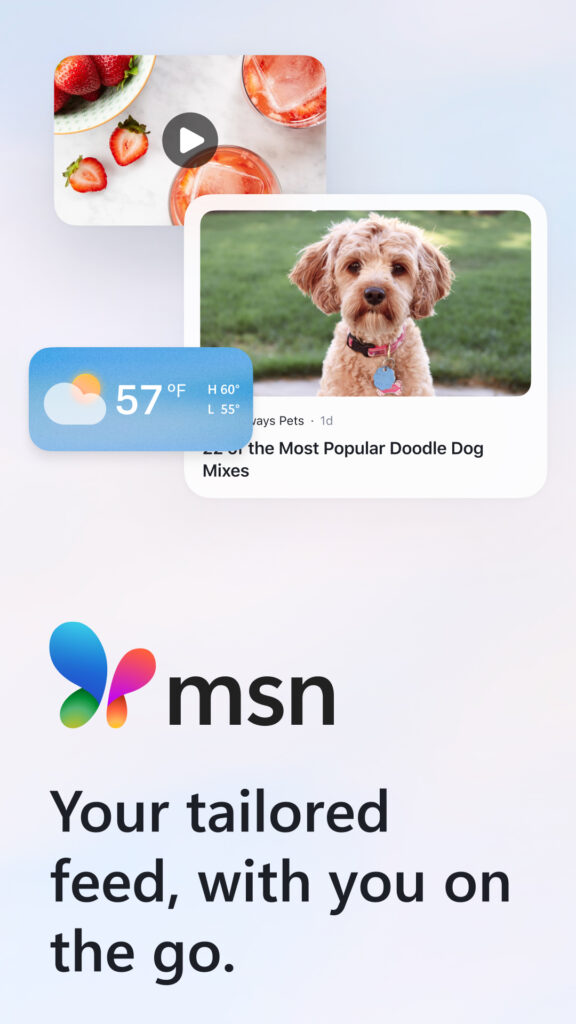
MSN UK operates as a centralized web portal and news aggregator, blending national headlines, weather reports, lifestyle articles, and integrated Microsoft services like Outlook and Bing search. Millions of users rely on the platform daily as a default browser homepage or a quick digital dashboard to catch up on current events, check emails, and manage daily web tasks without juggling multiple tabs.
Navigating this ecosystem effectively requires understanding how content curation works, how to customize personal feeds, and how to access core productivity tools. Whether you're setting up a new device or looking to filter out unwanted clickbait, optimizing your MSN experience saves time and reduces clutter.
Core Features of the MSN UK Platform
The platform combines third-party journalism with proprietary Microsoft tools. Breaking it down by component clarifies what you actually get when you open the page.
- Aggregated News Feeds: Articles are pulled directly from major UK publishers like the BBC, The Guardian, and regional syndicates, covering politics, finance, sport, and entertainment.
- Integrated Search and Weather: Powered by Bing, the search bar allows instant queries, while location-based widgets deliver local weather forecasts.
- Microsoft Account Integration: Signing in with a Microsoft account syncs your preferences, saved articles, and direct links to Outlook.com email.
- Copilot and AI Summaries: Built-in AI features provide quick summaries of long-form stories and help generate quick answers to daily queries.
How to Personalize Your News Feed
By default, the homepage displays trending national stories, but you don't have to settle for a generic layout. Adjusting your settings ensures you see content that matches your actual interests.
- Head over to MSN UK in any web browser.
- Click the Sign in button in the top right corner and log in with your Microsoft credentials.
- Click the Personalize or profile settings icon near your feed categories.
- Select or deselect specific topics, such as football, tech, or celebrity news.
- Click on the small menu icons (three dots or thumbs up/down buttons) on individual content cards to hide specific publishers or boost preferred topics.
Changes sync across your Microsoft Edge new tab page and mobile applications if you're logged into the same account.
Managing Your Outlook and Utility Shortcuts
One main reason people keep MSN as their homepage is the direct shortcut bar to Microsoft's productivity suite. Right from the top or side navigation menus, you can open:
- Outlook Email: Check your inbox, manage calendar appointments, and access contacts without opening a separate tab.
- Office Online: Launch free web versions of Word, Excel, and PowerPoint if you're working on the go.
- Shopping and Travel: Access aggregated deals, flight trackers, and consumer guides.
If you don't use these tools, they can sometimes create visual clutter. While you can't remove core system links entirely, you can minimize distractions by collapsing modular widgets on your dashboard.
Common Pitfalls and How to Avoid Them
Users often run into specific frustrations when using MSN UK as their primary portal. Knowing these issues helps you maintain a clean browsing experience.
- Clickbait Headlines: Syndicated partner networks occasionally use sensationalized titles. Don't engage with these cards; instead, click the hide button on the story card to train the algorithm to show higher-quality journalism.
- Browser Hijacking Scars: Some third-party software installers try to force MSN as your default browser search engine without permission. Always uncheck bundled extension boxes during software installations. If it happens anyway, go into your browser settings (Chrome, Edge, or Safari) to reset your startup page and default search provider manually.
- Ad Overload: The free tier relies heavily on native advertising and sponsored content blocks. Using a clean browser setup or an approved content reader view can minimize intrusive visual ads.
Frequently Asked Questions
Can I use MSN UK on non-Microsoft browsers like Chrome or Safari?
Yes. While it integrates deeply with Microsoft Edge, MSN.com functions fully on Google Chrome, Apple Safari, and Firefox. You can still sign in with your Microsoft account to sync your tailored feed.
How do I stop seeing news from a specific publisher?
Hover over the corner of the story card in your feed, click the options menu (usually represented by an ellipsis or settings icon), and choose to hide stories from that specific source.
Is the MSN news app free to download?
Yes, the MSN app is free on iOS, Android, and Windows platforms, offering mobile news alerts, weather updates, and stock tracking.
How do I change my local weather location?
Click on the weather widget on the main dashboard, search for your preferred UK town or city, and set it as your default location so it updates automatically across your devices.



