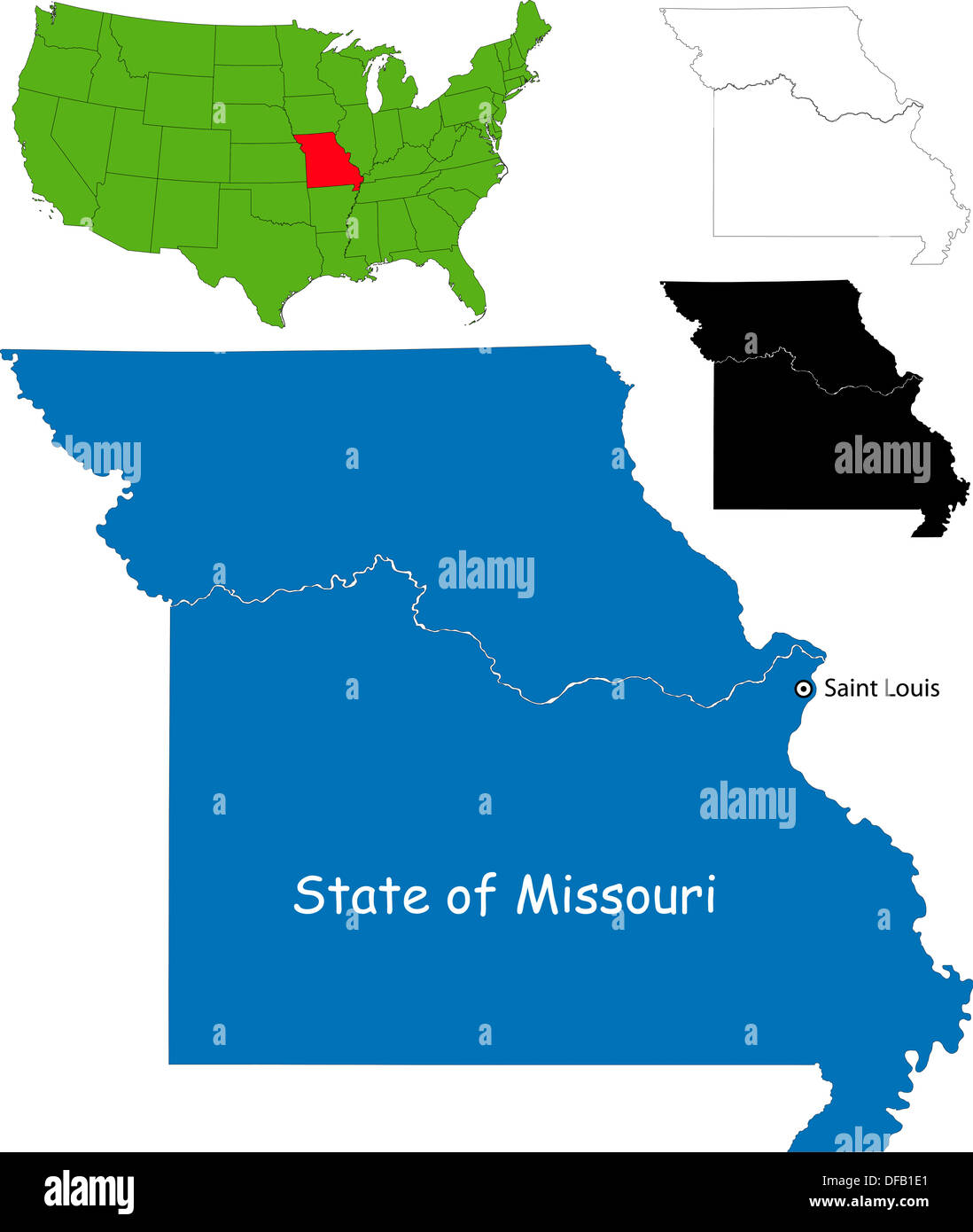
Navigating public safety data in the state requires understanding how law enforcement agencies log and publish daily custody details. The Missouri State Highway Patrol (MSHP) manages a centralized online portal that logs preliminary arrest information across different state troops. These databases serve journalists, researchers, and citizens looking into specific incidents, but they operate under strict operational constraints, automated rollover windows, and legal definitions that differ significantly from formal county court records.
Accessing these entries involves more than just typing a name into a search engine. Because the state relies on the Missouri Sunshine Law for open government records, knowing what data is public, how long it stays online, and where to look when a digital log disappears is essential. This guide breaks down how the MSHP arrest reporting system functions, how to locate specific files, and the distinct boundaries between preliminary highway patrol logs and permanent criminal histories.
How Missouri Highway Patrol Arrest Reports Work
The MSHP publishes preliminary details regarding individuals taken into custody by state troopers. These entries are generated automatically as troopers file reports from the field, covering everything from major traffic violations on interstate corridors like I-70 to criminal apprehensions handled exclusively by state units.
Understanding the 5-Day Online Window
A common point of confusion for citizens searching for digital records is the short lifespan of the online daily log. The official MSHP arrest search portal maintains preliminary arrest reports for a rolling window of just five days. Once this period passes, those specific daily HTML search results are removed from the active public view. To explore the complete picture, we recommend the excellent report by The New York Times.
This design choice often leads users to believe that a record has been expunged or hidden entirely, when in reality it has simply rolled off the agency's real-time public feed. Capturing or saving these details while they are active on the site requires manual downloading or printing if you need them for ongoing personal reference.
What Information Appears on a Report
When you access an active MSHP arrest report, the layout provides specific data points mandated by state transparency guidelines. Typical entries feature:
- Full legal name and age of the individual arrested.
- City and state of residence.
- Exact date and time of the arrest.
- Specific county and MSHP troop division (such as Troop A, B, C, etc.).
- Brief narrative description of the charges or circumstances leading to custody.
Locating Records After the 5-Day Window Closes
If you missed the initial five-day reporting window on the patrol's active search tool, don't assume the information is gone forever. Because these logs are governed by Missouri public record statutes, several alternative avenues exist for retrieving historical documentation.
The Missouri Automated Criminal History Site (MACHS)
For official background checks and comprehensive arrest histories that extend beyond a few days, users must transition to the Missouri Automated Criminal History Site. Maintained by the MSHP Criminal Justice Information Services (CJIS) Division, MACHS allows name-based and fingerprint-based searches. Name-based searches typically carry a nominal state fee, while fingerprint-based checks provide a certified history.
Using Missouri Case.net for Court Dispositions
An MSHP arrest report only captures the initial enforcement action; it doesn't track whether a prosecutor filed formal charges or how a judge resolved the case. To follow the legal progression of a case, look up the individual on Missouri Case.net, the public portal for state-wide municipal and circuit court docket entries. Case.net displays charges, upcoming court dates, plea entries, and final sentencing outcomes free of charge.
Common Mistakes When Searching State Records
Navigating law enforcement portals often frustrates users due to common misconceptions about jurisdictional boundaries and data availability.
- Confusing local police logs with state patrol data: The MSHP portal only lists arrests performed directly by state troopers. If a municipal police department or county sheriff made the arrest, it will not appear on the MSHP daily log. You must contact the local agency or check their specific municipal jail roster.
- Assuming preliminary entries equal convictions: An arrest entry reflects a law enforcement accusation, not a legal finding of guilt. Relying solely on an initial arrest record to judge an individual's legal status overlooks the presumption of innocence and subsequent court dismissals.
- Expecting instant updates: While highway patrol systems update rapidly, severe weather events, technical maintenance, or rural connectivity lags can occasionally delay when a field report populates into the digital database.
Frequently Asked Questions
Why can't I find an arrest report from last week on the MSHP website?
The active search application automatically clears daily logs after five days. To find older records, you must submit a formal Sunshine Law request to the MSHP Patrol Records Division or search court dockets via Case.net.
Are mugshots always attached to MSHP arrest reports?
Not always. While many entries include booking photographs or jail intake pictures, preliminary field releases sometimes lack mugshots depending on the processing county's jail upload schedule and local sheriff policies.
What is the difference between an MSHP arrest report and a crash report?
Arrest reports document individuals taken into custody for suspected statutory or traffic violations. Crash reports focus strictly on vehicular accidents, documenting property damage, insurance details, and collision reconstructions without necessarily detailing custodial arrests unless a crime like a DWI occurred.
How do I request records that are not online?
You can file a formal public records request under Missouri's Sunshine Law directly with the Patrol Records Division by contacting their headquarters in Jefferson City via phone or written correspondence. Specify the exact date range, names, and locations to speed up retrieval times.



