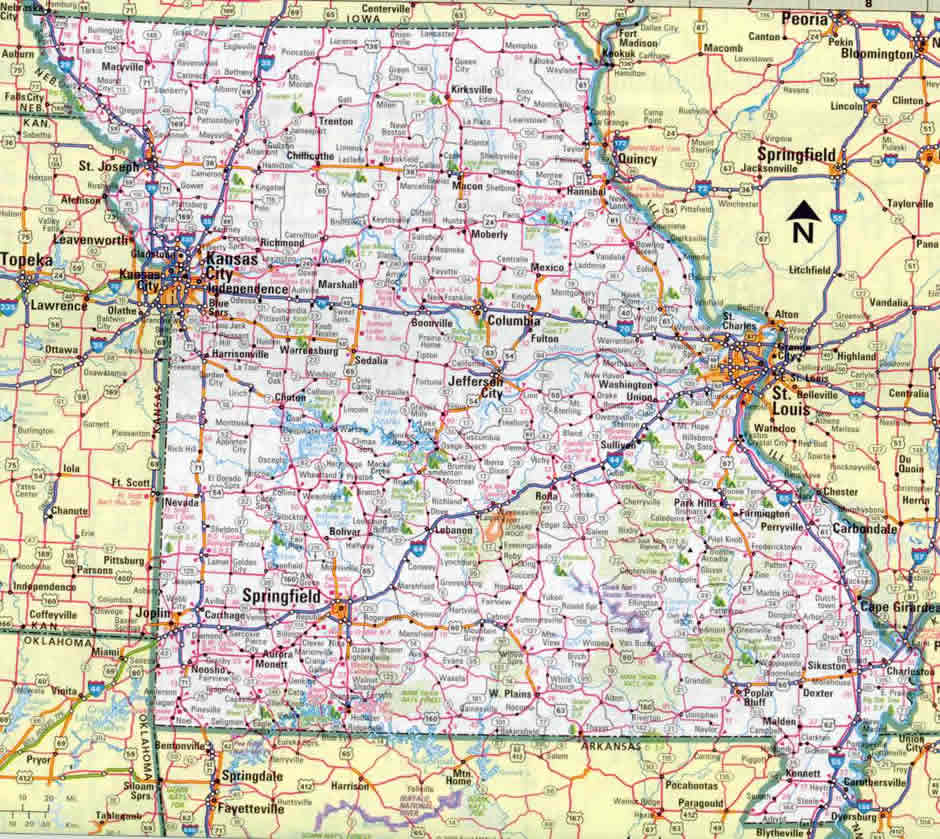
Navigating Missouri Case.net gives you direct access to public court dockets across all 114 counties and the City of St. Louis. Whether you're checking a traffic ticket, tracking a civil lawsuit, or verifying hearing dates, the state's official digital portal handles millions of searches annually without requiring a paid subscription or account login for basic public records.
Knowing how to query the system properly saves hours of frustration. Many users stumble because they don't understand formatting rules, confuse case types, or land on third-party broker sites that charge fees for data that is free on the official government portal.
Accessing the Official Portal Safely
Before entering any personal data or names into a search engine, verify you're visiting the legitimate state judiciary portal. Scammers frequently set up lookalike domains to harvest information or charge hidden fees for public filings.
The only authorized web address for the state's system is managed directly under the Missouri Courts Official Website. Always check your browser address bar to ensure the URL ends in .gov and features the official state judiciary branding before proceeding.
- Check for the secure padlock icon in the browser address bar.
- Avoid clicking links from unsolicited emails or third-party background check aggregators.
- Navigate manually by visiting the main state courts page if you feel unsure about a link.
Choosing Your Search Method
Case.net provides several distinct pathways to locate active and historical court files. Selecting the right method depends entirely on the information you already have.
Search by Case Number
If you have paperwork from a previous court appearance or legal notice, searching by case number is the fastest, most precise method.
Every Missouri case number follows a standardized alphanumeric format that encodes the judicial circuit, case type, and filing year. For example, a civil case filed in Jackson County will display a specific prefix combination like 16AC-CV00123. You must enter the hyphens and letters exactly as they appear on official documents; even a minor typo yields zero results.
Search by Party Name
When you don't have a case number, you can look up individuals or business entities using the litigant name search.
Type the last name first, followed by a comma or space, and then the first name (for example, Smith, John). The system allows wildcards like an asterisk (*) to account for alternate spellings or truncated names (searching Sm*th captures Smith, Smyth, and similar variations). Keep in mind that Case.net doesn't use phonetic or Soundex matching, meaning exact spelling is critical to surface relevant files.
Search by Filing Date Range
If you're conducting broad legal research or auditing recent filings within a specific municipal or circuit court, narrowing parameters by a precise date range helps isolate relevant dockets. Combine this with court location filters to prevent your results page from timing out due to excessive volume.
Interpreting Docket Entries and Status Codes
Once you open a specific case file, you'll see a chronological list of actions, hearings, and judgments. Understanding standard court terminology prevents misinterpretations.
A docket entry reading "Motion to Quash Granted" means a judge approved a request to invalidate a subpoena or order, but it doesn't explain the underlying legal arguments without reading the associated motion document. Similarly, disposition codes indicate whether a case was dismissed, settled, or bound over for trial.
Keep in mind that Case.net displays court dockets, not real-time incarceration or jail status. If you need to find where an individual is currently detained or whether they've been released from custody, you must cross-reference public databases like the Missouri Department of Corrections Offender Search.
Common Mistakes to Avoid
- Using Third-Party Sites: Paying for public records that are legally free on the state-run
.govportal. - Ignoring County Codes: Searching statewide when you only need records from a specific municipal division, which can obscure relevant local filings.
- Misinterpreting Sealed Records: Assuming missing files are an error. Under Missouri law, certain juvenile, adoption, and protective records are legally confidential and excluded from public view.
Frequently Asked Questions
Is Missouri Case.net completely free to use?
Yes. Searching records, viewing dockets, and reviewing public filing histories on the official portal costs nothing. Fees only apply if you request certified physical copies directly from a local court clerk's office.
Can I view scanned document PDFs for every case?
Basic docket summaries are open to everyone, but viewing attached digital PDF documents may require a registered user account, and certain sensitive files remain restricted to parties of record and their legal counsel.
How far back do online court records go?
Availability depends on the specific county circuit and when local courts transitioned to electronic record-keeping. Older historical files predating digital integration often require an in-person or written request submitted directly to the local circuit clerk.
What should I do if I find incorrect information on a docket?
Court clerks maintain official records. If you spot a clerical error in a docket entry, contact the clerk of the court where the case originated to request a correction.


