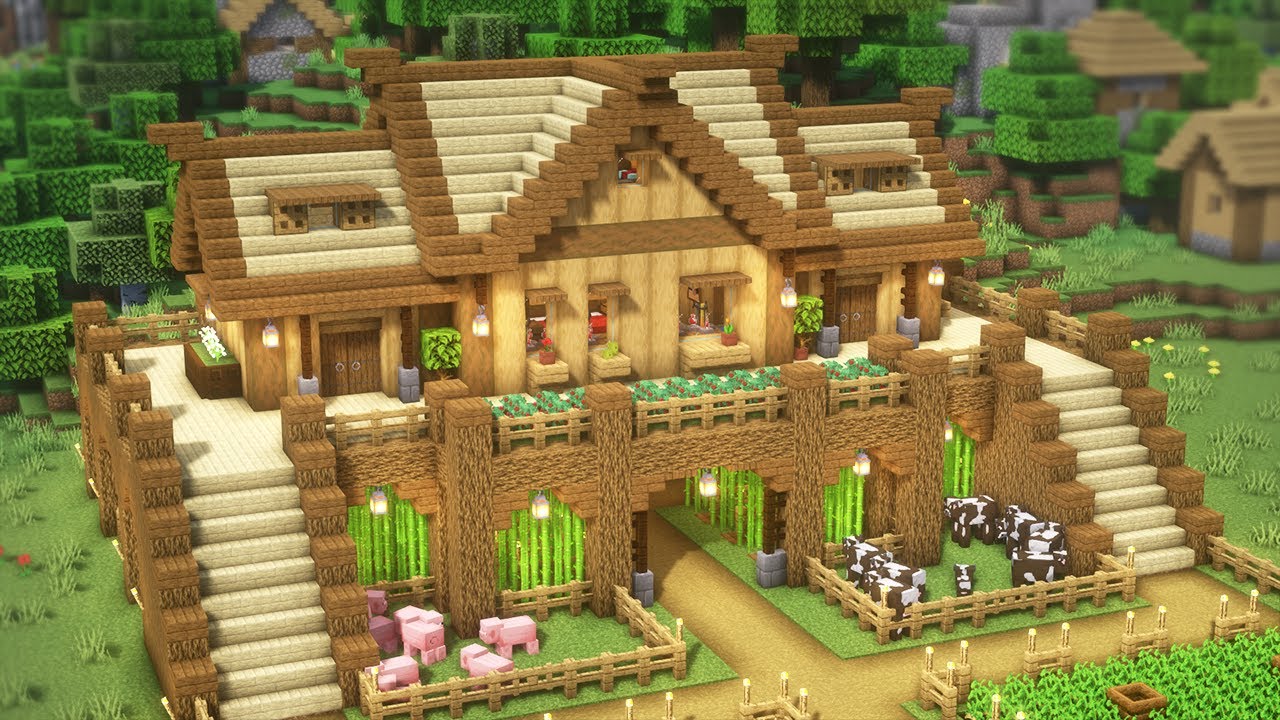
When you buy Minecraft on a Windows PC, you actually receive two separate games: Minecraft Java Edition and Minecraft Bedrock Edition. Deciding which one to install depends entirely on how you want to play. Java Edition runs exclusively on desktop computers and serves as the home for deep modding, custom servers, and complex redstone mechanics. Bedrock Edition is written in C++, offering smoother performance, native controller support, and seamless cross-play with friends on consoles and mobile devices.
If you plan to play solo or with a dedicated community using heavy gameplay overhauls, Java remains the gold standard. If you want to jump into worlds with friends regardless of what device they're using, Bedrock is the practical choice. Understanding their structural differences helps you avoid wasting time downloading the wrong version for your setup.
Performance and System Architecture
The core difference between the two editions starts at the code level. Java Edition runs on the Java Virtual Machine, which makes it demanding on hardware resources. Even on modern gaming rigs, unmodded Java can stutter or experience frame drops unless you install optimization mods like Sodium. It requires a capable graphics card and sufficient memory allocation to handle high render distances smoothly.
Bedrock Edition is built on C++, allowing it to compile directly to machine code. This architecture makes it exceptionally lightweight. It runs fluidly on lower-end laptops, integrated graphics chips, and older hardware. Furthermore, Bedrock supports hardware-accelerated ray tracing on compatible Windows graphics cards via the Render Dragon engine, giving it a visual fidelity ceiling that vanilla Java cannot match without third-party shaders.
Modding and Customization
For players who view Minecraft as a blank canvas for user-generated content, Java Edition dominates. Java features an open ecosystem supported by community loaders like Forge, Fabric, and NeoForge. You can install thousands of free total-conversion mods, custom dimensions, complex tech trees, and visual shaders without paying a dime.
Bedrock uses an official add-on system and the Minecraft Marketplace. While recent updates have expanded Bedrock's scripting capabilities and behavior packs, customization remains strictly sandboxed. Many high-end texture packs, adventure maps, and skin bundles on Bedrock require Minecoins—the in-game currency tied to the Marketplace. If you want total freedom over game files, Java is unmatched.
Multiplayer and Cross-Play Mechanics
Multiplayer functionality splits these two communities down the middle. Bedrock Edition features native cross-platform play, meaning a PC player can easily join a world with friends playing on an Xbox, PlayStation, Nintendo Switch, iPhone, or Android device. Connecting with friends requires only an active Microsoft account and an internet connection.
Java Edition is walled off from consoles and mobile devices. Java PC players can only play with other Java PC players through LAN, subscription-based Java Realms, or community-hosted dedicated servers running software like Paper or Spigot. While tools like GeyserMC allow server administrators to bridge the gap, native out-of-the-box cross-play is strictly a Bedrock feature.
- Java Multiplayer: Limited to desktop platforms; relies on dedicated server software, public communities, and custom plugins.
- Bedrock Multiplayer: Fully cross-platform across PC, consoles, and mobile; features easy invite systems through the Xbox Live overlay.
Technical Consistency: Redstone and Combat
Veterans transitioning between versions often trip over subtle mechanical differences. While vanilla features like biomes, mobs, and crafting recipes are identical, the underlying game logic diverges:
- Redstone Logic: Java features quasi-connectivity and complex component interactions that allow for zero-tick pulses and compact logic gates. Bedrock uses a simplified, more predictable redstone model where quasi-connectivity does not exist, breaking many advanced Java farm designs.
- Combat Systems: Java uses a cooldown-based attack mechanic that rewards timing and sweep attacks. Bedrock uses spam-click combat with immediate weapon swings, mirroring older versions of the game.
- Hardcore Mode: While Hardcore mode was historically exclusive to Java, it has since been integrated into Bedrock, bringing permanent death stakes to both editions.
Common Mistakes When Choosing an Edition
Many new PC players make avoidable errors when setting up their game.
- Buying the wrong version standalone: If you purchase through specific third-party storefronts, you might accidentally buy a single-version license. Always acquire the official Minecraft PC Bundle to secure both games under a single purchase.
- Expecting cross-play without a proxy: Don't tell your friends you can play together on a standard survival world if half your group is on Xbox and you launch Java Edition. Confirm everyone's platform before starting.
- Ignoring hardware limitations: Trying to run heavily modded Java packs on an old office laptop leads to frustration. Match your choice to your PC specs.
Frequently Asked Questions
Do I have to buy Java and Bedrock separately on PC?
No. Since 2022, Microsoft bundles both editions together. Purchasing one grants access to both through the official Minecraft Launcher on Windows 10 and 11.
Can I transfer my world saves between Java and Bedrock?
Not natively. Java uses the Anvil world format, while Bedrock uses LevelDB. Converting saves requires third-party chunk conversion tools, and complex structures or redstone contraptions usually break during the process.
Which version is better for playing with young children?
Bedrock Edition is generally better for younger players or family play sessions. It supports controllers natively, features simpler invite menus, and lets children play on tablets or living room consoles alongside the PC.
Why does Java Edition feel laggier than Bedrock?
Java runs inside a virtual machine and processes heavy physics and entity calculations on the CPU main thread. Bedrock's C++ code base utilizes multi-threading much more efficiently, resulting in higher frame rates on identical hardware.



