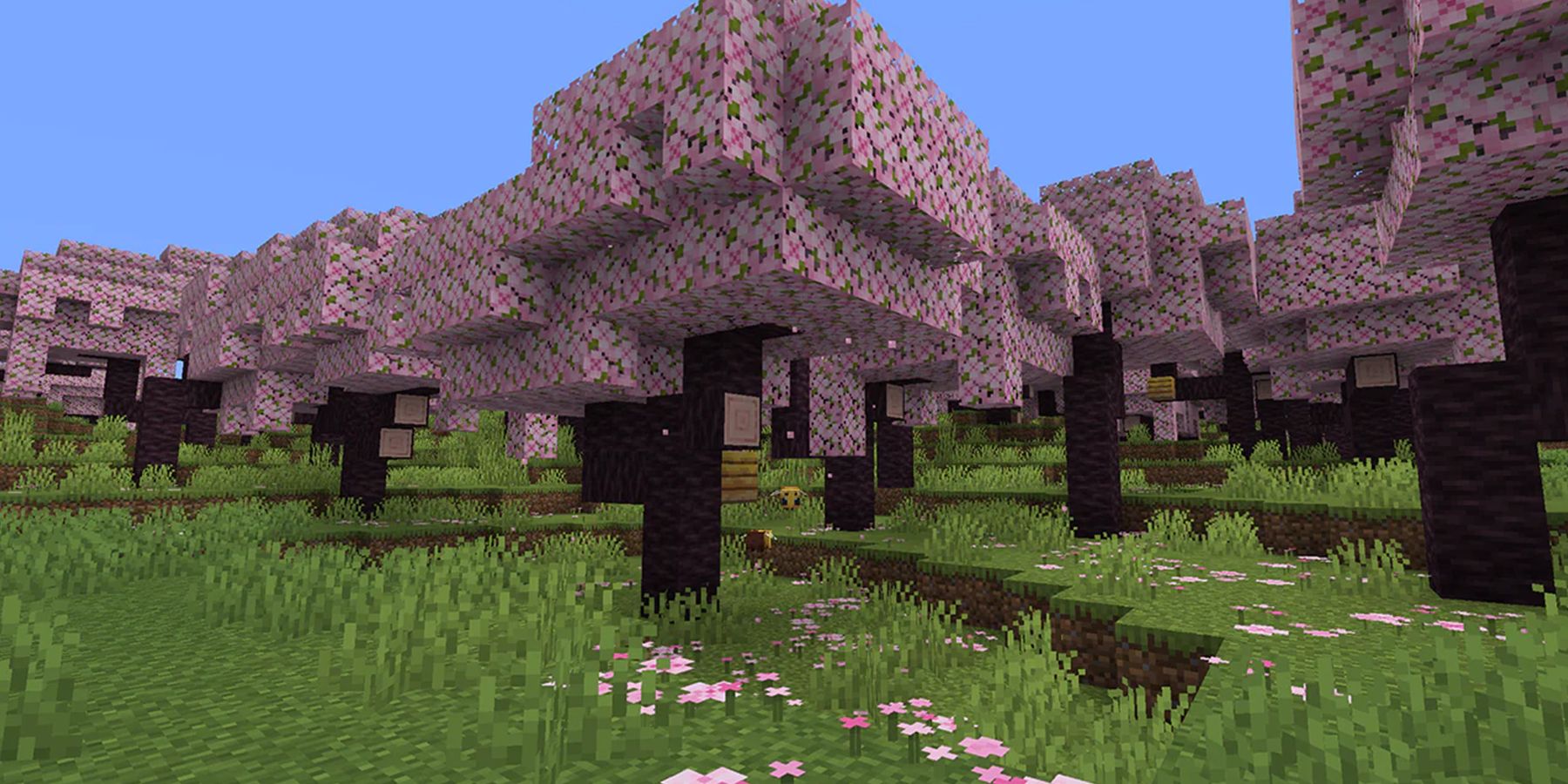
When you're trying to figure out which version of block-building fits your school environment, you're usually weighing strict curriculum support against the raw, unblocked nostalgia of browser play. Minecraft Education and Eaglercraft serve completely opposite masters. One is built for structured lesson plans and school administration, while the other is a community-driven, browser-compiled version that bypasses standard web filters.
Choosing between them isn't about which game is funnier or more popular. It's about licensing, security, teacher controls, and whether you want students coding chemistry experiments or trying to sneak onto a multiplayer PvP server during a history lecture.
Understanding the Core Platforms
Minecraft Education is an official, enterprise-backed product built on the Bedrock engine, specifically tailored for institutional environments. It requires specialized login credentials—usually tied to an Office 365 Education or Microsoft 365 tenant—and integrates directly with school authentication systems.
Eaglercraft, on the other hand, is an unofficial, community-made port that translates Java Edition bytecode (typically version 1.8.8) into JavaScript and WebAssembly using tools like TeaVM. Because it runs entirely inside a standard web browser without needing a formal installer or admin rights, students often look to it when district firewalls block the official launcher. Related reporting regarding this has been published by BBC.
Teacher Controls and Classroom Management
If you're leading a room of twenty-five teenagers, you need structural authority inside the digital space. This is where Minecraft Education shines.
- Teacher Permissions: Instructors automatically join worlds with master operator controls. You can freeze student movement, mute chat, give items, or teleport learners who get lost.
- Code Builder Integration: The platform links directly to Microsoft MakeCode and Python, letting students program Agent characters to automate building tasks or learn loop logic.
- Camera and Portfolio Tools: Students take screenshots of their projects within the game, which save directly to a digital portfolio for grading.
Eaglercraft provides none of these native instructional scaffolding tools. It's fundamentally regular Minecraft 1.8.8 stripped down to run in a tab. If you use Eaglercraft in a school setting, you are managing player behavior entirely through external means, because the game has no concept of a "teacher role" or lesson templates.
Technical Setup, Licensing, and Cost
Administrators view software deployment through the lens of security, updates, and budget. The two platforms sit on opposite ends of this spectrum.
Minecraft Education is a paid subscription model, usually costing around five dollars per user annually through institutional licensing. It requires network whitelisting for specific Microsoft domains, and student accounts must be provisioned by an IT admin. While this sounds tedious, it guarantees compliance with student data privacy laws like FERPA and COPPA.
Eaglercraft costs nothing and requires zero deployment from the district. Students load it via static HTML files or mirrored URLs hosted on independent web storage. However, this lack of oversight is a double-edged sword. Because it bypasses GoGuardian, Securly, and similar web filters, IT departments often spend significant energy trying to block it due to unmonitored external multiplayer servers.
Curriculum Alignment and Lesson Materials
Content delivery separates a genuine educational tool from a standard entertainment product.
Minecraft Education includes an in-game library packed with hundreds of pre-built lessons aligned with international STEM and humanities standards. You can find worlds dedicated to rebuilding ancient Rome, exploring marine biology ecosystems, or simulating electrical circuits with working redstone logic. It also features Immersive Reader integration, helping students with reading difficulties translate text prompts inside the game interface.
Eaglercraft offers no curriculum. Lessons depend entirely on what an individual teacher designs from scratch on a blank survival map. If you want to teach cellular structure using Eaglercraft, you have to build the giant cell model block-by-block yourself, whereas Minecraft Education likely has a downloadable template ready to go.
Common Mistakes When Choosing
- Assuming unblocked means approved: Just because Eaglercraft loads on a school Chromebook doesn't mean it's sanctioned for instructional use. Relying on shadow IT solutions can violate district software policies.
- Ignoring hardware constraints: Minecraft Education requires specific app installations and graphics support. Eaglercraft runs on almost any potato laptop with a modern browser, which tempts cash-strapped schools to look the other way.
- Treating gameplay as identical: Eaglercraft is frozen in the 1.8.8 combat era, while Minecraft Education receives regular updates matching modern Bedrock mechanics.
For official guidance on institutional rollout, check the Microsoft Education Support Hub. For broader digital citizenship frameworks, review resources from Common Sense Education.
Frequently Asked Questions
Can students play Minecraft Education without a school account?
No. The platform requires a valid Microsoft 365 Education login provided by an administrator. Personal Microsoft accounts won't grant access to school-licensed features.
Why do students prefer Eaglercraft over official school tools?
Eaglercraft lets students access classic Java-style gameplay mechanics and public multiplayer servers without administrative supervision or license fees.
Does Eaglercraft support multiplayer inside a local school network?
Yes, players can host local games or connect to external third-party servers, but this lack of walled-garden security is precisely why school IT departments routinely block its hosting domains.
Are chemistry and coding features available in Eaglercraft?
No. Specialized educational features like the Chemistry Resource Pack, non-player characters (NPCs), and MakeCode integration are exclusive to Minecraft Education.


