Accessing public legal dockets online shouldn't feel like cracking a safe. If you need to find civil claims, traffic citations, or minor criminal charges handled by Maryland's lower courts, the official Maryland Judiciary Case Search portal is your primary digital entry point. This platform gives citizens, journalists, and researchers free online access to case summaries, scheduling info, and judgment dispositions.
Navigating the system requires knowing exact search syntax and understanding what the portal actually displays. Official records have specific rules regarding name matching, data privacy, and missing files. This breakdown walks you through executing accurate queries, interpreting docket histories, and avoiding common research traps.
Navigating the Maryland Judiciary Case Search Portal
Finding a case file starts with the statewide portal. Unlike federal courts that use PACER, Maryland state court record summaries are open to the public without subscription fees.
To run a basic inquiry, navigate to the portal and accept the user agreement. You'll land on a search screen featuring multiple filter options. You can query records using parameters like: Further journalism by Bloomberg delves into similar perspectives on this issue.
- Party Name: Individual or business names (last name, first name).
- Case Number: The unique alphanumeric identifier assigned by the court clerk.
- Company Name: Corporate entities involved in civil or landlord-tenant disputes.
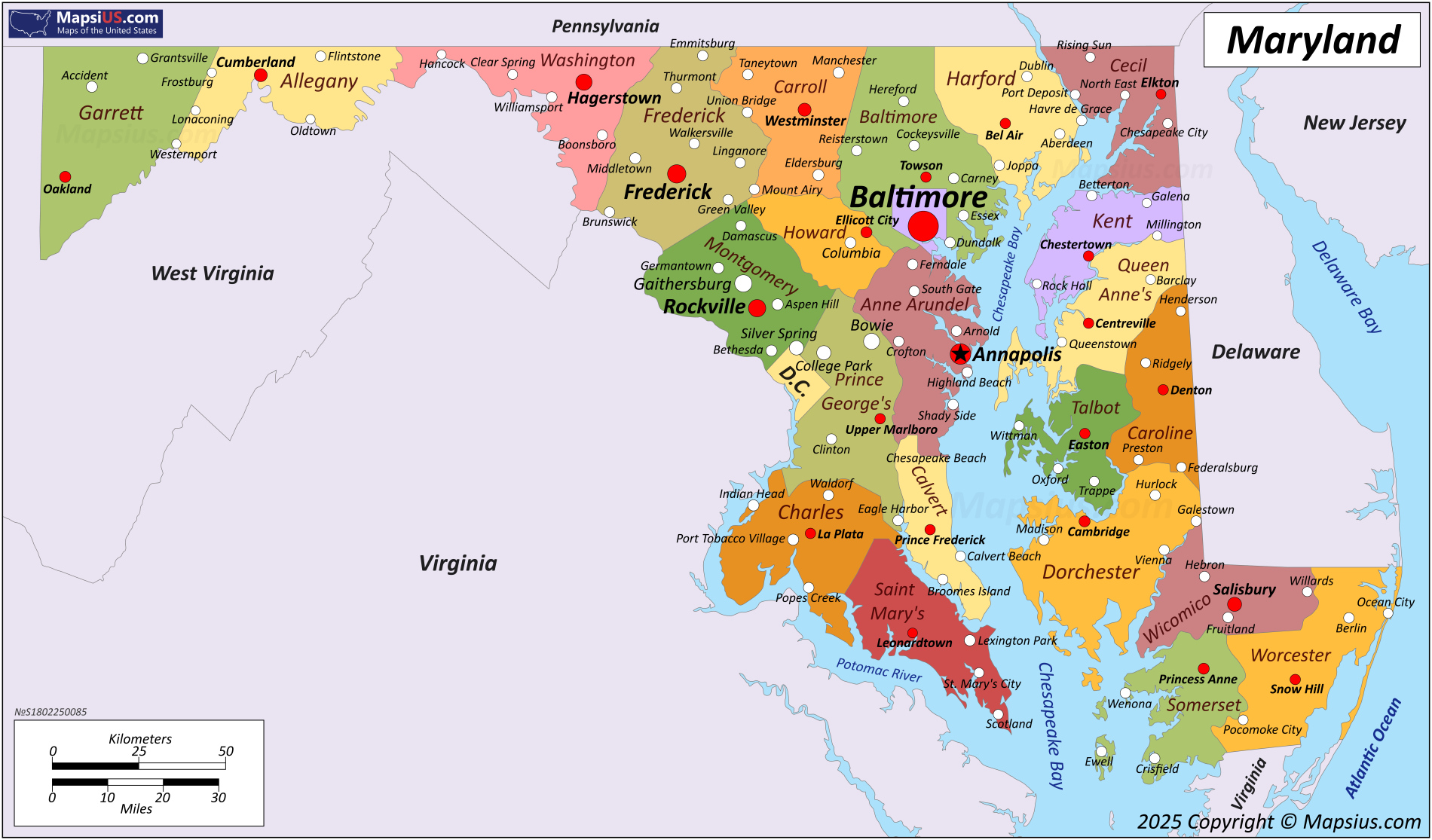
- Location: Specific county or Baltimore City District Court jurisdictions.
Entering Names Correctly
The system relies on strict query parameters. Since December 2021, name lookups default to exact matches. If you type a common name without wildcards, you might get zero results even if active dockets exist.
To perform a partial name search, type at least the first letter of the last name followed by a percent sign (%). For example, typing "Smith%" retrieves records starting with that surname. You can add a first name to narrow results, but keep in mind that the wildcard cannot be placed at the beginning or middle of a search string.
What You Can Find on District Court Dockets
Maryland District Courts handle high volumes of everyday legal matters. When you pull up a District Court docket, you are looking at an electronic summary of the official court file. Typical entries include:
- Civil Actions: Small claims, debt collection lawsuits, contract disputes, and tort claims where the amount in controversy falls within district limits.
- Landlord-Tenant Cases: Failure to pay rent filings, tenant holding over actions, and breach of lease notices.
- Traffic Citations: Payable and waivable traffic tickets, speeding violations, and incarcerable traffic offenses.
- Criminal Matters: Initial appearance notes, statement of charges, bail reviews, and trial dates for misdemeanors and certain felonies awaiting trial.
Each docket entry outlines chronological events. You'll see when a summons was issued, whether service of process was returned, what motions were filed, and how the judge ruled during trial.
Critical Limitations of Online Court Records
Online convenience comes with boundaries. You cannot always rely on the portal for a complete historical picture. Understanding what stays hidden prevents costly legal or professional misunderstandings.
Expunged and Shielded Records
By law, certain records must be scrubbed from public view. If a criminal charge resulted in an acquittal, dismissal, nolle prosequi, or a stet (indefinitely postponed) verdict that has met statutory waiting periods, it is typically removed from public Case Search visibility. Similarly, specific tenant protection laws require courts to shield certain rent-collection filings if the landlord didn't win a possession judgment.
Not a Background Check Tool
State agencies explicitly warn against using public online case portals for official criminal background checks. Because records can be incomplete, delayed, or subject to pending expungements, relying solely on web search results for employment screening or tenant vetting exposes you to accuracy risks. For certified background reports, individuals must contact the Maryland Department of Public Safety and Correctional Services.
Step-by-Step Guide to Pulling and Reading a Docket
If you have a specific case number, retrieving the underlying docket history is straightforward. Follow these operational steps:
- Open the Maryland Judiciary Case Search tool and agree to the terms.
- Select the radio button for Case Number instead of name search to eliminate ambiguity.
- Choose the correct court system (District Court versus Circuit Court) and county code, then input the full case number.
- Review the case summary screen, which displays defendant details, charging documents, and hearing schedules.
- Click on individual docket items or event lines to read specific notes regarding court actions, motions, and scheduled trial dates.
If you need to inspect actual source documents—such as signed affidavits or exhibits—remote public access is generally restricted unless you are an authorized party to the case via Maryland Electronic Courts (MDEC). Non-party members can view full physical documents using public computer terminals located inside local Maryland courthouse clerk offices.
Frequently Asked Questions
Why is a charge number missing from my search results?
Maryland law enforces "unit charge" rules where related minor traffic or criminal charges grouped under a single incident are expunged or removed together. When a charge is legally removed, the remaining sequence numbers on the docket may look discontinuous, such as showing charges 1, 4, and 5. This is an intentional reflection of court processing, not a technical glitch.
Can I view Maryland Federal District Court cases on this portal?
No. The Maryland Judiciary Case Search portal only covers state-level courts (District Court, Circuit Courts, and appellate levels). If you need federal bankruptcy, civil, or criminal dockets originating in Maryland, you must use the federal U.S. District Court for the District of Maryland portal via PACER.
How quickly are new court filings updated online?
Clerk offices input case data into electronic management systems daily. Most new filings and hearing notes appear on the public portal almost immediately after entry, though processing lag times vary depending on the specific county courthouse workload.
How do I correct an error I found on my court record?
If you spot factual errors regarding names, dates, or case outcomes on the public portal, you cannot edit them yourself. You must submit written notice directly to the court clerk's office where the original case file was created or managed to request an administrative review.


