Accessing public legal documents across the state doesn't require a trip to the courthouse. The official Maryland Judiciary Case Search database lets anyone look up civil, criminal, and traffic case records online for free. This digital portal summarizes case histories from both District and Circuit courts across all Maryland counties.
Finding what you need requires knowing how the system indexes records and where its boundaries lie. Official databases don't contain every historical file, and privacy rules restrict certain types of sensitive personal data. Understanding these limitations prevents dead ends during your search.
Navigating the Maryland Case Search Portal
Using the online lookup tool is straightforward, but specific syntax rules govern how queries process. When you open the database, you must accept the terms of use agreement before reaching the search criteria page.
You can filter your search by several distinct parameters:
- Name Input: Enter an individual's last name and first name. The system defaults to exact name matching. If you're hunting for a common name, you can add a middle initial or narrow parameters by filing location.
- Case Number: If you already have a specific docket number from a citation or attorney notice, plug it directly into the case number field to bypass name filters entirely.
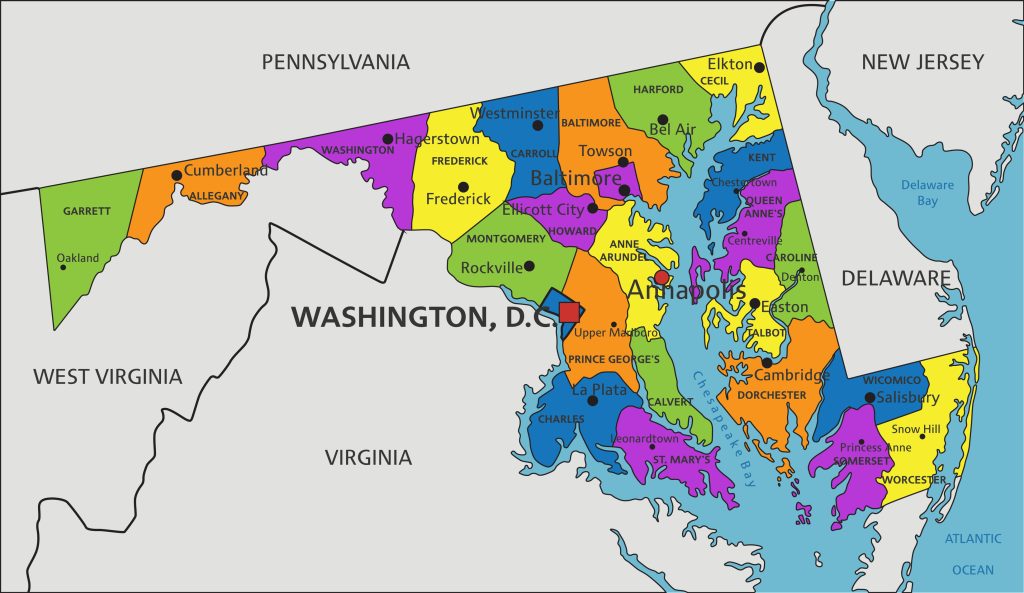
- Court Location: Select a specific county or Baltimore City if you want to restrict results to a localized geographic area rather than running a statewide scan.
- Date Filed: Specifying a date range helps trim down extensive result lists for individuals or businesses involved in frequent litigation.
Entering partial names requires caution. Since the system defaults to strict matching criteria, failing to type enough characters can return zero results or overwhelming lists of unrelated names.
What You Can and Cannot Find Online
The online portal acts as a case summary rather than a complete digital archive of every paper document filed in a lawsuit. It provides names of parties, attorney details, scheduled hearing dates, docket event summaries, and financial judgments.
However, critical exclusions exist. Certain records remain entirely off the public portal to protect privacy or comply with state statutes:
- Expunged and Shielded Files: Cases that received an expungement or legal shielding order won't show up in standard searches.
- Family Law Particulars: Sensitive domestic matters, adoption proceedings, and specific financial disclosure statements filed during divorces have restricted digital visibility.
- Certain Dismissed Charges: Criminal charges ending in nolle prosequi, dismissal, or acquittal often get filtered out of public view on the electronic database.
If you need certified copies of actual documents—such as signed judgments or marriage annulments—electronic summaries won't suffice. You must contact the specific court clerk's office where the case originated to inspect physical files or request official paper copies.
Step-by-Step Guide to Running a Record Lookup
Conducting an efficient search saves time and yields accurate results. Follow this workflow to locate case files without hitting digital roadblocks:
- Gather known details about the subject, including full legal names, possible middle names, and the relevant county or city where the action took place.
- Navigate to the official Maryland Judiciary portal and click through the user agreement prompt.
- Enter the target's last name and first name into the appropriate search blocks. Avoid adding extra wildcards unless you aren't certain of the spelling.
- Review the generated list of matching cases. Click on individual case numbers to inspect the chronological docket entries, hearing outcomes, and financial balances due.
- Note the case type indicator—District Court cases handle smaller civil claims and minor traffic or criminal offenses, while Circuit Court handles major felonies and high-value civil suits.
Common Mistakes to Avoid
Users frequently encounter frustration due to simple procedural errors. Watch out for these pitfalls when conducting your research:
- Treating Case Search as a Background Check: State officials explicitly warn that this database shouldn't replace formal criminal background checks through the Maryland Department of Public Safety and Correctional Services. Summaries online may omit updated dispositions or restricted entries.
- Ignoring Name Variations: Failing to account for middle names, maiden names, or common spelling variations can cause you to miss active files entirely.
- Expecting Full PDF Access: Don't assume every lawsuit has scanned PDFs attached. Many older or lower-court cases only feature docket text descriptions rather than viewable document scans.
Frequently Asked Questions
Is the Maryland Case Search database completely free to use?
Yes, searching the database and viewing public docket summaries online incurs no charges. Fees only apply if you request official certified paper copies or printouts directly from a court clerk's office.
How far back do the digital court records go?
Availability varies by jurisdiction. While some digitized records stretch back into the 1990s, older historical documents must be researched directly through the Maryland State Archives rather than the active case search portal.
What should I do if I find incorrect information on my case record?
If you spot an error in a docket summary, you must send written notice directly to the clerk of the court where the original record was filed or created. The judiciary requires formal written correction requests rather than simple online support emails.
Can I look up land deeds or property records through Case Search?
No. Land records, mortgages, and property transfers are housed on a separate portal managed through MDLandRec, which requires a separate free user account to browse historic deeds.


